Table of Contents
Let me be real: when you’re dealing with your health, you don’t always want to wait until business hours. You want answers now—especially when it’s late at night, you’re worried, or you just want a second opinion on what you’re feeling. That’s where Healer comes in. I tested it like a normal user would—asking questions, poking around the flow, and paying attention to what felt actually helpful versus what felt generic.
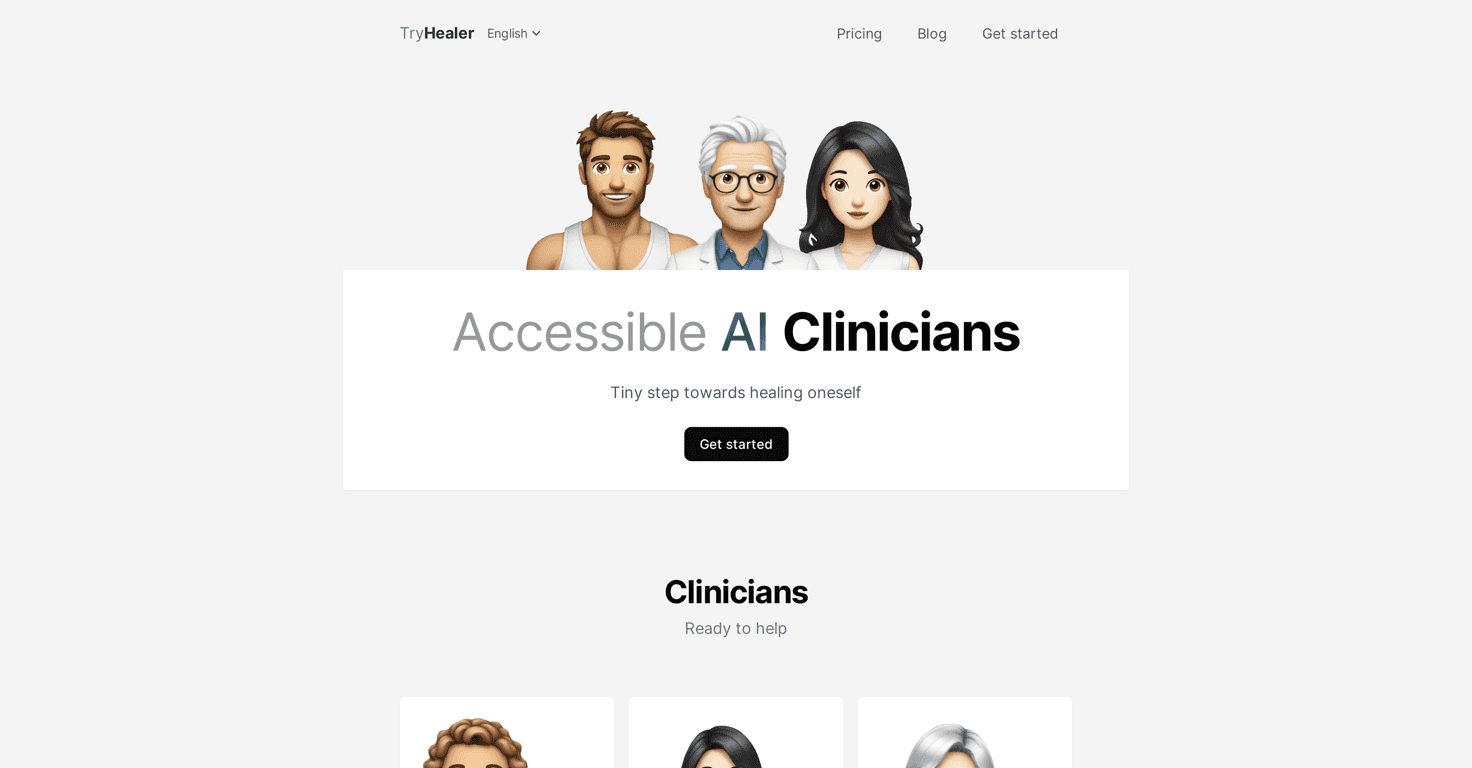
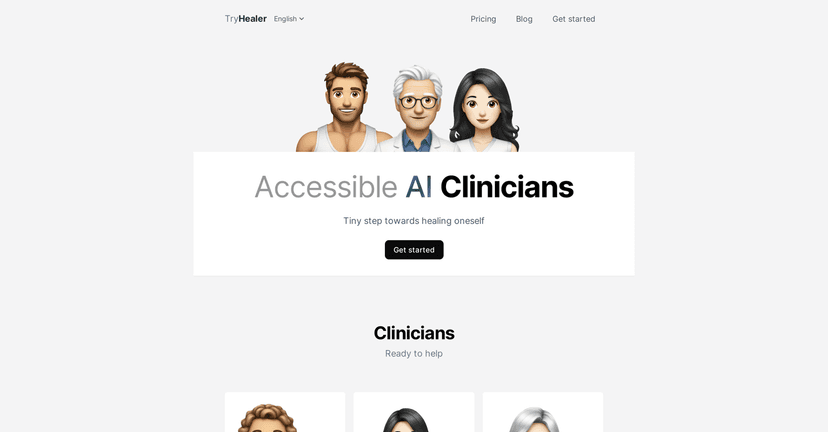
Healer positions itself as an AI health companion with on-demand “specialists,” so instead of hunting for the right doctor or therapist, you can start a conversation and get guided support. The interface walks you through your questions, which sounds simple, but in practice it matters. If you’ve ever tried to explain symptoms on a form while panicking, you know what I mean.
Healer Review: What It’s Like to Use an AI “Clinic” 24/7
First thing I noticed: the whole experience is built around quick access. You don’t have to figure out which website to trust or which form to fill out. You just start. That’s a big deal when you’re stressed.
Healer’s pitch is that you can connect with specialists like doctors, therapists, and nutritionists through an easy chat-style interface. In my experience, the “guided” part is what keeps it from feeling like you’re just typing into a void. It pushes you to clarify what’s going on, and that helps the conversation stay on track.
Now, about the “24/7” claim—yes, it’s available whenever you open it. But the real question is: does it feel useful at 2 a.m.? For basic stuff, it absolutely can. Things like:
- “I’m having mild symptoms—what should I watch for?”
- “How can I adjust my routine for better sleep?”
- “What questions should I ask my doctor at my next appointment?”
- “I’m confused about nutrition labels—can you break this down?”
Where I think people will need to set expectations: Healer can be great for guidance, but it’s not a replacement for an in-person clinician. If you’re dealing with something urgent, severe, or complicated, you shouldn’t try to “AI your way through it.” It’s better to use Healer as a starting point—especially to organize your thoughts—then follow up with real medical care when needed.
One more thing: some users might miss the warmth of a human conversation. I don’t mean that as a knock on the tool—just a reality. If you want empathy, reassurance, and a clinician who can read your body language, you’re not going to get that fully from a chat interface. Still, for many everyday concerns, the convenience wins.
Key Features That Stand Out (and What They Mean in Real Life)
- On-demand AI specialists across health domains
Instead of one-size-fits-all responses, you can choose the kind of support you’re looking for—like doctor-style guidance, therapy-focused prompts, or nutrition help. In practice, this helps you ask better questions and get answers that match the context. - Available 24/7
I like this for those “I can’t sleep” moments. You can get direction fast, even if you’re stuck waiting for a real appointment. - Multilingual support
If English isn’t your first language, this matters more than people think. Being able to communicate clearly reduces misunderstandings—especially with health topics. - User-friendly interface
The flow is designed to keep you moving. I didn’t feel like I had to hunt for the right button or figure out a complicated setup.
Pros and Cons (My Honest Take)
Pros
- 24/7 access is genuinely useful—especially for quick guidance, symptom tracking questions, and “what should I do next?” moments.
- Multiple specialist angles—you’re not stuck with one generic response style.
- Multilingual support helps make the experience more accessible for non-English speakers.
- Easy navigation—it’s not a maze. I can see myself using it without getting frustrated.
Cons
- AI interactions can feel a bit cold compared to talking to a real person, especially for sensitive concerns.
- It may struggle with complex cases—if your situation involves lots of variables (multiple conditions, medications, red-flag symptoms), you’ll likely need a clinician.
- Not everyone will like the “chat-first” approach—if you prefer traditional healthcare experiences, this won’t replace that.
Quick note: if you’re looking for diagnosis, Healer shouldn’t be your final stop. Use it to clarify, prepare, and decide what to do next.
Pricing Plans: What to Check Before You Commit
Pricing can change, so I recommend checking the Healer website for the latest details in the pricing section. When I’m evaluating tools like this, I look for a few practical things:
- What’s included (do you get access to multiple specialist modes?)
- Limits (message caps, usage restrictions, or cooldowns)
- Whether it’s monthly vs. annual and how much the renewal costs
- Any free trial so you can test it for your specific needs first
If you’re mainly using it for quick questions, make sure the plan matches how often you’ll actually use it—not how often you think you might.
Wrap up
Overall, I think Healer is a solid option if you want fast, on-demand health guidance—especially for everyday questions, follow-up planning, and organizing what you want to ask a real professional. The 24/7 availability and specialist-style support are the biggest wins. Just don’t treat it like a substitute for medical care when things are serious. Use it like a helpful starting point, and you’ll probably get more value out of it.