Table of Contents
If you’ve ever tried to build a “simple” form and ended up stuck wrestling with branching logic, you’re not alone. I’ve been there—hours of clicking, re-clicking, and still not feeling confident that the flow actually makes sense for the person filling it out.
That’s why I wanted to try Formester. It’s an online form builder that leans on AI to help you create adaptive forms without needing to code. In my experience, the big win is how quickly you can go from “I need a form” to “this form actually responds to what the user types.” And yeah, that makes both the creator and respondent experience smoother.

Formester Review: Does AI Actually Help You Build Better Forms?
Formester is basically built for people who want dynamic forms—forms that change based on what someone answers—without having to learn complicated logic setups. When I tested it, the flow felt designed for “real use cases,” like surveys, intake forms, and quick feedback rounds.
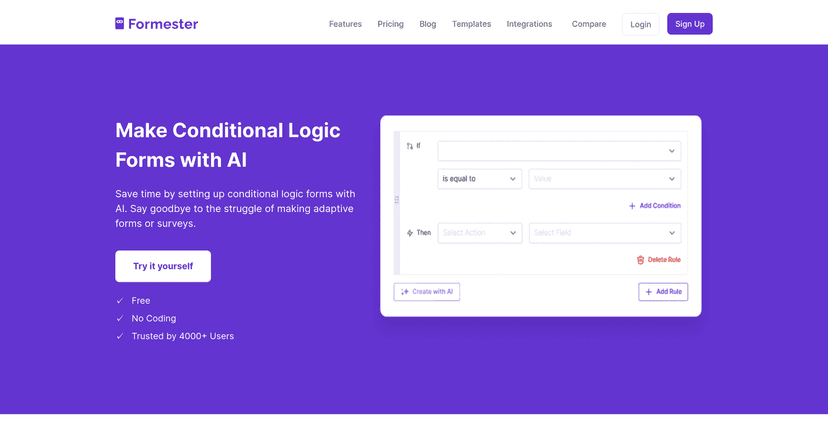
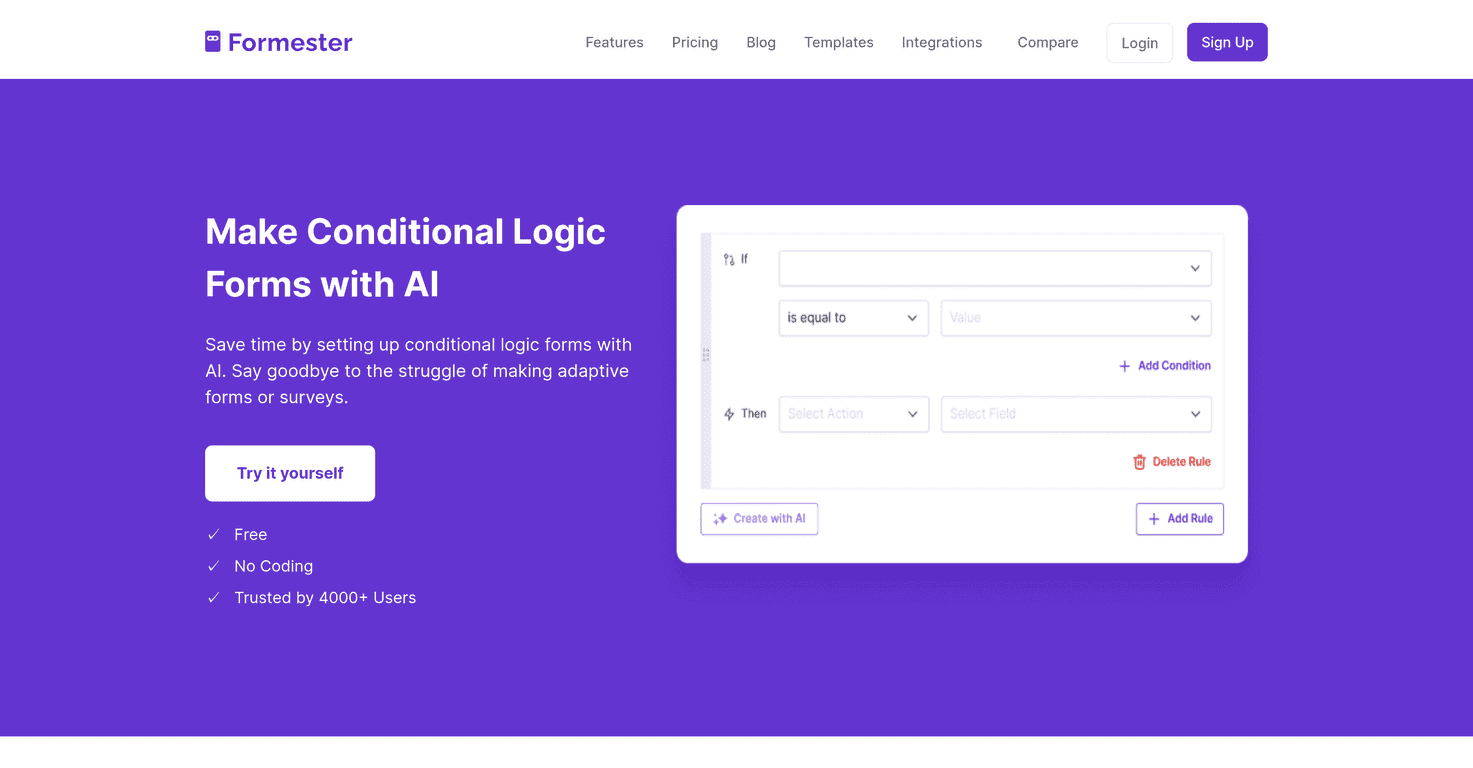
Here’s what stood out to me right away: it’s not just about having branching questions. It’s about getting to the branching part faster. Instead of manually mapping every “if this, then that” step, the AI assistance helps you generate conditional rules so you can spend your time on the actual questions and not the plumbing.
Also, respondents don’t get stuck answering irrelevant questions. That matters. If you’ve ever filled out a form and thought, “Why am I being asked this?” you already know how much that kills completion rates. Formester’s adaptive approach helps reduce that friction.
Key Features (What I’d Actually Use)
- Easy setup for quick builds — I was able to get a basic form running fast, without feeling like I needed a tutorial first.
- Dynamic user experience — questions can show up (or disappear) depending on answers, so the form feels more tailored.
- Branching questions that stay relevant — instead of forcing everyone down the same path, you can route users based on their responses.
- Fewer mistakes in the logic — when conditional rules are generated with AI help, there’s less room for “I forgot to connect that branch” kind of errors.
- Customizable templates — templates are great when you’re not trying to reinvent the wheel (HR intake, feedback, surveys, etc.).
- AI-generated conditional rules — this is the feature I kept coming back to. It speeds things up, especially if you’re building multiple similar forms.
- Multilingual support — if you’re collecting responses from different regions, this saves a lot of manual translation work.
- Collaboration tools — useful when more than one person needs to review questions, wording, or logic.
- Analytics dashboard — being able to track response progress and engagement is important, especially for surveys you send repeatedly.
- Integration support — integrations matter when you want submissions to flow into tools you already use.
Pros and Cons (Honest Take from Testing)
Pros
- No coding required — you can build conditional forms without writing logic scripts.
- AI assistance is genuinely helpful — it reduces the time spent setting up branching, especially for common “if/then” scenarios.
- Clean, user-centered design — the interface feels built for form creators, not developers.
- Templates give you a strong starting point — I didn’t have to start from a blank page, which always helps.
- Collaboration works well for teams — it’s easier to iterate when multiple people are involved.
Cons
- Advanced power users might want more control — if you’re used to highly granular form builders, you may occasionally feel constrained by how the AI handles logic.
- It’s cloud-based — if your internet connection is spotty, you’ll feel it. There’s no offline mode to fall back on.
Pricing Plans (What I Found)
Formester is free to use, and you can sign up to explore what it can do. I didn’t see a full pricing table inside the content I reviewed, so if you’re planning to scale up (more forms, more users, deeper integrations), it’s worth checking the current pricing details directly on the platform.
If you’re comparing tools, I’d also pay attention to what the free tier actually includes—like how many forms you can create, whether conditional logic is fully available, and what analytics look like.
Wrap up
Overall, I think Formester is a solid option if you want dynamic forms without the usual headache. The AI-assisted conditional logic is the standout for me—when it’s working well, you can build a form that feels “smart” in a fraction of the time.
It’s not trying to replace every advanced form builder for power users, but for most teams and creators—surveys, feedback, intake forms, and anything that benefits from branching—it’s easy to recommend. If you’re tired of rigid question flows, this is one of the better ways I’ve found to make forms feel more responsive.