Table of Contents
Creating engaging short videos can feel overwhelming, especially with so many options available. Instavid AI promises to make this process quick and enjoyable for anyone. Whether you’re looking to boost your social media presence or just share a creative idea, this tool aims to turn your concepts into captivating shorts in no time.
Instavid AI Review
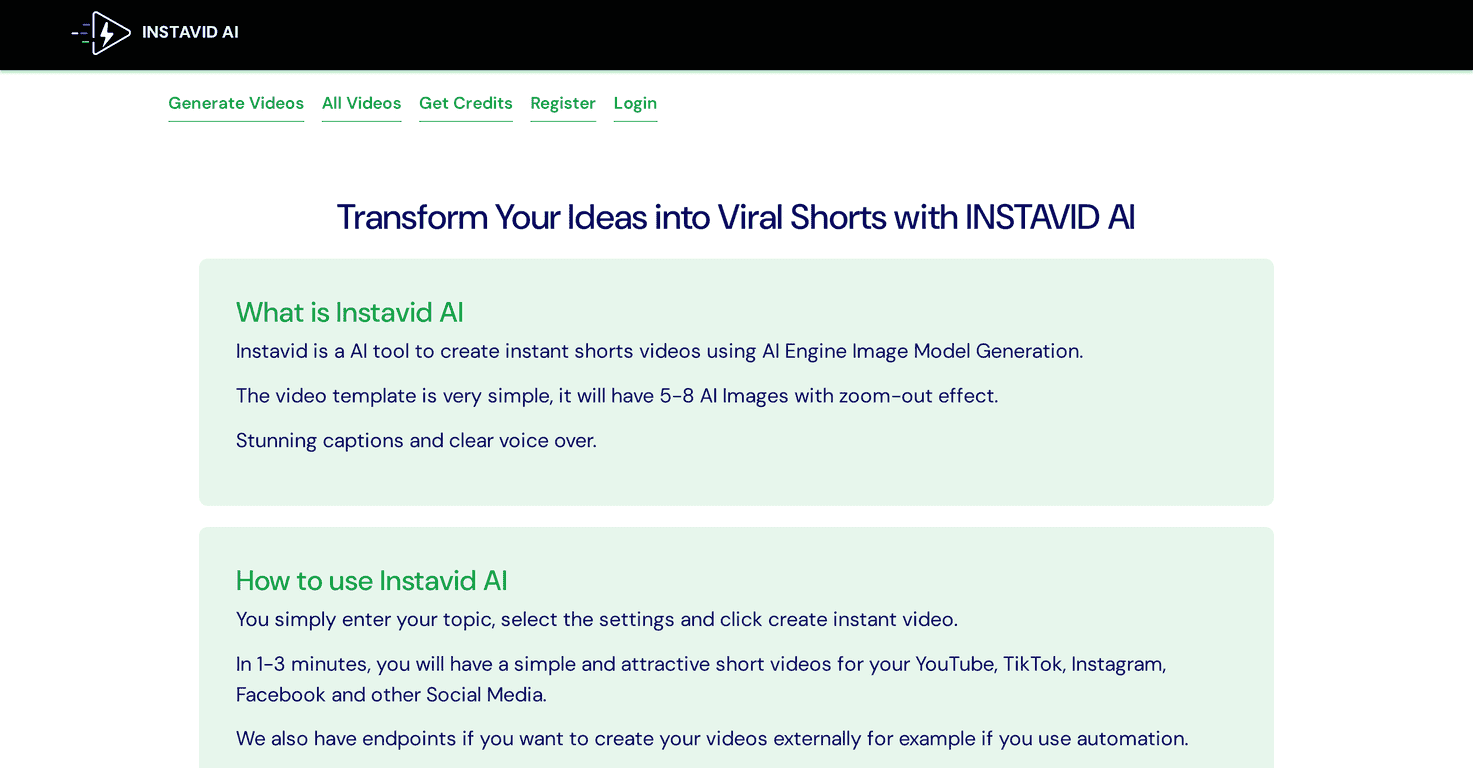
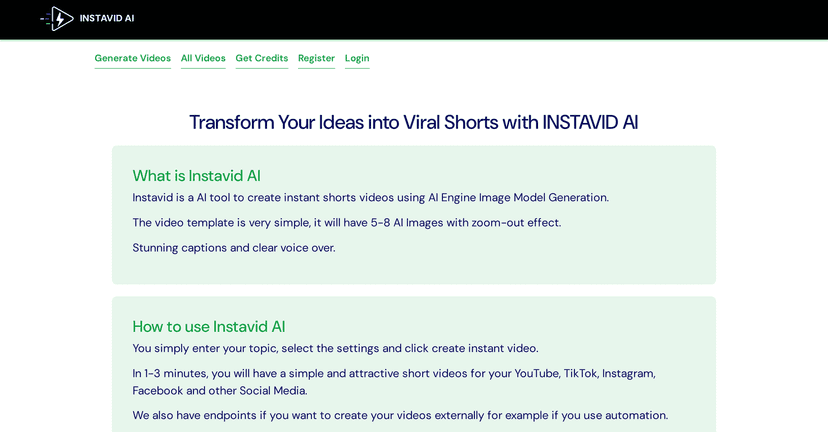
Instavid AI is designed for those who want to create short videos quickly and efficiently. With its AI-powered image generation, you can simply enter a topic and start producing videos that are perfect for platforms like YouTube, TikTok, Instagram, and Facebook. The app’s straightforward interface makes it easy for everyone, regardless of experience, to dive right in without a steep learning curve.
One of the standout features of Instavid AI is its ability to produce short videos in just 1-3 minutes. Once you’ve selected a topic, you can choose from simple templates that include stunning AI-generated images, zoom-out effects, captivating captions, and clear voiceovers. This not only enhances the viewing experience but also helps your videos stand out. For users interested in maximization, there are external endpoints for automating video creation, making it an ideal tool for marketers and content creators alike.
While there are many positives, it’s worth noting that Instavid AI focuses solely on short video formats. Additionally, you need credits for each video, which could be a concern for those planning to create videos frequently. However, with various credit packages available, it offers flexibility based on your needs.
Key Features
- Generate videos by entering a topic and settings
- Create videos in just 1-3 minutes
- User-friendly templates with 5-8 AI images and zoom-out effects
- Stunning captions and clear voiceovers included
- Automation potential through external video creation endpoints
- Helpful video tutorials to guide users
Pros and Cons
Pros
- Quick video generation of 1-3 minutes
- User-friendly interface for engaging content
- Affordable credit packages
- Compatible with multiple social media platforms
- Automation options available
Cons
- Limited to short video formats
- Dependent on credits which may restrict usage
Pricing Plans
Instavid AI offers three pricing plans to suit your budget. The Starter Plan provides 20 credits for $12.00, allowing for 20 short videos or 10 with captions. The Power Plan gives you 150 credits for $59.00, letting you create 150 videos or 75 with captions. For a more extensive use, the Pro Plan includes 830 credits for $249.00, perfect for creating 830 short videos or 415 with captions.
Wrap up
In conclusion, Instavid AI is a valuable tool for anyone looking to create engaging short videos quickly. With its intuitive design and powerful features, it caters to both inexperienced users and seasoned content creators. While there are some limitations regarding format and credit dependency, the benefits far outweigh the drawbacks. If you’re in search of a solution to effortlessly bring your video ideas to life, Instavid AI could be the perfect match for you.
Promote Instavid AI