Table of Contents
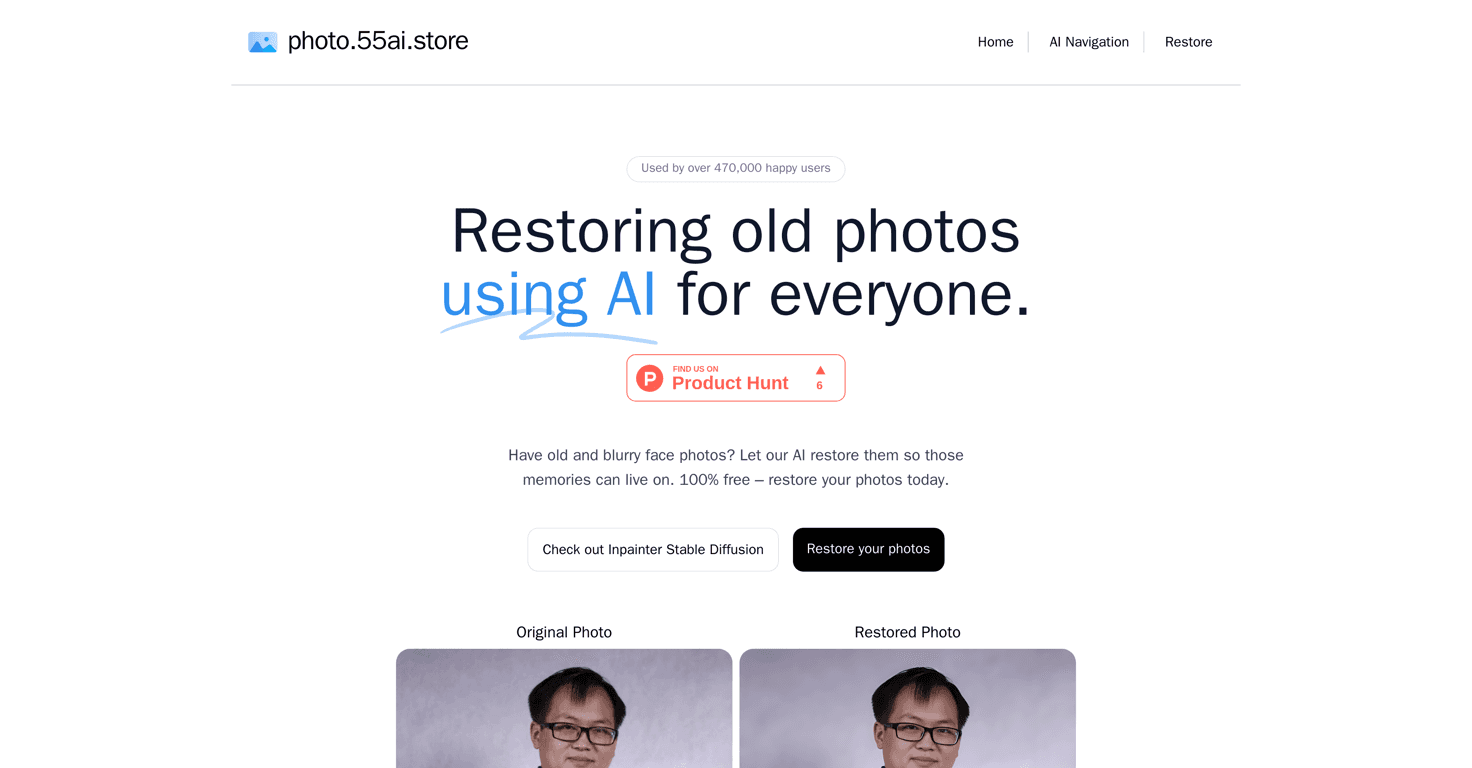
Ever find an old photo in a drawer and think, “I swear I remember how this looked”… but the scan is just too blurry to enjoy? I’ve been there. Face Photo Restorer is one of those tools that makes it a lot easier to bring those memories back—especially when the damage is mostly blur, low detail, or a soft scan.
In my experience, the big win here is that it’s built specifically for face photos. You upload, it restores, and you can quickly compare the result to the original. No complicated settings, no “wait, what do these sliders do?” energy. Just upload and see what you get.
Here’s the link I used: Face Photo Restorer.
Face Photo Restorer Review
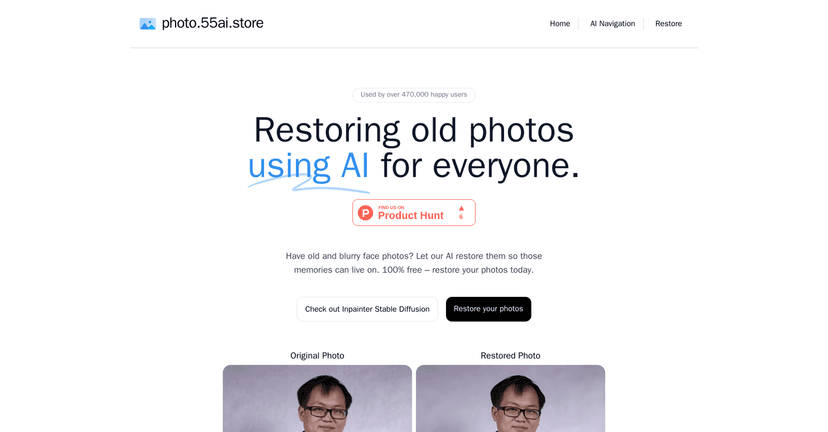
Face Photo Restorer is a free online tool that focuses on restoring older, blurry face photos. What I liked right away is how straightforward the workflow feels: upload the image, let it process, then check the before-and-after view.
It’s not pretending to work miracles on every single photo, though. If your original image is heavily damaged (missing parts, extreme blur, or very poor exposure), the result may look “cleaner” rather than fully realistic. Still, for everyday old family pics, it can be surprisingly satisfying.
One thing I always pay attention to with restoration tools is whether they keep the face looking like the same person. In many cases here, the restored output feels consistent with the original—just with better clarity and detail.
Key Features
- AI-Based Restoration for face photos to improve clarity, reduce blur, and sharpen facial details where possible.
- Simple, user-friendly interface—you don’t need to tweak settings or know anything technical.
- Completely free to use (no paid tiers to mess with during a quick test).
- Fast processing so you’re not stuck waiting forever to see results.
- Before and after comparisons so you can judge the improvement instantly instead of guessing.
Pros and Cons
Pros
- 100% free service—great if you just want to restore a few photos without thinking about subscriptions.
- Good restoration on typical old scans—especially when the issue is blur or soft detail rather than missing data.
- Easy to use—I didn’t have to hunt for instructions or learn a new workflow.
- Quick turnaround—the “upload → restore → compare” flow is fast enough to be practical.
Cons
- Face-focused results—it’s not meant for non-face photos (like landscapes, buildings, or wide group scenes where faces aren’t the main subject).
- Quality depends on the original—if the input is extremely low-res or badly blurred, you’ll get improvement, but not a perfect revival.
- Needs an internet connection since it’s an online service, not something that runs fully offline.
Pricing Plans
Here’s the best part: Face Photo Restorer is completely free. I didn’t see any hidden fees or “pay to download” style prompts during the restore process. If you’re restoring just a few photos, that alone makes it worth trying.
If you’re planning to restore a whole batch, my practical tip is to start with your most important images first (the ones you really care about). That way you can quickly judge whether the results match what you’re hoping for before you spend time uploading everything.
Wrap up
Face Photo Restorer is a solid option when you’ve got old, blurry face photos and you want them to look clearer without doing any editing yourself. It’s fast, free, and the side-by-side comparison makes it easy to see what changed.
Just go into it with realistic expectations: it’s best for faces and best when the original image still has enough information to work with. If that describes your photos, you’ll probably be pleasantly surprised by what comes out.