Table of Contents
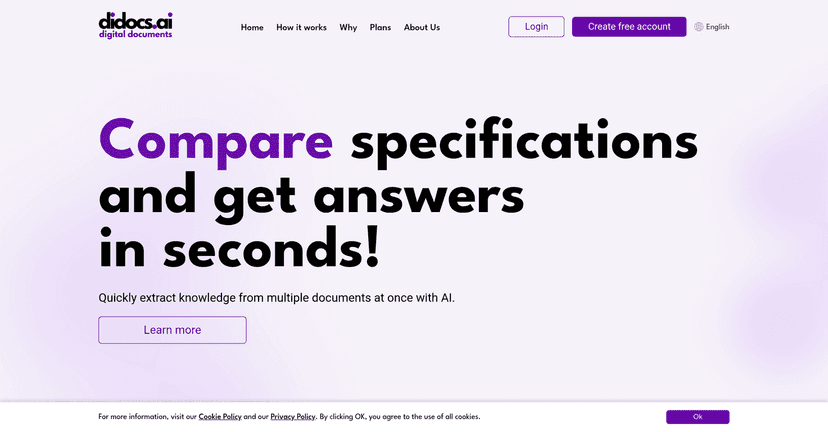
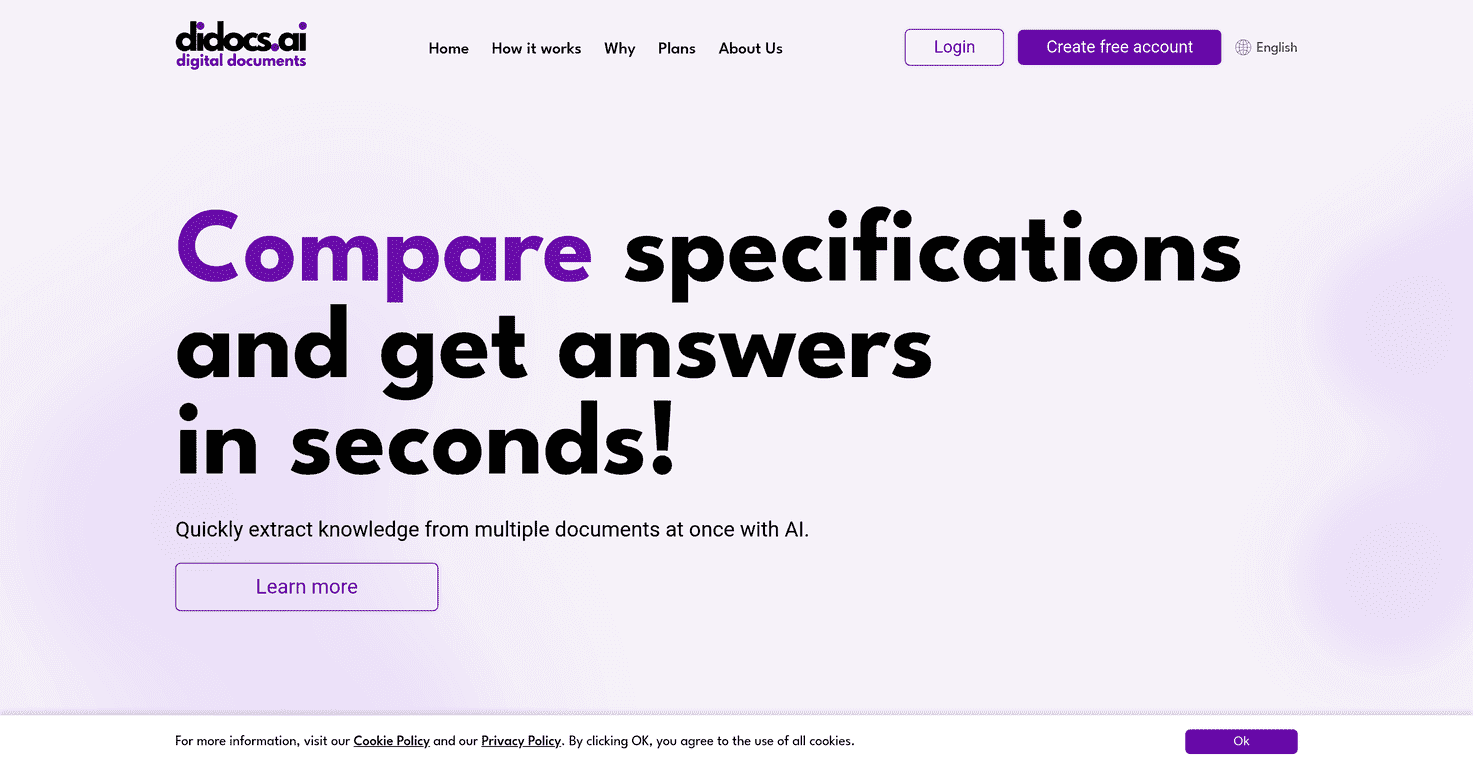
If you’ve ever had to dig through a 200-page PDF, a messy DOCX, or a spreadsheet that’s basically begging for answers… you already know the pain. I’ve lost way too much time copy-pasting chunks into notes just to figure out what a document is actually saying. That’s why I decided to test didocs.ai and see if it’s more than just another “AI document assistant” claim.

What I liked right away is that didocs.ai isn’t trying to be complicated. You upload documents, then ask questions about them. It uses natural language processing to pull out answers and summaries, and it even gives you assistant options depending on what you’re working on (like academic or legal-style queries). Is it magic? No. But it does make document analysis feel a lot less manual.
didocs.ai Review: what it’s like to use for real document questions
didocs.ai is built for one main job: simplifying document analysis. In practice, that means you can upload documents and then ask questions like “What are the key findings?” or “List the action items” and get answers without manually hunting through pages.
In my testing, the experience feels like a chat—except the “chat” is grounded in your uploaded files. That’s the difference. Instead of getting generic AI responses, you’re trying to pull specific info from your own content.
It also supports multiple file formats (PDF, DOC, DOCX, CSV, and more). And it offers dedicated assistants for different use cases. For example, if you’re working with academic material, you can use a more academic-focused assistant. If you’re dealing with contracts or legal-style docs, a legal assistant is there to help keep the responses aligned with what you’re trying to do.
Key Features I found actually useful
- Upload various document types including PDF, DOC, DOCX, CSV, and more
- Analyze documents with up to 10,000 questions per month
- Multiple assistants designed for different queries such as Academic and Legal
- Organized chat folders for efficient management
- Summarize lengthy texts for quick comprehension
- Support for YouTube lecture analysis
Here’s how those features play out day-to-day. If you’re reviewing a long PDF, the summarization is handy when you just need the gist before going deeper. Then you can ask targeted questions—like “What does this section claim?” or “What evidence is mentioned?”—instead of reading everything cover to cover.
The chat folders also matter more than I expected. When I’m working on multiple documents (like one for a report and another for research), being able to keep conversations separated saves time and stops the “which document was this answer from?” problem.
Pros and Cons (the honest version)
Pros
- Saves real time—especially when you’re trying to extract answers from long documents instead of skimming manually
- User-friendly interface. I didn’t have to figure out any complicated setup to start asking questions
- Free trial available (8 days) and you don’t need a credit card to get started
- Data security and privacy are emphasized, which is important if you’re uploading anything sensitive
- Handles complex documents better than you’d expect, as long as your questions are clear
Cons
- AI accuracy isn’t perfect. Sometimes you’ll get a solid summary, and other times it’ll miss nuance—so you still need to sanity-check the output
- If you’re working with physical documents, you’ll likely need to convert them before uploading (scan quality and formatting can affect results)
One thing I noticed: the better your question, the better the answer. If you ask something vague like “Tell me about this,” you’ll get something broad. But if you ask “What are the 3 main risks mentioned in section 4?” you’ll usually get something much more actionable.
Pricing Plans: what you’ll pay and who it fits
didocs.ai offers a few tiers depending on how much you plan to upload and how often you’ll ask questions. From what’s listed, you can start with a Free Trial for 8 days, then move into paid options like a Starter Plan for PDFs, a Premium Plan for multi-format uploads, and a Professional Plan for heavier usage.
They also mention custom plans for businesses and teams. If you’re in a workplace setting and multiple people need access, that’s usually where team pricing makes sense—especially if you want consistent workflows for document analysis.
Wrap up
Overall, I think didocs.ai is a practical tool for anyone who regularly wrestles with documents—reports, research papers, contracts, lecture materials, you name it. It won’t replace careful reading, but it can cut down the time between “I have this document” and “I understand what matters.” If you’re tired of hunting through pages for answers, it’s worth trying the free 8-day trial and seeing how well it handles your specific files.