Table of Contents
If you’ve ever had a 200-page PDF and thought, “I wish I could just ask it questions,” then you’ll probably get why I tried Collate. I’m on macOS, and I’m picky about tools that claim to make PDFs easier—because most of them either stay stuck in “viewer mode” or they push your files to the cloud without being very clear about privacy.
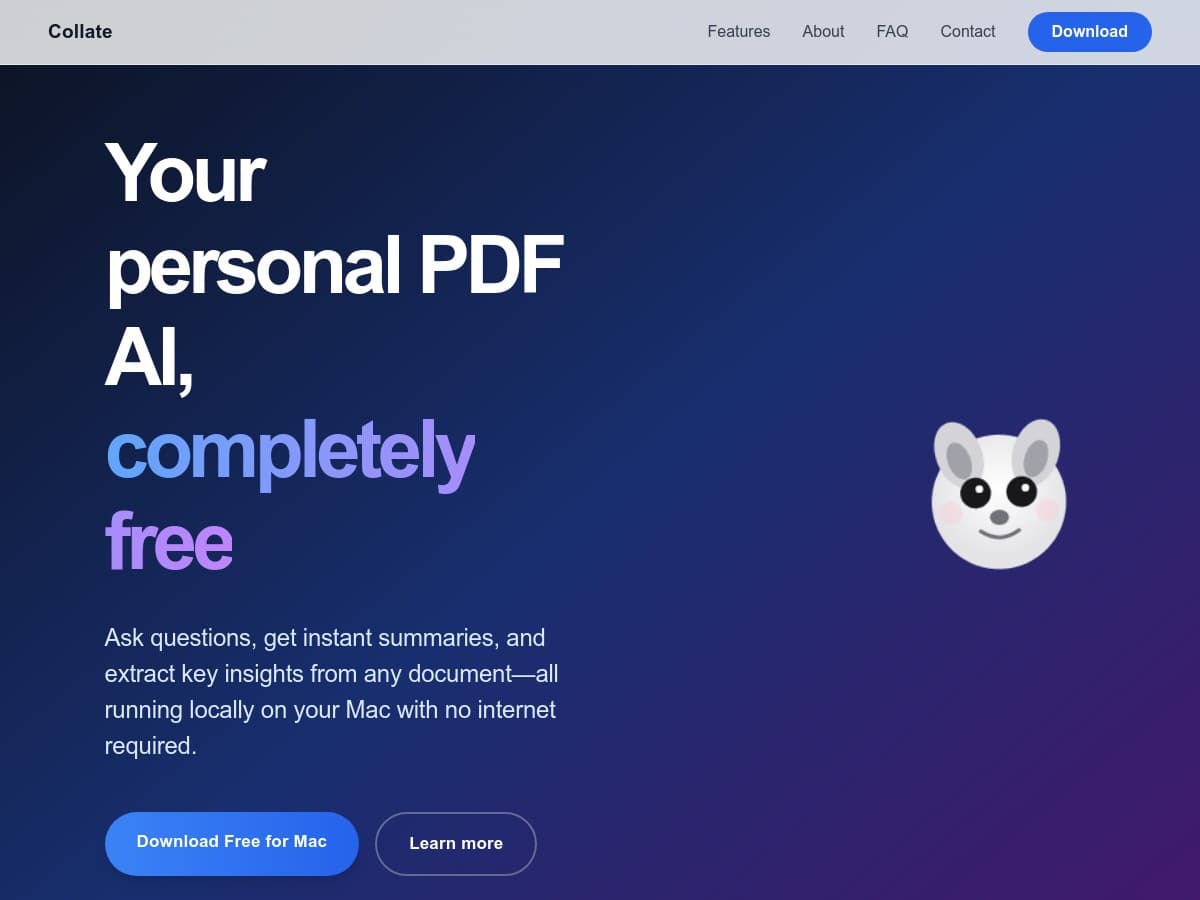
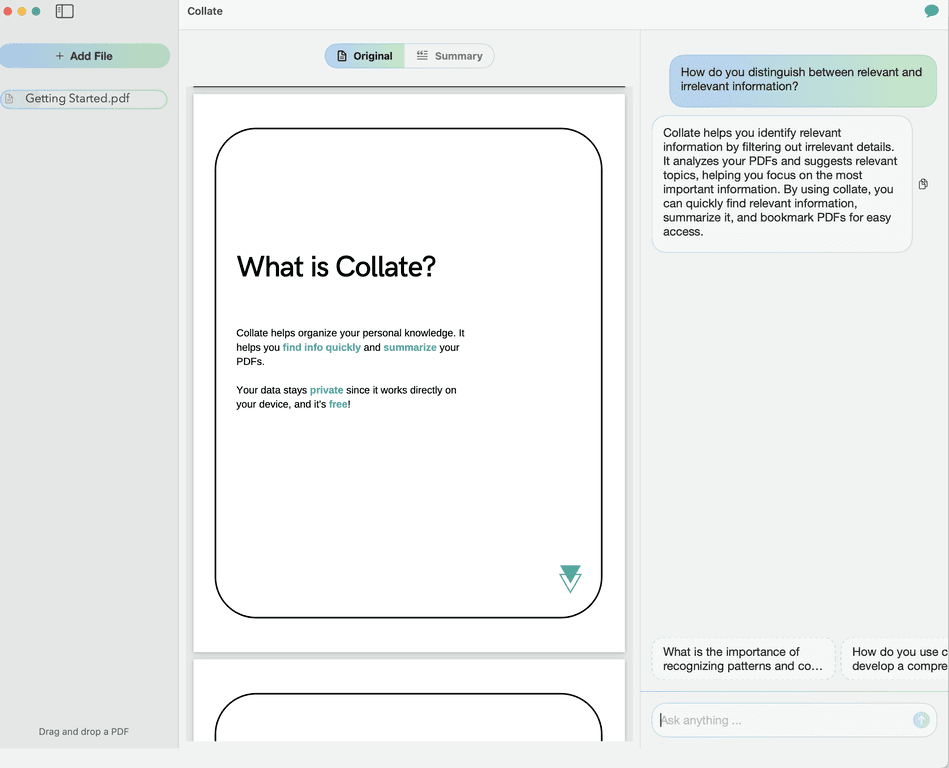
Collate is a free AI-driven app that turns your PDFs into something more interactive. Instead of scrolling and hunting for the right section, you can ask questions about what’s inside the document, generate summaries, and keep working even when you’re offline. And yeah, the privacy angle matters to me—especially when I’m dealing with lecture notes, internal docs, or anything I don’t want leaving my machine.

Collate Review: My Take on a PDF Companion for macOS
Collate basically acts like a personal knowledge manager for PDFs. The idea is simple: you feed it a document, and then you can interact with that content—ask questions, pull out key points, and keep going without constantly flipping between tabs.
What I noticed right away is that it’s built for people who actually read and study PDFs. For example, when I tried it with a long handbook-style PDF, the “ask a question” workflow felt faster than searching manually. Instead of me remembering where a definition lived, I could ask something like, “What’s the main difference between X and Y?” and get a focused answer (and usually a summary of the relevant section).
It also supports offline use, which is a big deal if you’re on a train, in a library, or just don’t want your documents touching the internet. And the privacy focus is not just marketing fluff in the sense that the app is positioned around keeping your interaction private while you manage your readings and notes.
Key Features (What You’ll Actually Use)
- AI Interaction with your PDFs: Ask questions directly about the content of your documents. In practice, I used it for “find the key argument,” “list the steps,” and “what does this section mean?” style prompts.
- Summarization for long documents: When a PDF is dense—research papers, manuals, course notes—summaries save time. I liked being able to skim the gist first, then go back to the parts I needed.
- Offline capability: Interact with PDFs without an internet connection. This matters more than people think, especially for privacy-minded users and students.
- Privacy focus: The app is designed to keep your data private while you manage knowledge. If you’re working with anything sensitive, this is the feature I care about most.
Pros and Cons (Realistic Expectations)
Pros
- Free for macOS users: No subscription pressure. I didn’t feel like I had to “test quickly before it locks me out.”
- Simple, readable interface: It’s not trying to be overly complicated. If you’ve used a basic PDF reader before, you’ll get it fast.
- Better-than-typical PDF handling: The AI interaction and summarization features make PDFs feel less like “static pages” and more like a source you can work with.
- Offline functionality: If you travel or work in places with spotty Wi‑Fi, this is a genuine advantage.
Cons
- macOS only (for now): If you’re on Windows or Linux, you’ll need to look elsewhere.
- PDF-focused: It’s built around PDF files. If your workflow includes Word docs, slides, or images, you may still need another tool.
- AI isn’t everyone’s favorite: Some people prefer traditional annotation and search in a PDF reader. If you like highlighting and manual note-taking only, Collate might feel a bit “extra.”
Pricing Plans: Is Collate Really Free?
Yep—Collate is completely free for macOS users. There’s no subscription, no purchase required, and no “trial that nags you” vibe. If you’re looking for a PDF tool that doesn’t force you into a paid plan, this is one of the reasons I kept it installed.
That said, I’d still treat it like a tool you’ll pair with your normal PDF reader. I personally used it for understanding and summarizing, then went back to a standard viewer when I needed to double-check exact wording or page-specific details.
Wrap up
Collate is a solid free option if you regularly work with PDFs on macOS and you want something more interactive than scrolling. The AI Q&A and summarization features are the big wins, and the offline + privacy focus is what makes it feel genuinely useful (not just flashy). If your PDF workflow is mostly “read, search, summarize, take notes,” this app fits that routine nicely.
If you tell me what kind of PDFs you deal with—school papers, research articles, manuals, contracts—I can suggest the best way to set up your workflow with Collate (and how to prompt it so you get better answers).
Promote Collate