Table of Contents
Documentation is one of those tasks that always sounds simple… until you’re the one doing it. I’ve written enough README files to know the pattern: you start with good intentions, then the code changes, the docs fall behind, and suddenly you’re spending your evening playing catch-up instead of building features.
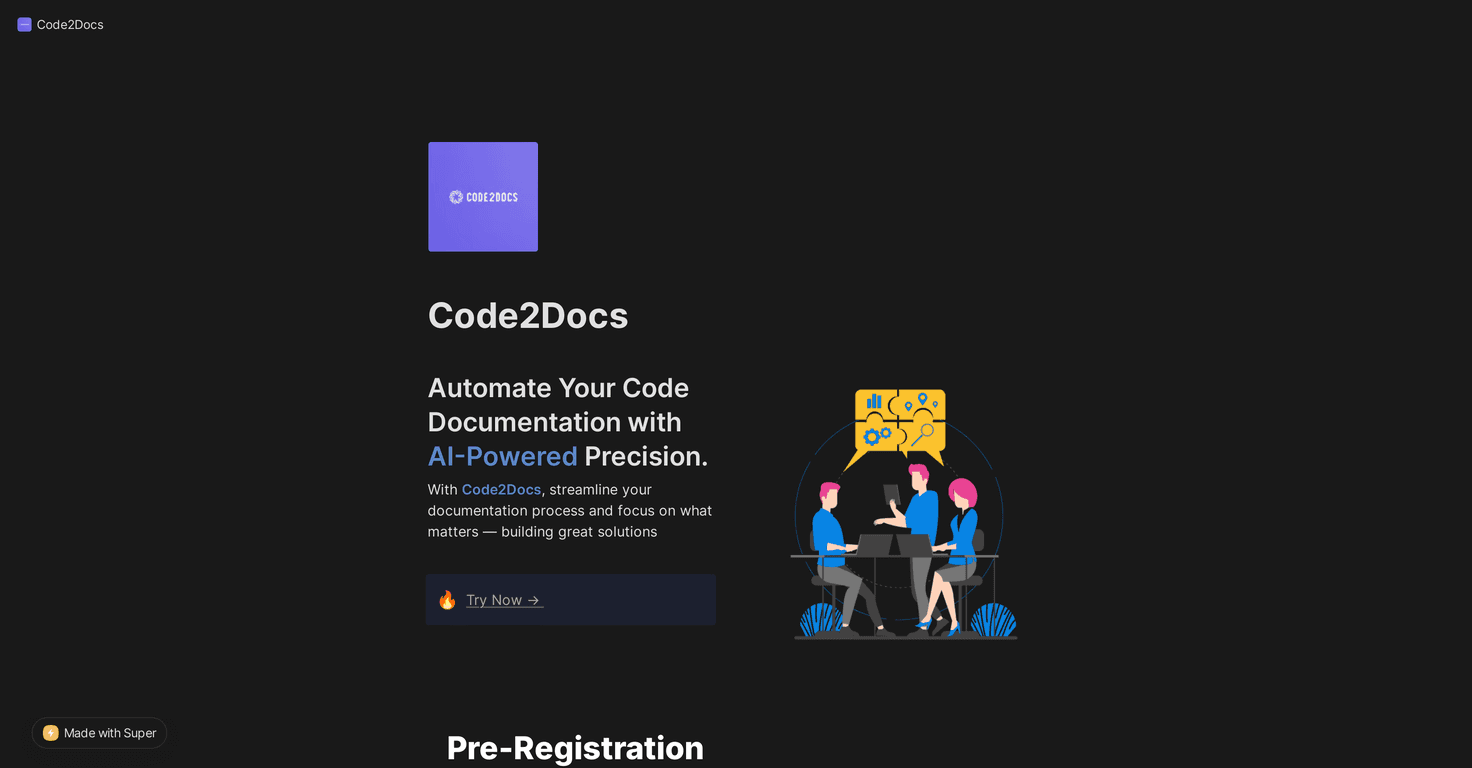
That’s why I was interested in Code2Docs. It’s an AI-powered tool that pulls from your GitHub repositories and generates documentation quickly. No more staring at a blank page, no more manually stitching together usage notes from old commits—at least, that’s the promise.
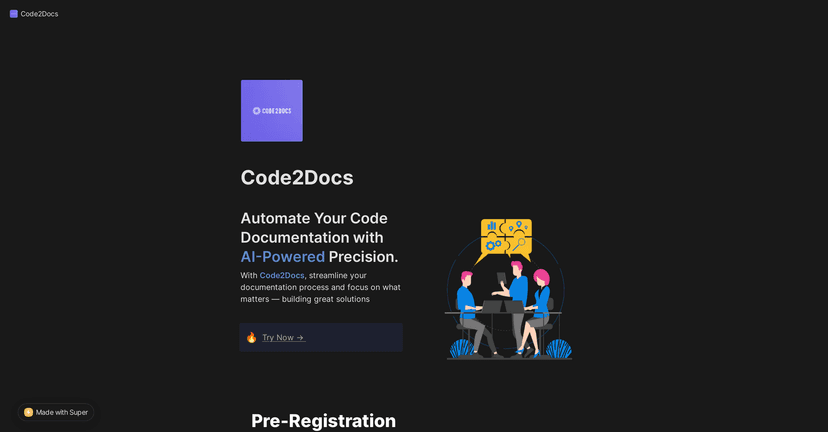
In my experience, the biggest win is speed. You connect a repo, generate docs, and you get something readable right away. But it’s not just “generate and forget.” The output is editable, so you can fix awkward wording, add missing context, and format things the way your team actually likes. If you’ve ever had AI drafts that needed a real human pass, this part matters.
In this Code2Docs review, I’ll walk through what it does well, what I think is still a little unclear, and who I’d recommend it to.
Code2Docs Review
Code2Docs is built to take the boring part of documentation off your plate. The basic workflow is pretty straightforward: you connect your GitHub repository, and Code2Docs generates documentation from what it finds in the codebase. That alone can save a surprising amount of time—especially if your project has lots of endpoints, modules, or internal utilities.
What I liked most is that it doesn’t just spit out a single block of text. It aims to produce different doc types, including:
- Usage guides (so people know how to actually use the project)
- API documentation (helpful for libraries and services)
- Testing instructions (so contributors don’t have to guess how to validate changes)
And yes, the output is editable. That’s a big deal. AI can be great, but it can also miss nuance—like environment variables, edge-case behavior, or “gotchas” you only learn after deploying something once. Being able to edit the generated docs means you’re not stuck with a one-size-fits-all result.
Another practical benefit: if your repo changes often, you don’t have to treat documentation like a separate project. You can regenerate and refine instead of rewriting from scratch every time.
Key Features
- Documentation generation from GitHub repositories (connect your repo and get docs without starting from zero)
- Customizable output so the docs match how you want your project presented
- Simple web interface for the whole workflow—no heavy setup required beyond linking GitHub
- Productivity boost by cutting down the time spent on documentation tasks
If you’ve ever tried to keep docs consistent manually, you already know this is where time disappears. Even something as basic as updating a README after a refactor can turn into an hour-long detour. Code2Docs is basically trying to remove that detour.
Pros and Cons
Pros
- Faster documentation creation — you get a draft quickly, which is way better than starting from a blank page.
- Less technical writing pressure — it reduces the “I have to explain everything perfectly” feeling.
- Edits are supported — you can correct inaccuracies and add the details your team actually cares about.
Cons
- AI output won’t match every documentation style. If your team has a very specific format (or strict tone), you’ll likely need to edit and refine.
- You do need an initial integration step to connect GitHub. It’s not hard, but it’s still setup work before you see results.
One more thing I’d keep in mind: generated docs are only as good as the signals in the repo. If your code lacks clear function names, docstrings/comments, or consistent patterns, the output may feel generic. Still editable, sure—but you’ll get better results when the codebase already tells a story.
Pricing Plans
As of now, the site doesn’t list explicit pricing details. If you want to see what you’ll pay, you’ll need to check the demo first. You can explore the tool via Code2Docs Demo.
That’s not unusual for newer tools, but I do wish pricing was clearer upfront—especially if you’re comparing it against alternatives like documentation generators, doc-site builders, or internal wiki workflows.
Wrap up
Overall, I think Code2Docs is a solid option if you want to cut down the time you spend on docs without losing control of the final result. The GitHub-based workflow is convenient, the docs come out quickly, and the fact that you can edit the output makes it feel more “assistive” than “automated and done.”
It’s not magic—teams with very strict documentation requirements will still need to review and tweak. And you’ll want to confirm pricing for your use case. But if your current documentation process feels slow, repetitive, or constantly behind, Code2Docs is definitely worth a look.
Promote Code2Docs