Table of Contents
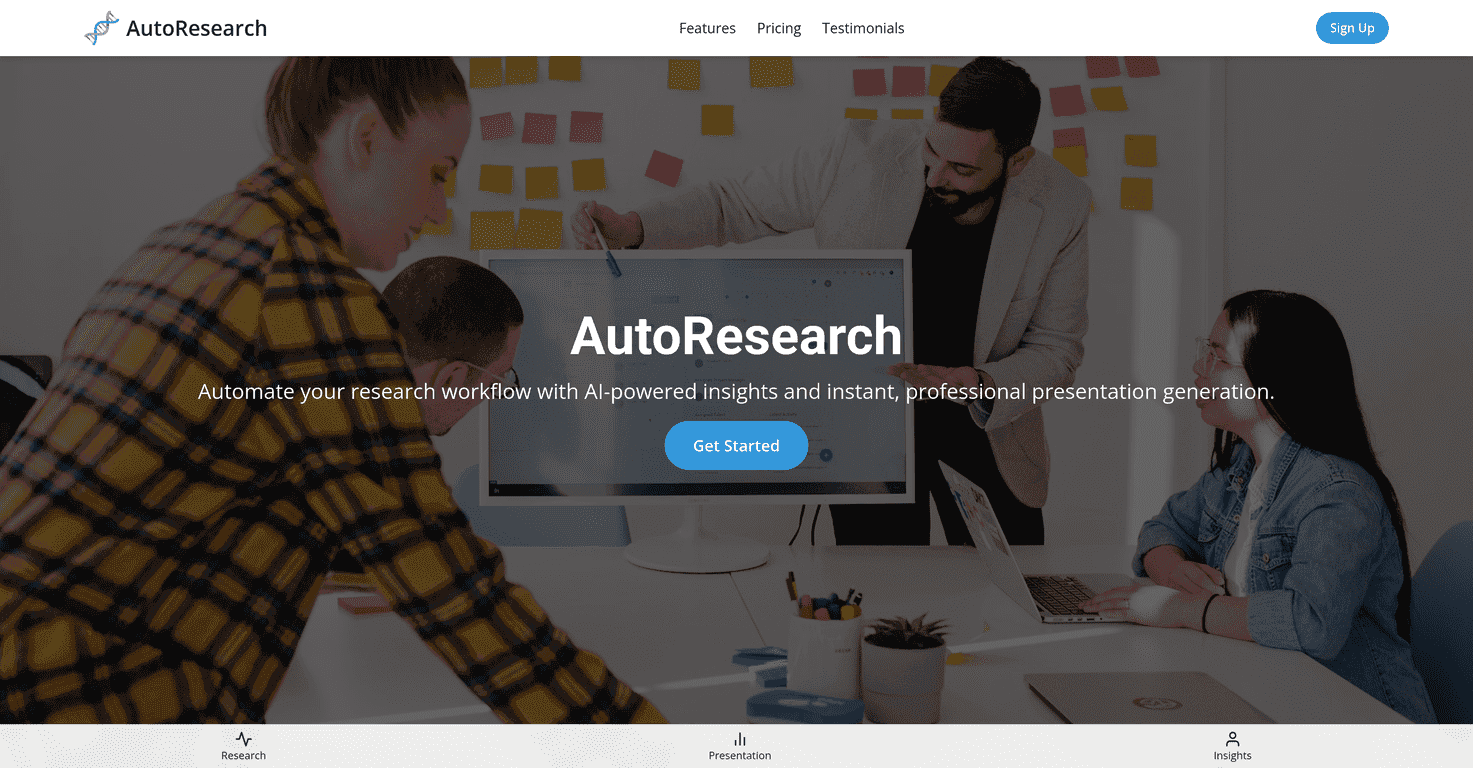
AutoResearch.pro caught my attention because it’s trying to solve a very real problem: research is slow, messy, and honestly exhausting when you have to turn it into something presentable afterward. The pitch is that it automates the workflow and uses AI to help you generate presentations quickly and (supposedly) professionally. I tested the flow as a typical user would—starting from a research topic and ending with a slide-style output—and here’s what I noticed, what I liked, and where it still feels a bit vague.

AutoResearch.pro Review
AutoResearch.pro is built around the idea of automating research workflows, then turning those results into a presentation you can use right away. If you’ve ever had to write a slide deck from scratch after hours of reading, you already know why that matters. The platform’s focus seems to be on saving time—less “blank page” stress, more “get something usable first, then refine.”
In my experience, the biggest promise here is speed. Instead of spending days collecting notes, outlining sections, and formatting everything, you’re essentially asking the tool to do a chunk of that work for you. It also emphasizes “dynamic customization,” which sounds fancy, but practically it means you can tailor the output to fit your audience (for example: academic vs. business, or a more formal vs. more executive tone).
Now, I’ll be upfront: some parts of the product are still hard to judge from public info alone. Things like exactly how the research step works (sources, citation behavior, how it handles conflicting info) aren’t clearly spelled out in the material I could access. So I’m treating this review as “what the product appears to do + what’s missing,” not a full technical audit.
Key Features
- AI-powered insights for research
The core feature is generating insights based on your topic. The goal is to reduce the time spent hunting for angles and structuring key points. - Instant presentation generation
You’re not just getting text—you’re getting slide-style content quickly. That’s the big differentiator for me because it cuts out the “turn notes into slides” step. - Workflow automation
Instead of doing each step manually (research → outline → draft), the tool tries to chain it together so you can move faster. - Dynamic customization options
You can adjust outputs to better match your audience. I like this approach because decks often fail when they’re generic.
Pros and Cons
Pros
- Saves time on tedious steps. If you’re constantly reformatting and rewriting, this is likely to feel like a breath of fresh air.
- Gets you to a usable draft fast. In my view, “instant output” is only helpful if it’s actually coherent—and the concept here is clearly aimed at producing something presentation-ready.
- Presentation-ready results for different audiences. The emphasis on customization means you’re not stuck with one default style.
Cons
- Thin public details on the actual interface and workflow. I couldn’t find clear, step-by-step specifics on how each feature behaves inside the product.
- No clear info on support/resources. If you run into issues, you’ll want to know what help looks like (docs, chat, email, turnaround time)—and that wasn’t available in the info I reviewed.
- Unclear sourcing/citation behavior. For research tools, this matters. If you need verifiable references, you’ll want to double-check how the tool handles sources before relying on it for anything high-stakes.
Pricing Plans
Here’s the annoying part: specific pricing details weren’t available in the material I reviewed. That means you’ll need to check the official site directly to see what plans are offered and what limits (credits, exports, generation frequency) come with each tier.
If you do that, I’d suggest paying attention to a few practical things before you commit: whether you can export your presentation in a format you actually use, how many generations you get per month, and whether you can reuse or edit prior outputs without starting over.
Wrap up
AutoResearch.pro looks like a solid option if your main goal is to speed up research-to-presentation workflows. The features that stand out are the AI-driven insights and the ability to generate slide-ready output quickly, plus the promise of customization for different audiences.
That said, I don’t love how little is explained publicly about the exact functionality, support, and (especially) how research sourcing works. If you’re doing anything where citations matter, you’ll want to test it yourself and verify the quality before you present it as “final.” If you’re mainly trying to cut down time and get a strong first draft, it’s definitely worth exploring—just don’t blindly trust it without a quick sanity check.