Table of Contents
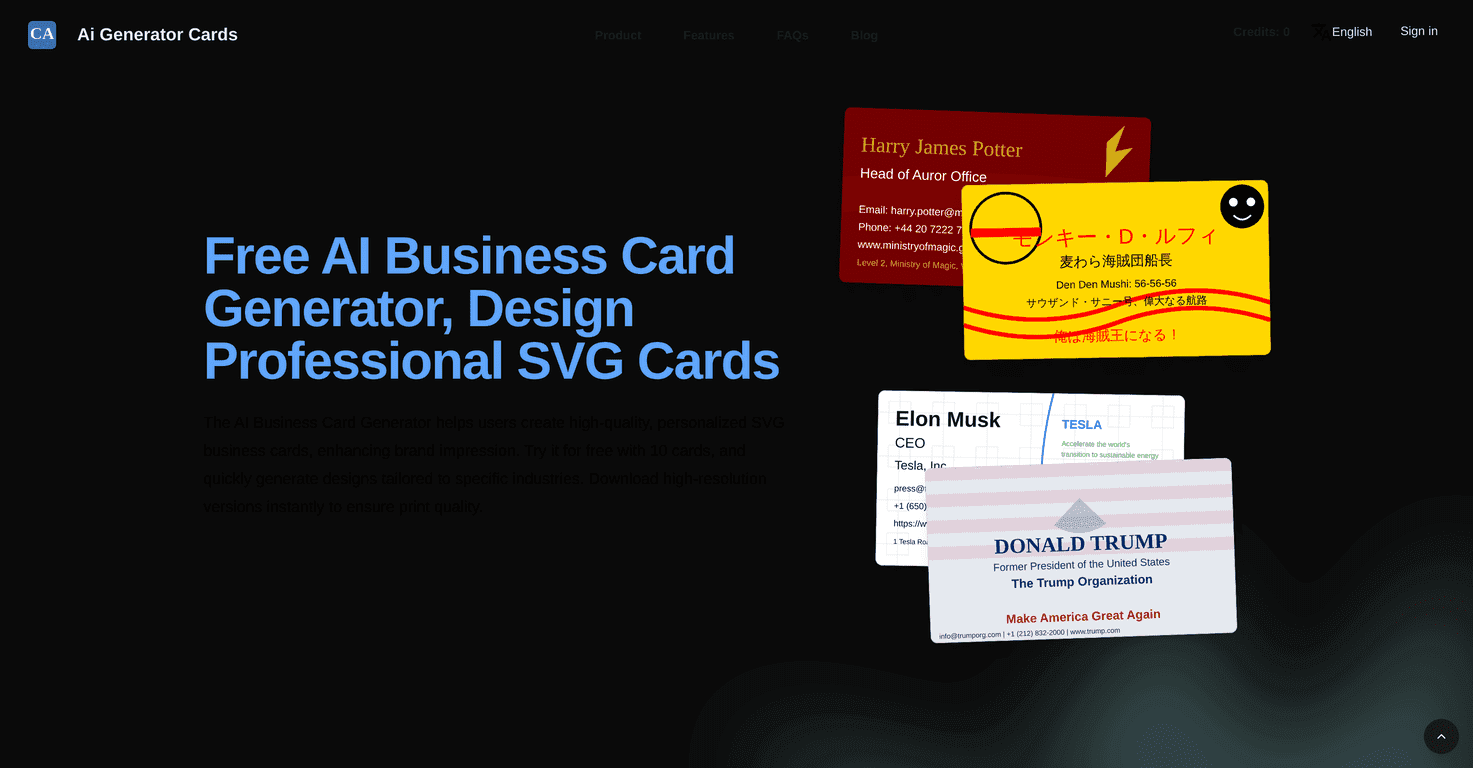
I’ve tried a bunch of “AI business card” tools over the last year, and most of them either look generic or make you do a ton of tweaking before anything feels usable. Ai Generator Cards (the AI Business Card Generator at cards-ai.com) is different. It’s built around SVG, so the output stays crisp instead of turning into blurry, low-quality images when you zoom or print.
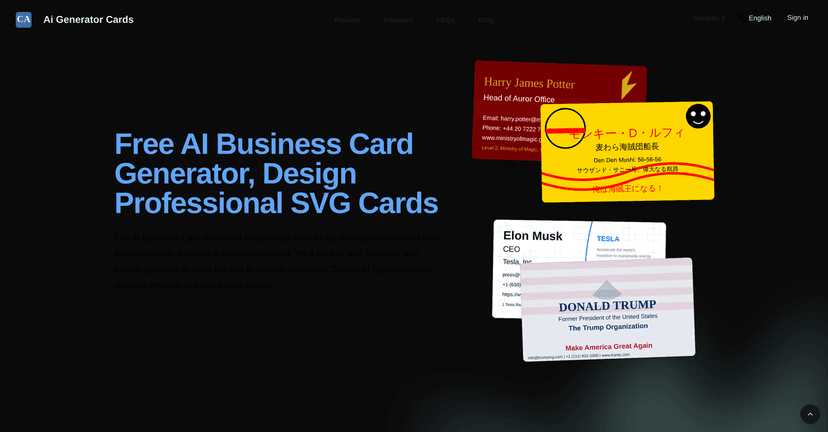
What I liked right away is how straightforward the workflow feels. You pick a layout, then you can customize the basics—colors, fonts, and icons. After that, you get an instant preview. No waiting around. No “upload your logo and pray” step. And honestly, I don’t think you need design experience to get a decent-looking card out of it.
In my testing, the fastest wins came from choosing a template that actually matches what I’m doing. For example, I tried a more minimal style for a consulting vibe, then swapped to something more icon-heavy for a tech/creator profile. The tool generates multiple variations, so you’re not stuck with the first look it gives you.
Also, the real-time preview matters more than people think. Instead of exporting, opening, and checking something in a separate program, you can see changes immediately. That makes it easier to fine-tune spacing and style until it looks “finished,” not just “generated.”
So if you’re making a card for a meeting next week, a conference booth, or even just updating your personal brand before you start networking again, this generator is quick and practical. It’s not trying to replace every design tool on Earth—it’s more like a fast path to something presentable.
Ai Generator Cards Review
If you’re wondering whether it’s actually worth using, here’s what I’d look for in a card generator: does it produce clean text, does it keep the design balanced, and can I get something printable without extra steps?
In my experience, Ai Generator Cards hits those basics pretty well. The output is SVG, which helps a lot with clarity. When I previewed different styles, the typography didn’t look “squished” the way some AI tools do. Icons and spacing also stayed relatively consistent across variations.
Another thing I noticed: it’s easy to generate multiple options quickly. Instead of spending 30 minutes adjusting one tiny detail, you can try a few layouts and then decide which direction you like. That’s useful if you’re indecisive (or if you’re making cards for different roles).
And yes—there are industry-specific templates. That matters because if you start from a template that already fits your industry, you don’t have to “force” the design to match. For example, I found it easier to get a professional feel with a more corporate layout than trying to build that vibe from scratch.
One practical tip: before you download anything, double-check your contact details and how they wrap. Even with good templates, long titles or extra lines (like “Founder & Creative Director”) can crowd the layout. The instant preview helps here—use it to catch that before you export.
Bottom line? This is a solid option when you want a professional card fast and you don’t want to wrestle with design software.
Key Features
- AI-Driven SVG Generation for sharp, scalable business card designs
- Customization controls for layout, colors, fonts, and icons (so it doesn’t look like a template clone)
- Fast generation so you can try multiple styles without a long wait
- Industry-specific templates that help you match your field instead of starting from scratch
- Instant preview + real-time editing so you can see changes immediately
- High-resolution download that’s suitable for printing
Pros and Cons
Pros
- Easy to use: I didn’t feel like I needed a tutorial to get a decent result.
- Print-friendly output: because it’s SVG and the download is high resolution, the cards look clean.
- More than one style option: generating variations helped me find a look that actually fits my brand.
- Good for quick updates: if you change your role or phone number, you can regenerate without starting over.
- Free trial to test the workflow: you can build a few cards and see if the templates match your taste.
- Instant preview saves time: I caught layout issues before downloading, which is a big deal.
Cons
- Free trial is limited: you can only generate 10 cards on the free trial, so you’ll want to be intentional with your attempts.
- Customization can feel a bit “guided”: if you’re the type who wants total control over typography and alignment pixel-by-pixel, you may feel constrained.
- AI-driven suggestions aren’t always perfect: sometimes the icon choice or font pairing looks great, and other times it needs a quick tweak.
- Learning curve for non-designers: not huge, but you’ll still want to play around with spacing and color contrast so it doesn’t look washed out.
Pricing Plans
From what’s currently listed, Ai Generator Cards offers a free trial where you can create up to 10 business cards at no cost. After that, the specific paid plans/subscription tiers weren’t clearly provided in the original info I saw, so you’ll likely need to check the site when you’re ready to upgrade.
If you’re on the fence, my suggestion is simple: use the trial to generate cards for two different styles—one more minimal, one more bold—then compare them side-by-side. That way you’ll know whether the look is “you,” not just “pretty.”
Wrap up
Overall, Ai Generator Cards is a practical way to get professional business cards without the usual design headache. I like that it’s built around SVG, has real-time previews, and gives you enough template variety to avoid the “same card, different name” problem.
If you need something you can actually hand out at an event or use on a website/portfolio soon, it’s worth giving a shot—especially with the free trial limit in mind.
Promote Ai Generator Cards