Table of Contents
I’ve used a bunch of AI writing tools over the last couple of years, and most of them fall into the same trap: they generate something fast… but it still takes a lot of editing before it sounds like you. Zen AI Generator caught my attention because it doesn’t just do text. It also mentions images, voiceovers, speech-to-text, and even code. So I wanted to see if it’s actually useful for real content work, or if it’s just another “type a prompt, get a result” site.
Zen AI Generator Review
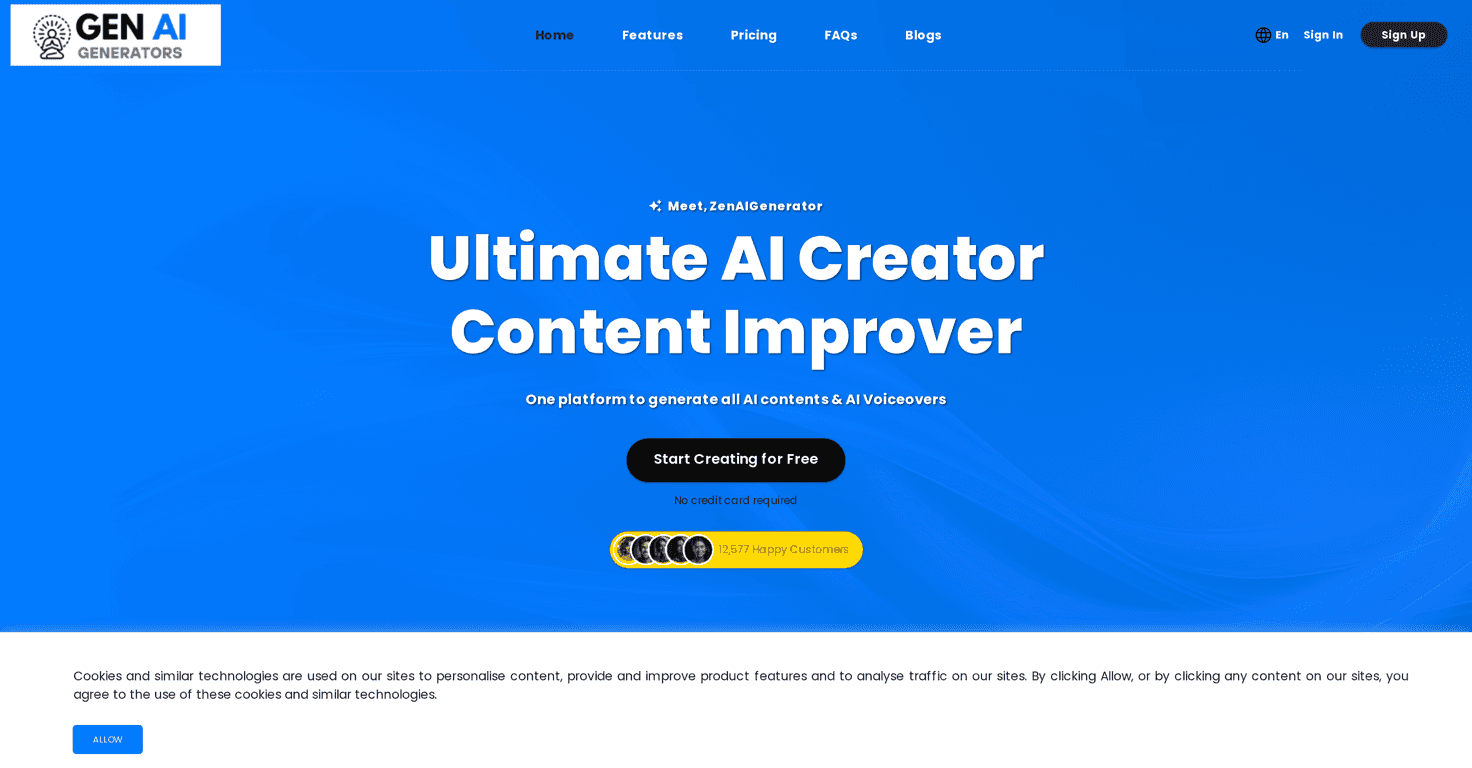
Here’s the quick version of what Zen AI Generator is: it’s a content creation hub that can generate text, images, voiceovers, transcripts, and code—all from one place. In my experience, that “one dashboard” approach matters. When you’re juggling prompts, exports, and formatting, switching tools constantly gets annoying fast.
During testing, I tried a few common tasks people actually do: writing a blog-style outline, generating social captions, and producing a short script I could turn into a voiceover. What I liked most was that it doesn’t feel locked to one content type. If you’re running a small brand (or a content team), you can go from “idea” to “draft” to “media” without bouncing around 5 different apps.
Also, the interface feels pretty straightforward. No huge learning curve. You can start prompting right away, and the content-type options are clear enough that you don’t waste time hunting for the right tool.
Key Features
- AI Content Generation for articles, blogs, and more
This is the core. I tested it with a blog prompt that included a target audience and tone, and it produced a structured draft that was close enough to edit rather than start from scratch. If you care about SEO, you’ll still want to add your own keyword placement and tighten up the sections—but the first pass is genuinely helpful. - Unique AI Image Creation capabilities
If you’re creating social posts or blog headers, having image generation in the same workflow is handy. I noticed the results vary a lot based on how specific your prompt is (subject, style, lighting). Vague prompts tend to give vague images—pretty normal for image models. - Realistic AI Voiceovers with human-like emotions
This is one of the more interesting claims. In practice, the “emotion” part depends on how you structure your script and whether the tool supports the voice/emotion settings you want. When I used a more expressive script (shorter sentences, clearer cues), the output felt more natural than when I fed it a plain, stiff paragraph. - Accurate AI Speech to Text transcription
Speech-to-text is where accuracy matters. I didn’t expect it to be perfect like a dedicated transcription service, but it was usable for turning spoken notes into text. If you’re working with heavy accents or lots of background noise, you’ll probably still need a quick cleanup pass. - AI Code Generation for multiple programming languages
I’m not a full-time developer, but I did test a simple snippet request and it generated code that was at least logically aligned. The big takeaway: treat code output like a starting point. You’ll want to review it, run it, and adjust edge cases. - Team Management tools for effective collaboration
If you’re working with other people, this is where Zen AI Generator can justify its existence. Shared workflows and team access reduce the “who has the latest draft?” problem. It’s especially useful if you’re coordinating content calendars. - Customizable templates for personalized content
Templates can be a big deal when you’re producing the same type of content repeatedly. I found it easiest to get consistent results by using templates for things like product descriptions and caption formats, then tweaking per post. - Support for over 54 languages
If you publish globally, language support is a real advantage. I didn’t test all 54, but the feature is there, and it’s a strong selling point compared to tools that only work well in a couple of languages. - 24/7 Customer Support for instant assistance
Support is one of those things you don’t think about until you need it. I like that they position it as always available. If you’re the person who gets stuck when something breaks, you’ll care about this later.
Pros and Cons
Pros
- Big “all-in-one” toolbox — text, images, voice, transcription, and code in one place is convenient.
- Easy to get started — you can start prompting quickly without a ton of onboarding.
- No credit card required for trial — I appreciate this. It lets you test the workflow instead of committing right away.
- Team-friendly — collaboration features help if you’re producing content as a group.
- Regular updates — AI tools move fast, and it’s a good sign that they’re improving rather than staying stagnant.
Cons
- Advanced features can cost extra — depending on what you use most (images, voice, bigger outputs), you may hit limits on lower tiers.
- You still have to review accuracy — generated content can sound right while being slightly off. I always recommend a quick fact check, especially for stats, dates, and product claims.
- Copyright and originality are still your responsibility
AI-generated content can raise questions about similarity and licensing. Even if a generator claims “unique” output, I’d still avoid copying anything you didn’t create yourself and double-check usage rights where applicable.
Pricing Plans
Zen AI Generator has three pricing tiers: Starter at $10/month, Elegant at $25/month (this is the most popular one), and Extreme at $49/month. In general, the difference between plans comes down to how much you can generate (words/images/characters) and what team options are included.
If you’re just testing the waters, Starter is a reasonable entry point. But if you’re posting regularly, Elegant is usually where you’ll feel less constrained. Extreme makes more sense when you’re producing a lot of content, working with multiple people, or you need higher usage allowances.
They also offer yearly plans with discounted pricing, which can be a good deal if you already know you’ll use the tool consistently.
Wrap up
Zen AI Generator is one of the more practical AI content platforms I’ve tried because it’s not only about writing. The image and voice features make it easier to create whole pieces of content, not just text drafts. That said, it’s not magic. You’ll still want to edit for clarity, check facts, and refine prompts to get the best results—especially for images and voice output.
If you’re looking for a single place to handle multiple parts of content creation (and you don’t mind putting your own voice into the final version), it’s worth trying. I’d start with the trial, test the workflow you actually care about, and then decide based on how much you’ll generate each month.



