Table of Contents
If you’ve ever watched a 20-minute YouTube video just to find one sentence, you already know the pain. I’ve done it way too many times. YouTube is great, but searching for the exact moment you need? That’s where it gets frustrating fast.
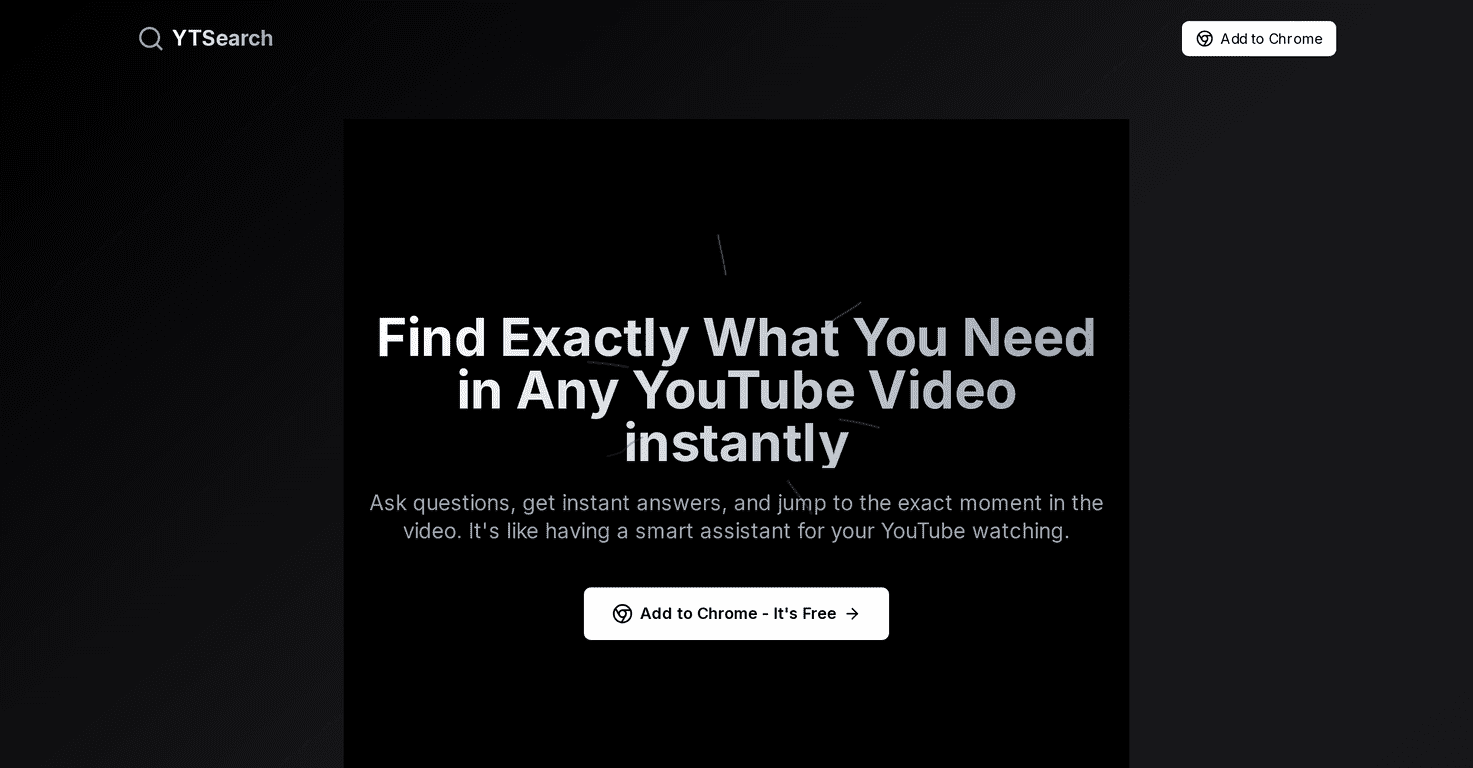
That’s why I tried YTSearch. The idea is simple: instead of digging through the timeline manually, you ask a question and it gives you time-stamped results that point to the relevant part of the video. So you can jump straight to the answer and keep moving.
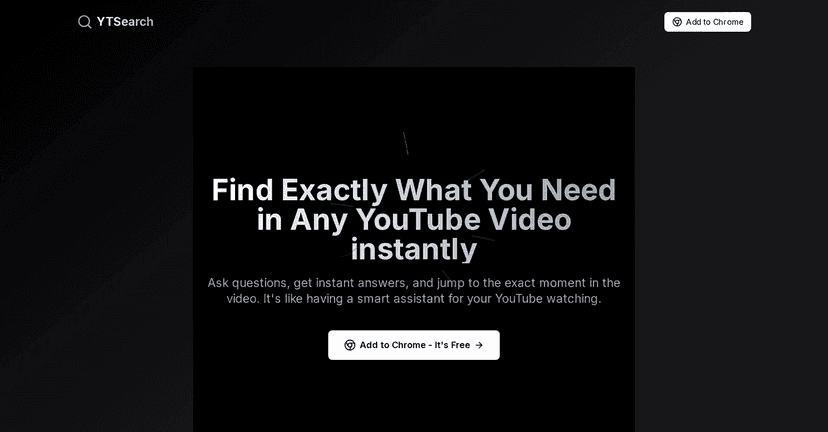
In my experience, this is most useful for “how-to” videos, troubleshooting, and anything where you know what you’re looking for but don’t want to watch the whole thing. Why scroll, scrub, and rewatch when you can go straight to the moment?
YTSearch Review: Faster Answers, Less Scrubbing
YTSearch basically acts like a shortcut for YouTube. Instead of relying only on the video title or YouTube’s search results, you ask a specific question and it helps you find the matching section inside the video.
What I liked most is the time-stamped output. When it’s working well, it’s not just “here’s a related clip.” It’s more like: this is the part you need, and you can jump right to it. For example, if you’re watching a coding tutorial and you want the exact explanation of an error message, you can type that question and skip directly to the fix.
It’s also pretty handy for review-style watching. I’ve used it when I needed a quick refresher on a concept (like “how do you configure X?”) and didn’t want to sit through the intro every time. The tool keeps you in answer-mode instead of video-mode.
That said, no tool is perfect. Sometimes the results can be less precise than you’d hope, especially if the video’s audio is unclear, the topic is broad, or the question you ask isn’t phrased the way the creator explains it. Still, even with occasional misses, the “jump to timestamp” part is a big time saver.
Key Features I Actually Used
- Smart Search for specific questions
Instead of “find me a video about X,” you can ask something more direct like “how do I fix…” or “what does this setting do?” That’s where it feels different from normal search. - Time-stamped results that link to the right moment
The real win is that you don’t have to hunt through the timeline. You get clickable timestamps that take you to the relevant section. - Easy use alongside YouTube
In practice, it doesn’t feel like you’re switching apps constantly. You’re still in the YouTube flow, just with smarter navigation.
If you’re the type who pauses, rewinds, and opens a new tab every time you need one detail—this is the kind of feature set you’ll appreciate.
Pros and Cons (Real Talk)
Pros
- Much faster access to answers — especially for tutorials, explanations, and troubleshooting videos.
- Time-stamped jumps — I found myself skipping ahead instead of rewatching the same intro sections.
- Simple workflow — you type a question and get results without a complicated setup.
Cons
- Not every video performs the same — if the audio is hard to understand or the creator talks around the point, the timestamps may be less accurate.
- Limited compared to broader search ecosystems — it’s helpful for navigating a video, but it won’t replace full-on research tools when you need lots of sources.
So yeah, it’s great for “find the moment” tasks. But if you’re expecting it to magically summarize everything perfectly every time, you might be disappointed.
Pricing Plans
From what I saw, YTSearch is free to use and can be added to Chrome at no cost. If you want any extra functionality beyond the basics, you’ll need to check the official website or app store listing for upgrade options.
If you’re curious, I’d start with the free version and test it on a couple of your usual videos—especially ones where you repeatedly search for the same kind of answers. That’s the fastest way to tell if it’s worth keeping around.
Wrap up
Overall, YTSearch is a practical way to navigate YouTube without wasting time. The time-stamped results are the standout feature, and in my experience they make “answer hunting” feel way less painful. If you frequently watch long videos just to pull one key detail, this tool is absolutely worth trying.
Just don’t expect perfect results on every single video. When the audio is clear and the topic is specific, though? It’s genuinely helpful.
Promote YTSearch