Table of Contents
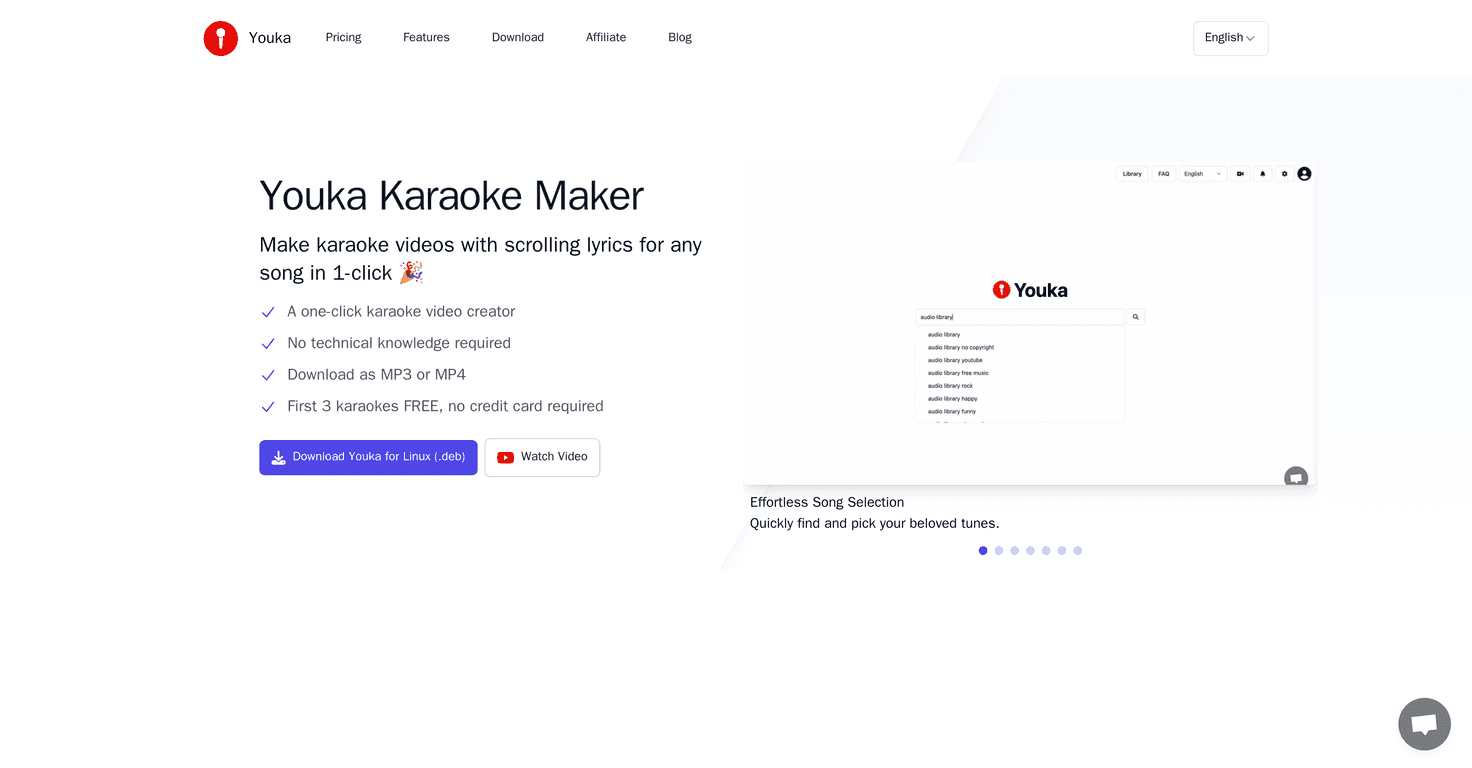
If you love karaoke but hate the “pick from the same 20 songs” vibe, I get it. I’ve tried a few traditional karaoke apps, and they’re fine… until you want something specific, like that one YouTube cover you found at 1 a.m. That’s where Youka caught my attention.
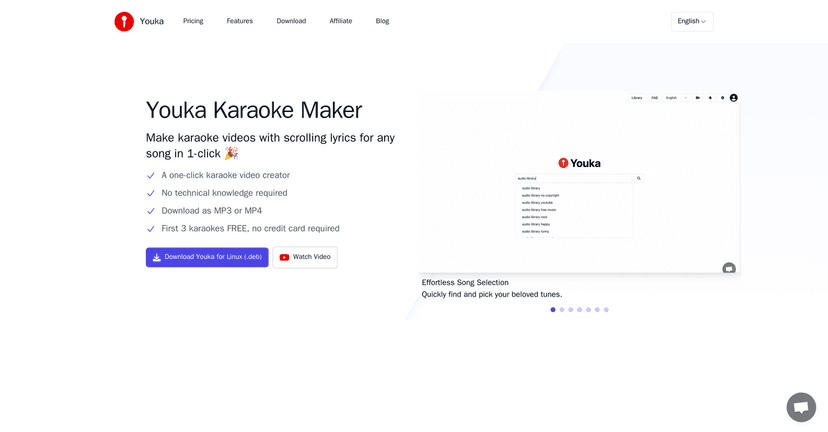
In short: Youka is a karaoke maker that lets you build your own tracks instead of relying on whatever a platform decides to offer. And yeah, the big promise here is lyric syncing—so the words actually land when the music does. In my testing, that’s the difference between “fun” and “why does the subtitle show up half a beat late?”
The other thing I liked is how flexible it feels. You can tweak pitch to better match your vocal range, and you can change subtitle styling so the karaoke looks the way you want (not just some generic default). It’s a small detail, but when you’re making tracks for friends or for a practice session, style matters.
Also, Youka has that YouTube-to-karaoke angle. If you’ve ever thought, “I wish this exact video was karaoke,” it’s basically built for that kind of use.
Youka Review
If you’re the type who saves karaoke videos, playlists, and random covers for later, Youka fits that habit really well. I especially liked that it’s not trying to force you into one “karaoke catalog.” Instead, you’re creating your own versions—so you can practice the songs you actually want.
Here’s what stood out to me most:
- Lyrics syncing: The whole point of karaoke is timing. When lyrics line up cleanly, it feels effortless. When they don’t, it’s distracting fast. Youka focuses heavily on syncing, and that’s the core feature I’d judge first.
- Pitch adjustment: I tried adjusting pitch to match my voice a bit better. Even small changes can make a performance feel more “natural” instead of robotic.
- Subtitle styling: Changing the subtitle look isn’t necessary, but it’s fun. It also helps if you’re making tracks for different moods—like something more dramatic for a ballad.
- YouTube video to karaoke: This is the “okay, that’s actually useful” part. If you’ve got a video you love, being able to turn it into karaoke is a big deal.
One quick reality check though: karaoke track quality can depend on the input material. If the original audio is messy, the sync and overall feel won’t magically become perfect. No tool can fully override bad source audio.
Key Features
- Convert YouTube videos into karaoke effortlessly
- Auto-sync lyrics with music (the big selling point)
- Export creations in MP3 or MP4 formats so you can share or save easily
- Transform music tracks into karaoke (not limited to one type of source)
- Adjust pitch to better match your vocal range
- Customize subtitles with different styles
Pros and Cons
Pros
- Easy to start: The interface feels straightforward. I didn’t have to fight through settings just to get a basic karaoke output.
- Your own library: Instead of hunting for songs inside an app, you can build a collection of the tracks you actually want.
- Useful customization: Pitch adjustment and subtitle styling are the kind of options you’ll actually use, not just “extra buttons.”
Cons
- Copyright/legal risk: If you use copyrighted songs (especially from popular releases) without permission, you’re playing with fire. That matters if you plan to upload or distribute your karaoke creations.
- Quality varies by language: In my experience, syncing and overall performance can be less consistent depending on the language or the way the lyrics are presented in the source.
Pricing Plans
When I checked the site, it didn’t spell out pricing in a super transparent way right on the page. The flow basically pushes you toward downloading the software, which usually means there’s either a free/trial option or some kind of freemium setup.
If you want the exact numbers (and not guesses), I’d recommend checking the Youka website directly—especially the Pricing section if it’s listed there.
Also, don’t just look at the price—look at what you can export and how many tracks you can generate. That’s usually where the real “value” shows up.
Wrap up
Overall, I think Youka is a solid pick if you want more control over your karaoke experience. The combination of YouTube-to-karaoke creation, lyric syncing, and pitch/subtitle customization is genuinely appealing—especially for practice, parties, or just singing your favorite covers without hunting for them in an app.
If you’re okay with the fact that input quality and licensing can affect results, Youka can be a fun way to build your own karaoke lineup. I’d try it if you’re tired of limited catalogs and you want songs that actually match your taste.