Table of Contents
Are you an online retailer struggling to make your product images stand out? You’re not alone. Many e-commerce businesses face challenges in creating captivating visuals. Luckily, X-Design offers innovative AI tools that can elevate your marketing efforts without the need for expensive photoshoots. In this X-Design review, we’ll dive into its features, benefits, and pricing options to help you decide if it’s the right fit for your business.
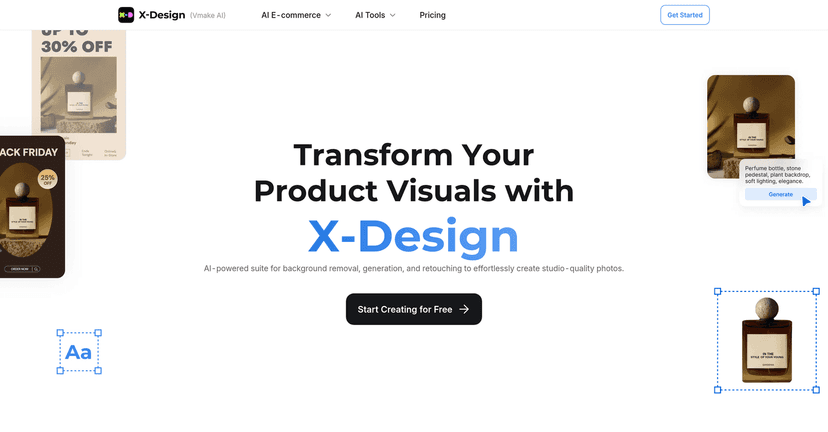
X-Design Review
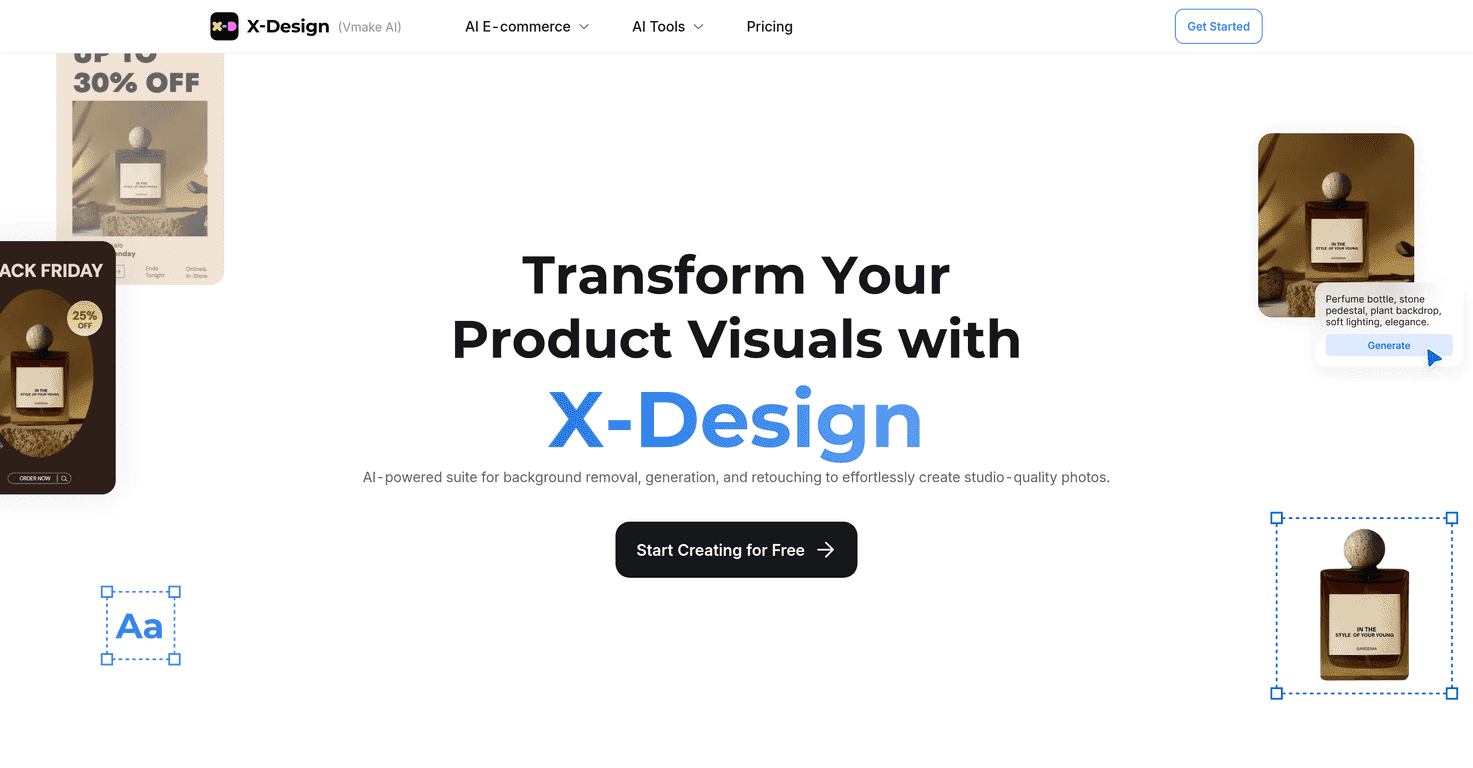
X-Design is an AI-powered photo editing studio that emphasizes ease of use and efficiency, catering specifically to e-commerce marketers. With its range of tools, it effectively transforms mundane product images into eye-catching visuals. Instead of spending countless hours and money on professional photography, X-Design allows you to create stunning pictures with just a few clicks. Whether you want to change a product’s color or remove the background from an image, the platform simplifies the entire process. Additionally, it provides a user-friendly experience, making it accessible even for those without extensive editing experience.
Key Features
- AI Product Photography – Automatically creates stunning visuals from simple product images.
- AI Fashion Model – Generates realistic models for showcasing clothing without expensive photoshoots.
- AI Color Changer – Easily modify product colors and create multiple variations with one click.
- Image Background Remover – Automatically detects and removes backgrounds from images.
- Video Editing Tools – Offers features for enhancing video quality and removing backgrounds and watermarks.
- Extensive Template Library – Provides a range of templates for product displays and marketing needs.
- User-Friendly Interface – Facilitates quick and intuitive editing of both images and videos.
- No Signup Required – Allows users to try out the tools without creating an account.
Pros and Cons
Pros
- Saves time and costs on traditional photo shoots.
- Simple interface makes editing efficient and straightforward.
- High-quality AI tools for both images and videos.
- Diverse tools covering various editing needs from backgrounds to color changes.
- Access to a library of templates for quick marketing material setups.
Cons
- Limited customization compared to advanced software for professional photographers.
- Some features might require a learning curve for novices in digital editing.
- May not satisfy all high-end photography needs for professional studios.
Pricing Plans
X-Design does not list specific pricing on its website, allowing users to start creating for free. However, it’s likely that various payment options or plans for premium features become available when you sign up.
Wrap up
In conclusion, X-Design emerges as an excellent solution for online retailers seeking to enhance their visual marketing efforts with AI-powered tools. While it may not fully replace high-end professional editing software, it offers a robust set of features ideal for e-commerce. Whether you’re aiming to simplify your editing process or create captivating product visuals, X-Design could be worth exploring for your business needs.
Promote X-Design