Table of Contents
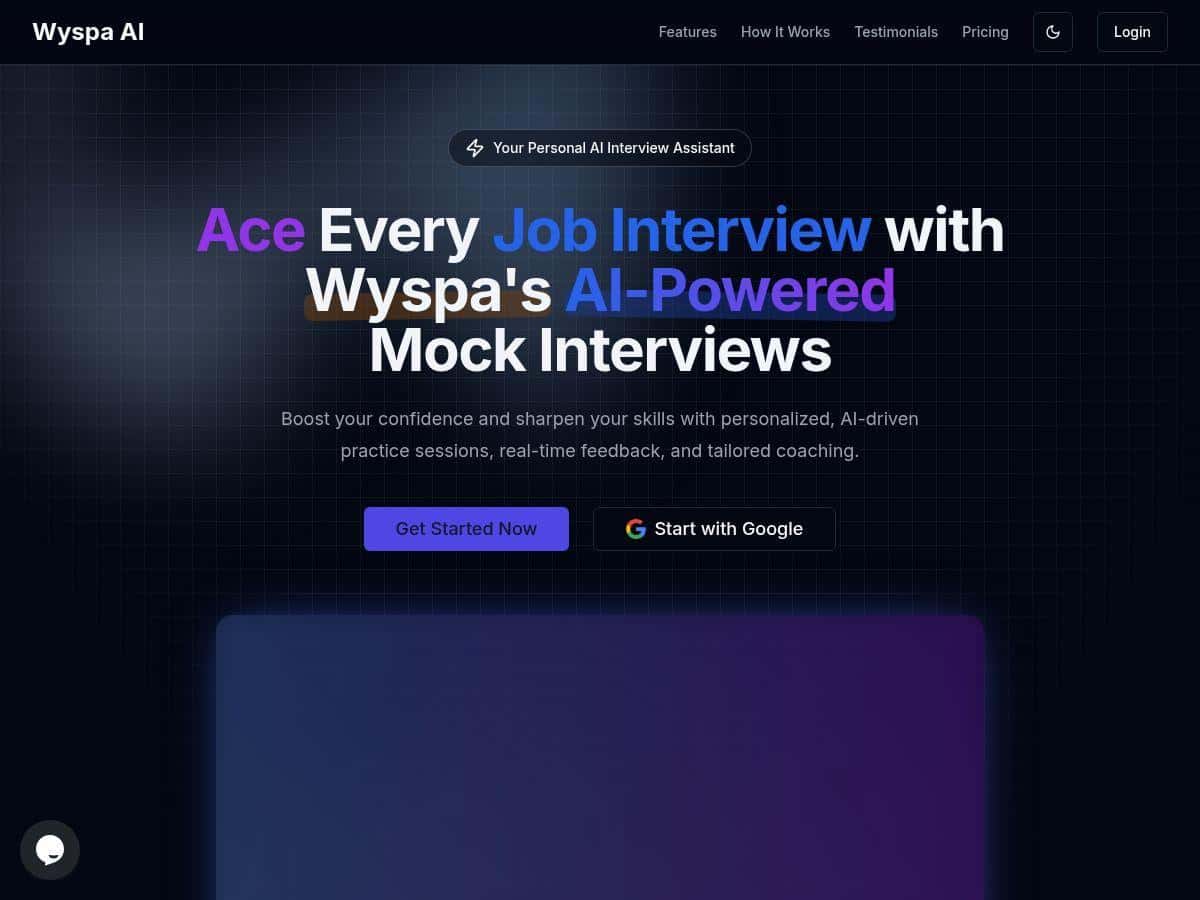
If you’ve got an interview coming up, I get it—your brain starts spiraling the minute you open your calendar. That’s why I tried Wyspa. The promise is pretty straightforward: you practice with an AI “interviewer” and you get feedback right after you speak, so you can fix the stuff that’s holding you back instead of just hoping you sound better next time.
In my experience, what makes Wyspa feel different from a lot of interview tools is that it doesn’t just spit out generic advice. It reacts to what you actually said—your pacing, your tone, and how clear the content is. And yes, it’s still AI. But it felt more like a coach than a chatbot.
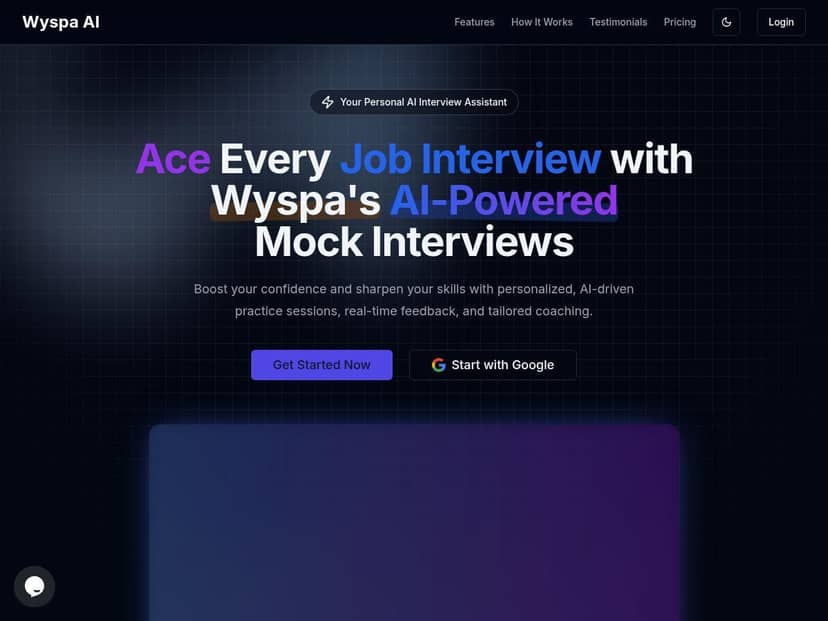
Wyspa Review: What It’s Like to Practice With an AI Interview Coach
I tested Wyspa over a few days leading up to an interview. I’ll be specific about what I did, because that’s where it either holds up or it doesn’t.
Setup (and what I clicked)
After signing in, I went straight to creating a mock interview. The interface asked me to pick a role/field (I selected a job family that matched the interview I was preparing for). Then I started a first session that kicked off with a question immediately—no long onboarding tour, which I appreciated because I didn’t want to waste 20 minutes “configuring” something.
My first mock interview: the problems I noticed right away
On my first run, the AI feedback was quick and honestly a little blunt (in a good way). The feedback focused on three areas:
- Content clarity: it flagged when my answer was too broad and suggested tightening the structure.
- Pacing: it pointed out spots where I sped up and places where I paused too long.
- Tone: it noted when my wording came off less confident than I intended.
What I noticed immediately: I’d always thought my “main point” was obvious. Wyspa showed me it wasn’t. It helped me rewrite my answer using a simpler flow (what I did → how I did it → what result it had). That’s the kind of feedback you can actually act on.
Second run: what changed after I adjusted
For the second mock interview, I used the feedback as a checklist. I slowed down slightly in the middle of my answer, and I made sure I hit a clear outcome at the end.
After that run, the feedback felt more aligned with what I was trying to do. Instead of “your answer is missing structure,” it leaned more toward “this is clearer now” and highlighted smaller improvements (like reducing filler phrases and tightening one sentence).
Third run (optional, but useful): the “confidence” effect
By the third session, I wasn’t just improving wording—I was improving how I delivered the message. The simulated interview mode made it easier to practice staying calm. I didn’t feel like I was memorizing a script. I felt like I was rehearsing a conversation.
One more thing: Wyspa tracks progress with analytics. In my case, I could see improvements across runs (the exact labels may vary depending on the role and session settings, but the idea is consistent). I found that really motivating because it’s not just “try again,” it’s “here’s what got better.”
Key Features: What You Actually Get in Wyspa
- Custom AI Mock Interviews tailored to your job role
- Instead of generic questions only, Wyspa lets you aim the practice at your field. In my case, that meant the question style felt closer to what I’d expect in the interview—less “random trivia” and more role-relevant prompts.
- Real-Time AI Feedback on answers (content, pacing, and tone)
- After each answer, the feedback isn’t just a single score. It breaks down what to improve. For example, it called out when my answer was drifting off-topic and when my delivery got too fast mid-sentence. Then it suggested how to reframe the next attempt.
- AI Educational Support with practical tips
- One of the reasons I kept using Wyspa is that the tips weren’t “motivational posters.” They were tied to the answer I just gave. I’d get a suggestion like tightening my structure or adding a clearer result, then I could immediately test that change in the next question.
- Simulated Real Interview Mode
- This is the part that makes the practice feel real. The flow is designed to mimic an interview experience so you’re not just reading. It helped me practice responding under mild pressure—without the awkwardness of actually booking a human mock interview.
- Performance Analytics to monitor your progress
- I liked seeing progress over time. It made it obvious when I improved pacing and when I still needed to work on clarity. If you’re the type who learns best by tracking changes (I am), this is a big plus.
- Quick Setup for immediate practice
- Wyspa doesn’t bury you under setup steps. I was able to start a mock interview quickly, which matters if you’re preparing after work or on a tight timeline.
- Privacy-focused approach
- I can’t claim it’s “perfectly anonymous” (no tool is), but Wyspa’s positioning is privacy-aware, and it’s something I look for. Before you commit, I’d still recommend checking their privacy policy and terms so you know exactly what’s stored and how long.
- Advanced AI feedback depth
- The feedback felt detailed enough to change my next answer. If it only gave vague notes like “be more confident,” I wouldn’t have stuck with it. But it kept pointing to specific delivery and structure issues I could fix.
Pros and Cons: My Honest Take
Pros
- Practice feels tailored—the questions match the role/field better than fully generic tools.
- Feedback is actionable—it highlights what to change and you can apply it right away on the next answer.
- Analytics help you stay consistent—you can tell you’re improving instead of guessing.
- Fast to start—good for short prep windows.
- Privacy-first messaging—still worth verifying details in the policy.
Cons
- You’ll get more value if you engage actively. If you just “talk” without adjusting based on feedback, results will be limited.
- Some people won’t love the AI interviewer vibe. If you need a human’s emotional nuance, Wyspa may feel a bit mechanical.
- Pricing clarity isn’t as transparent as I’d like—more on that below.
Pricing Plans: What I Could (and Couldn’t) Verify
Here’s the part I don’t want to gloss over: I couldn’t find a clean, static pricing table with exact tiers and dollar amounts during my review. That means I’m not going to guess numbers or claim “it’s $X.”
What I observed is that Wyspa doesn’t present pricing in a super straightforward way on the public-facing pages I checked. It looks like pricing may vary depending on plan type or how you use it (for example, short practice vs. longer prep), but I don’t want to speculate.
My practical advice: before you buy, open the pricing page and screenshot the exact plan names and prices you’re seeing. If you’re comparing Wyspa to other interview tools, make sure you’re comparing the same thing (AI feedback limits, number of sessions, or any “extended” features). That’s the only way to compare fairly.
Wrap up
Wyspa is a solid AI interview coach if you want fast practice, specific feedback, and a way to track whether you’re actually improving. In my experience, the biggest win is that it helps you change your next answer—not just read a generic tip afterward.
If you’re preparing for an upcoming interview and you don’t have the time (or budget) to do multiple human mock interviews, Wyspa can fill that gap nicely. Just don’t skip the pricing check and don’t expect it to replace human practice entirely—think of it as the tool that gets you ready to walk into the real conversation with more control.