Table of Contents
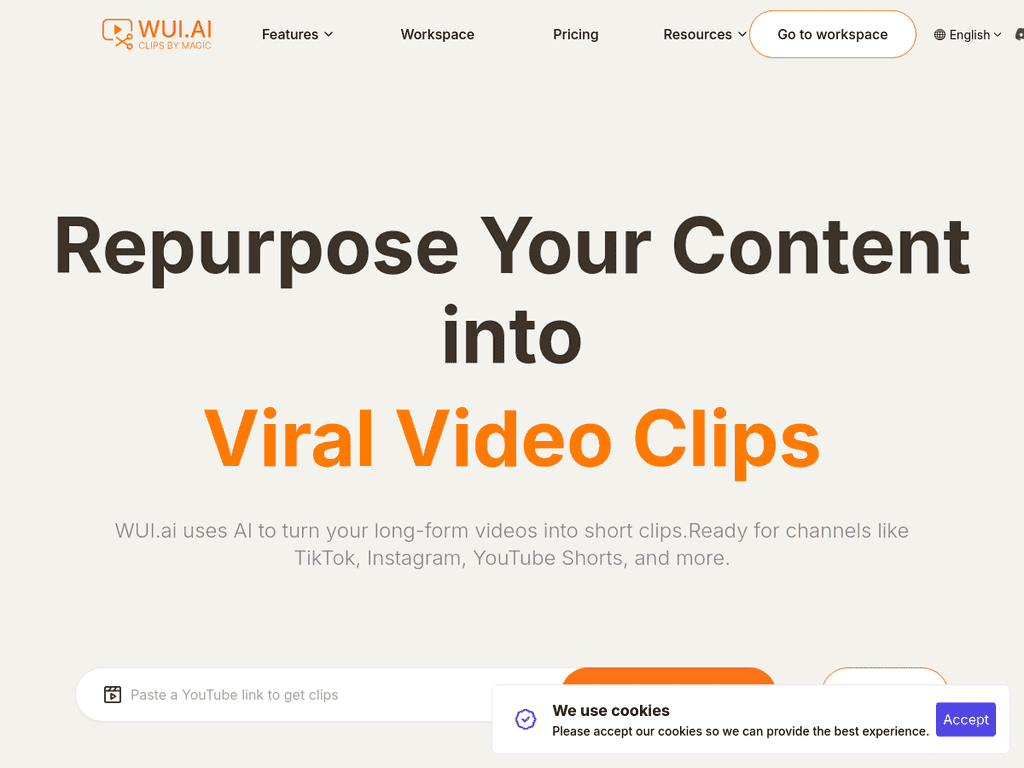
If you’re anything like me, editing long-form videos can quietly eat your whole week. You finally finish the main upload… and then you realize you still need shorts for TikTok, Reels, and Stories. That’s where WUI.AI caught my attention.
In my experience, the hardest part of turning one long video into multiple short clips isn’t just cutting—it’s finding the moments that actually hook people. WUI.AI aims to solve that by pulling out highlights automatically, creating short clips you can post without spending hours scrubbing through timelines.
WUI.AI Review: Turning One Video Into Lots of Shorts (Fast)
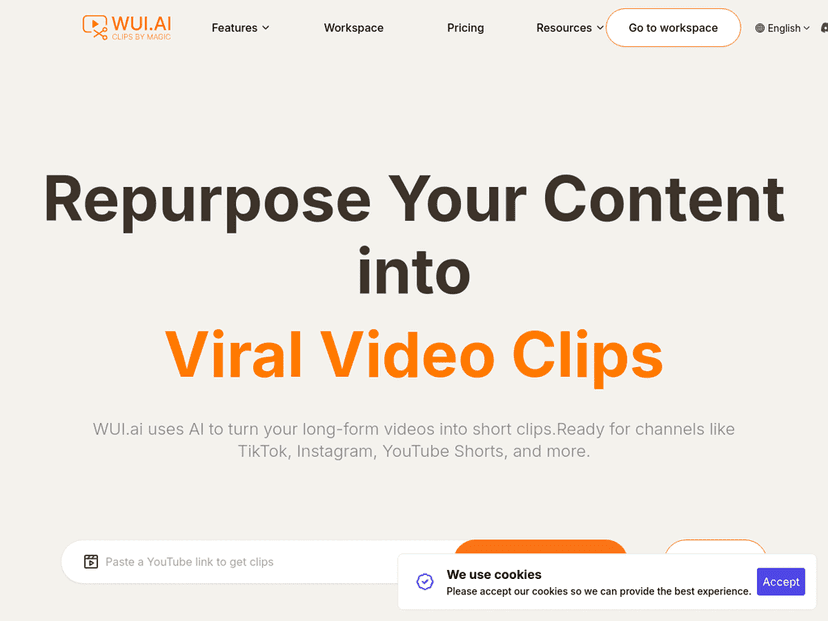
WUI.AI is built for creators who want to repurpose long videos and podcasts into social-ready clips without the usual “manual highlight hunting” grind.
When I tested tools like this before, I usually ran into one of two problems: either the AI picks random moments that don’t really land, or it creates clips that look fine but need a lot of cleanup (cuts, captions timing, on-screen text, and so on). With WUI.AI, the big promise is that it identifies highlights and assembles them into short-form edits automatically—so you’re not starting from a blank timeline.
One thing I like is the focus on the hook. You know how most people decide in the first 1–3 seconds whether to stay? WUI.AI is designed around that idea, aiming to keep the opening strong so your clip doesn’t start with dead air or a slow intro.
That said, I don’t want to pretend it’s magic. If you’re the type of creator who cares about pacing, specific wording, and “this exact moment” storytelling, you may still want to review and adjust. AI can get you 80–90% of the way there, but you’ll probably do a pass before posting.
Key Features I’d Actually Use
- AI Clips for highlight extraction
If you feed it a long video or podcast, it’s supposed to pull out the best segments for short clips. In practice, this is the feature that saves the most time—because you’re not manually scanning every minute. - Hook-first clip creation (“golden three seconds”)
This is one of those details that matters on TikTok and Reels. I’ve noticed that when shorts start too late or too quietly, performance tanks. WUI.AI’s approach is meant to keep the opening punchy. - User-friendly editor (especially if you’re not an editor)
I appreciate tools that don’t require a whole tutorial. WUI.AI is positioned as easy enough for beginners, but still usable if you’re more experienced and want to tweak results. - Subtitles in 99 languages
Captions are huge for reach and retention. The fact that it supports subtitles across 99 languages is a big deal if you want to post globally without hiring a separate localization workflow. - Automatic subtitle translation
Instead of translating everything yourself, you can translate the captions for different audiences. If you repurpose content internationally, this can be a real time-saver. - AI Chapters to organize your video
Chapters aren’t just for YouTube. They can help you quickly spot where the best talking points are, especially when you’re turning one long piece into multiple shorts. - AI Condensation (retain the key message)
This is meant to reduce fluff and keep the main idea intact in the highlight. I like condensed edits, but I still recommend watching the clip once—because sometimes the “key message” can be slightly different from what you intended.
Pros and Cons (Real Talk)
Pros
- Time savings are the main win. If you typically spend 1–2 hours finding clips and exporting versions, automation can cut that down a lot—especially for weekly posting.
- Multi-language subtitles + translation. This makes it easier to repurpose the same content for multiple regions without rebuilding everything.
- Beginner-friendly workflow. You don’t need to be a professional editor to get something usable quickly.
- Built around engagement. The “hook” focus is exactly what creators need if they’re chasing retention, not just posting.
Cons
- Creative control can feel limited. You might occasionally disagree with the AI’s highlight selection, or the pacing may not match your style. You’ll likely want to review and tweak.
- Pricing details aren’t super clear in the article. I’d want to see a full breakdown (limits, export options, watermark rules, language counts, etc.) before committing long-term. The website likely has it, but the info here is pretty light.
Pricing Plans: What You Get for Free (and What to Check Next)
WUI.AI offers a free option to get started. That’s helpful if you want to test the workflow and see whether the clips match your content style.
Before you upgrade, I’d check a few practical things: how many clips you can generate per month, whether there are export limits, and what changes when you want more languages or more advanced editing. Also look for anything like watermarks or reduced export quality on the free tier—those details can make or break the decision.
Wrap up
Overall, I think WUI.AI is a solid choice if your goal is simple: take long-form videos and podcasts and turn them into short clips you can post consistently. The highlight extraction, subtitle support (including 99 languages), and the “hook-first” approach are exactly the features creators usually struggle to do quickly.
Just don’t expect it to replace your taste. Use it to get to a first draft fast, then spend a few minutes refining the clips you actually plan to publish. That combo—speed from AI, judgment from you—is where tools like this really shine.



