Table of Contents
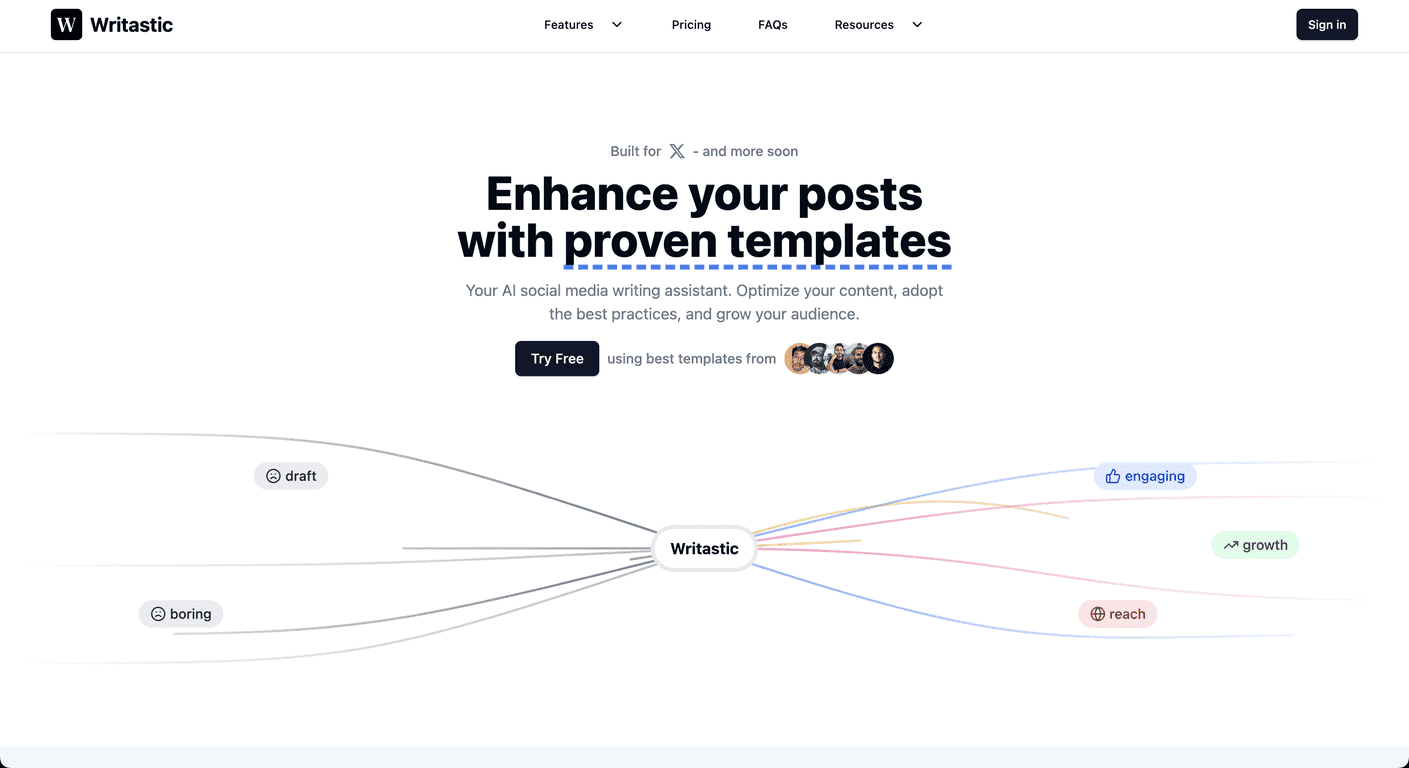
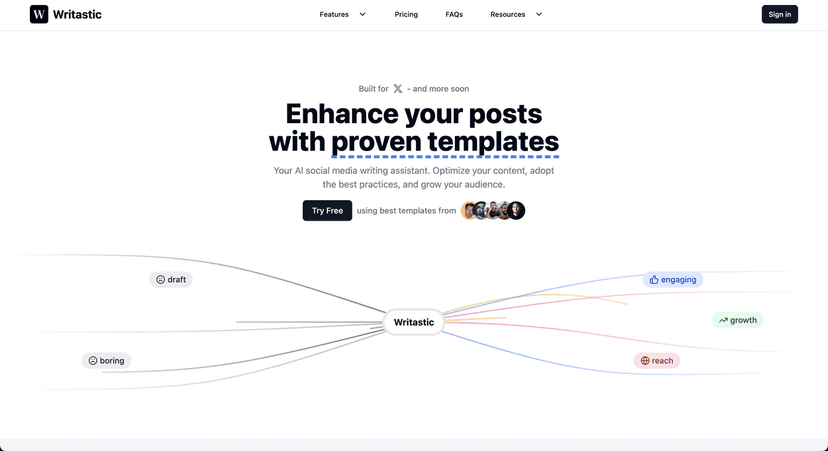
If you’re trying to post consistently on X (and maybe a bit on Bluesky), you already know the hardest part isn’t having ideas—it’s turning those ideas into posts that actually land. I tested Writastic with a mix of drafts and “blank page” prompts, and what I noticed right away is that it’s built for speed. You can go from rough thought to something polished without spending 30 minutes rewriting the same sentence 12 different ways.
Writastic Review: Does It Actually Help You Write Better Posts?
Let me be honest: most “AI social media tools” either spit out generic captions or they’re so complicated that you end up doing the work yourself anyway. Writastic feels different. It’s focused. The rewriting tool helps you tighten your message and make it more “post-ready,” and that matters on X where every word counts.
One of the features I liked most is the library of 204 predefined templates. Instead of staring at a blank box and hoping the AI magically understands your audience, you can pick a structure that fits what you’re trying to do—like a question post, a short announcement, a mini story, or a “here’s what I learned” angle. In my experience, choosing a template first leads to better results than feeding the AI a vague prompt and hoping for the best.
Then there’s the AI Analyzer. This is the part that feels most “useful” when you’re trying to improve over time. I ran it on posts that were already getting decent engagement and compared the patterns it pointed out to what I was doing naturally. What stood out wasn’t some magic formula—it was practical stuff like clarity, pacing, and how the hook is framed. If you’ve ever thought, “Why did that one post do better?” this tool nudges you toward an answer.
Writastic also updates its templates and analysis to keep up with what’s working lately. Social media trends move fast—one month a certain tone works, the next month it feels stale. I appreciated that the tool doesn’t feel like it’s stuck in 2023 copywriting mode.
That said, it’s not a full replacement for your own judgment. If your topic is boring or your offer is unclear, the AI can only polish so much. But if you already have something real to say, Writastic helps you say it with more impact.
Key Features I’d Use (Not Just “Nice to Have”)
- AI Rewriting for engagement
I tested it with a few rough drafts and noticed it tends to improve flow and clarity. It’s especially good at turning “rambling ideas” into a tighter post with a stronger opening. - 204 content templates
These templates help you start faster and avoid the blank-page problem. I found myself using them most when I wanted a specific style (teaching, asking, sharing a quick lesson, etc.). - AI Analyzer for data-driven insights
Instead of guessing, it helps you look at what’s working in your own content. The insights aren’t complicated, which is a plus if you don’t want analytics homework. - Continuous updates
Templates and analysis stay relevant, which matters because what “sounds good” on X changes over time.
Pros and Cons: What’s Great and What to Watch Out For
Pros
- Better post quality faster
In my tests, rewriting took minutes instead of a long back-and-forth with myself. - Template variety is actually useful
204 templates sounds big (and it is), but what matters is whether they’re practical—and they are. You can pick a structure that matches your goal. - Actionable analysis
The AI Analyzer doesn’t just tell you “be engaging.” It points you toward patterns you can apply to your next post. - Easy to navigate
I didn’t feel lost hopping between tools. It’s straightforward enough that you can get back to posting.
Cons
- Limited platform support right now
It’s currently focused on X (formerly Twitter). If you’re mainly posting elsewhere, you might not get the same value. - You’ll still need strategy basics
If you don’t know who you’re talking to or what your goal is (traffic, followers, leads, etc.), the AI can’t fix that. It helps you write better, not magically build a strategy from nothing.
Pricing Plans: Credit-Based, No Expiration Stress
Writastic uses a credit-based system, so you buy credits when you want them. I like this approach because you’re not locked into a monthly subscription if your posting schedule is inconsistent.
One detail I really appreciated: your credits never expire. That means you can test it, use it for a campaign week, and not worry about losing value later.
If you’re new, there’s a free trial so you can see how the templates and analyzer feel before you spend anything for real. Honestly, that’s the smartest way to judge any writing tool—run it on your own drafts.
Wrap up
Overall, I think Writastic is a solid option if you want help turning ideas into posts that read well and fit common engagement patterns. The combination of AI rewriting, a large template library, and the AI Analyzer makes it more than just a “rewrite button.”
It’s not perfect—mainly because it’s still focused on X, and it can’t replace your own clarity and strategy. But if you post on X and you care about improving what you publish, Writastic is the kind of tool I’d actually keep around.
Promote Writastic




