Table of Contents
If you run a WordPress site, you already know the annoying part: writing takes forever. Even when you’ve got ideas, turning them into something that’s actually readable (and not just “AI-ish”) is time-consuming. That’s why I tried WP AI Writer—to see if it could help me crank out SEO-friendly posts without eating my whole day.
WP AI Writer Review
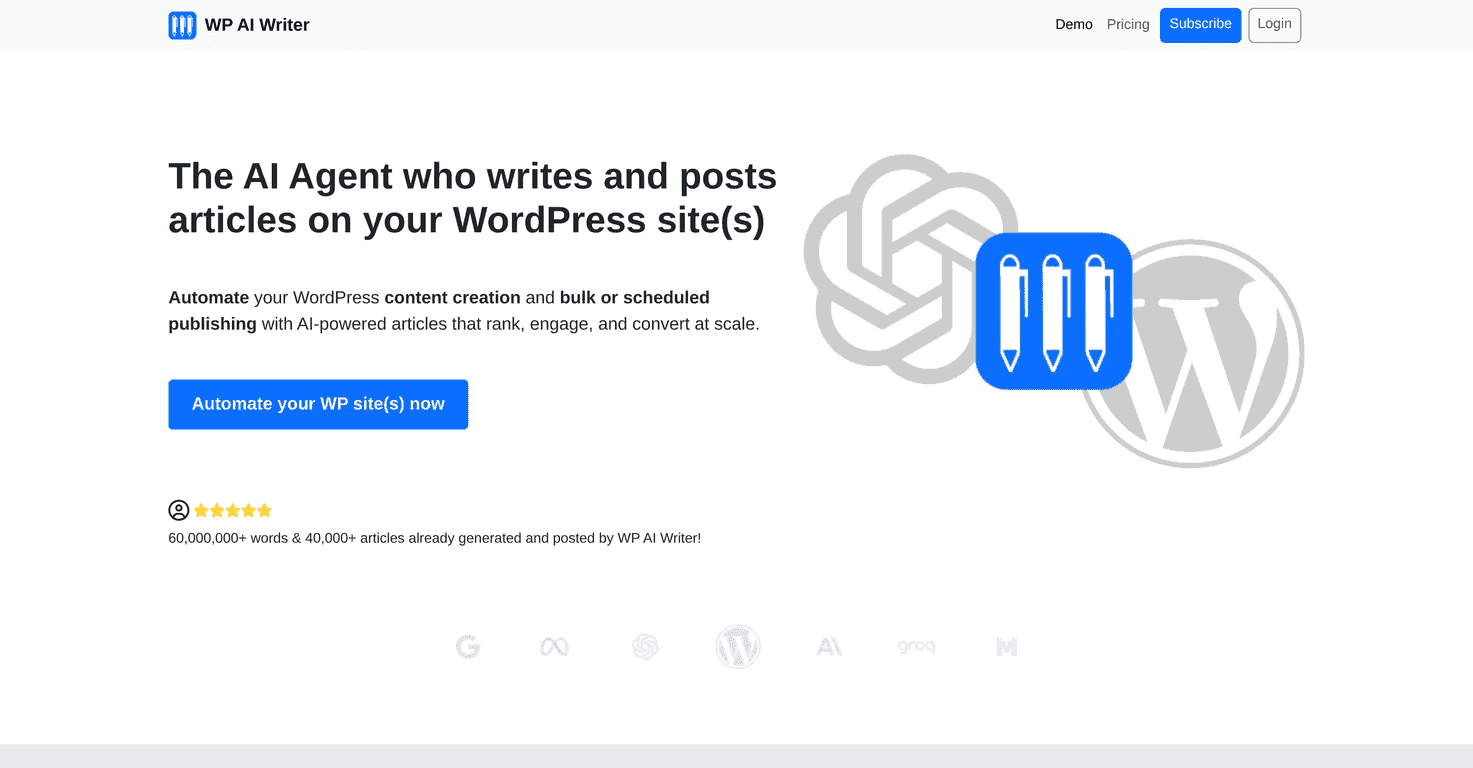
WP AI Writer is built specifically for WordPress users, which I appreciate. I’ve used generic AI writers before, and half the battle is copy/paste chaos. Here, the workflow is meant to stay inside WordPress—generate the article, tweak it, and then publish or schedule it.
When I tested it, the biggest win wasn’t just “faster writing.” It was how quickly I could go from a topic to a full draft with headings. I also liked that I could adjust the output—length, tone, and style—so it doesn’t always sound like the same template every time.
It also includes SEO-focused options. Now, I’ll be honest: no AI tool magically makes your post rank. But what I noticed is that the drafts are structured in a way that’s easier to optimize. You still need to add your own examples, tighten the intro, and make sure it matches what people are actually searching for.
Another feature I actually used: scheduling. Instead of generating a bunch of posts and then forgetting to come back later, I could set dates and keep things moving. If you’re publishing consistently, that alone can save you a surprising amount of stress.
Key Features
- Automated content creation for quick article generation (topic in, draft out)
- Bulk and scheduled publishing so you can plan ahead instead of scrambling
- SEO optimization to help with on-page structure and keyword-focused writing
- Flexible customization for length, tone, and style (so you can keep a consistent brand voice)
- Multi-site management from a single dashboard (handy if you run more than one WordPress install)
- AI provider integrations, including OpenAI, so you can choose the engine that fits your needs
- Custom posting schedules to match your audience and your editorial calendar
Pros and Cons
Pros
- Time savings are real. I didn’t have to start from a blank page, and that changes everything when you’re trying to publish weekly.
- WordPress-friendly workflow. The tool is built around posting, not just generating text you’ll have to wrestle into place.
- Customization helps avoid “robot voice.” Adjusting tone and style made the output feel more aligned with how I write.
- Guided experience. It’s not a confusing mess—there are enough prompts and setup steps to get you moving quickly.
Cons
- You still have to manage LLM costs. The plan covers usage, but depending on how much you generate, you’ll want to keep an eye on the underlying AI costs so you don’t get surprised.
- Text-focused tool. It doesn’t really replace image creation. If your posts need custom graphics, you’ll still be using Canva, stock photos, or another image workflow.
- You can’t skip editing. Even with SEO-oriented drafts, I still had to tighten wording, add specifics, and make sure the post sounded like me.
Pricing Plans
WP AI Writer has a Starter Plan that allows up to 300 articles per month. If you’re generating a lot of content, that cap matters. For the latest details on pricing and subscription options, you can visit the WP AI Writer subscription page.
One practical tip: before you commit, think about your real publishing pace. If you only need a few posts per week, you probably won’t use the full article allowance—so you can plan your budget around what you’ll actually publish.
Wrap up
Overall, WP AI Writer is one of the more practical AI writing tools I’ve tried for WordPress because it focuses on the workflow: generate drafts, customize them, and then schedule/publish without turning your day into copy/paste cleanup.
It’s not perfect. You’ll still need to edit for originality and add your own examples, and it’s definitely not an all-in-one solution for images. But if your goal is consistent SEO content with less manual effort, it’s worth taking seriously.
Promote WP AI Writer