Table of Contents
Honestly, building a website used to feel like one of those “I’ll do it later” projects. You know the type—tabs everywhere, design decisions that never end, and the constant worry that you’ll break something if you touch the wrong setting. Wix AI Website Builder is the first tool in a while that actually makes the process feel… manageable.
In my experience, the big win here is speed. I tested it by asking for a basic site idea, then watching it generate a starting layout, text, and page structure. It’s not “perfect on the first try,” but it gets you close enough that you’re editing instead of starting from scratch. And if you’re trying to launch something quickly—whether that’s a small business site, a portfolio, or a simple landing page—that difference matters.
Wix AI Website Builder Review (What I Liked and What to Watch)
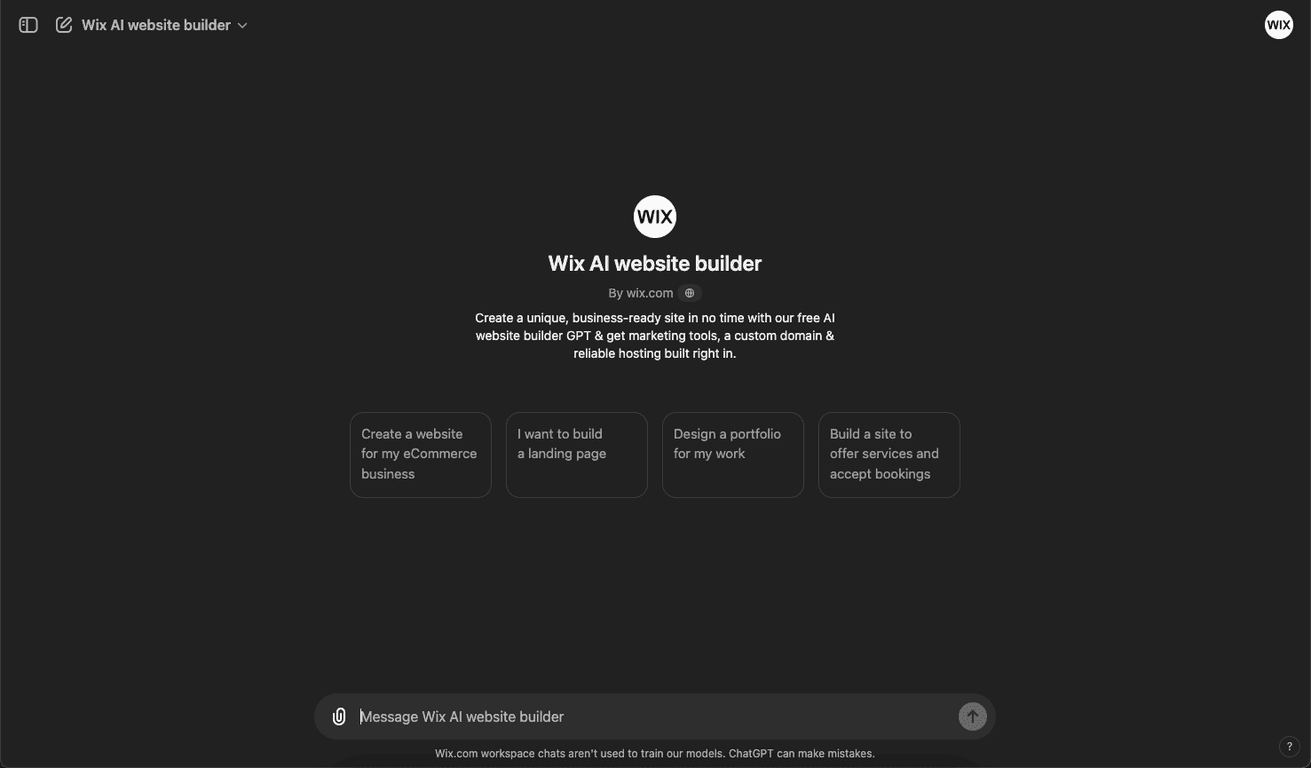
Wix AI Website Builder is built for people who want a real website without spending days learning tools or wrestling with layouts. You start with an idea, and the AI helps generate the structure—things like page sections, basic copy, and a clean starting design you can tweak.
Here’s what stood out to me while testing:
- It’s fast. The AI gets you a usable draft quickly. I wasn’t waiting around for hours, and that’s huge if you’re trying to launch this week.
- It doesn’t lock you out of editing. Even after the AI generates a layout, you can still adjust sections, swap images, and rewrite text so it actually sounds like you.
- It feels business-oriented. The tool doesn’t just create a “pretty page.” It nudges you toward adding the stuff businesses need (like contact info, basic marketing elements, and a more complete site structure).
That said, I wouldn’t call it “set it and forget it.” AI-generated copy and layouts can sound a little generic unless you personalize them. If you’re serious about branding, plan on spending at least a little time polishing the wording, updating your services, and choosing images that match your niche.
Key Features
- AI-driven website creation — You describe what you want, and Wix helps generate a starting website structure.
- Comprehensive marketing tools — Built-in tools aimed at helping you promote your site and capture leads (especially useful for small businesses).
- Custom domain availability — You can connect a custom domain so your website doesn’t look like a temporary landing page.
- Reliable web hosting solutions — Hosting is handled for you, so you’re not juggling separate services.
- User-friendly interface for easy navigation — The editor is straightforward, which matters when you’re not a designer.
Pros and Cons
Pros
- Quick and easy site creation. If your goal is “publish something decent fast,” Wix AI delivers.
- Good starting point for beginners. You don’t need coding skills, and the editor is easy to navigate.
- Marketing-focused setup. The included business tools help you move beyond a basic one-page site.
- Custom domain options. Switching from a generic URL to your own domain instantly makes the site feel more legitimate.
Cons
- Some advanced features may push you toward paid tiers. I noticed that certain capabilities aren’t always available in the free setup, which is pretty common, but still worth calling out.
- Account sign-up can be required for access. Depending on what you want to do, you may need to create an account before you can fully explore.
- AI can limit precision. If you have a very specific design vision (or you’re picky about layout spacing and typography), you’ll still be doing manual adjustments.
- Copy may need human touch. The AI can write decent text, but it might not match your exact tone or offer details. If you don’t review it, you might publish something that sounds “almost right.”
Pricing Plans
The basic version of Wix AI Website Builder is free, so you can get started without paying up front. That said, like most website builders, the free experience can be limiting—especially when it comes to features, customization depth, and connecting your own domain.
In my view, the best way to think about pricing is this: use the free option to test the workflow and confirm you like the editor. Then upgrade if you need things like a custom domain and more robust business/marketing tools. If you’re building a real brand, you’ll likely end up wanting those upgrades sooner rather than later.
Quick tip: Before you commit to a paid plan, make a shortlist of what you actually need—custom domain, email capture, SEO settings, and any business tools. That way you don’t pay for features you never use.
Wrap up
Wix AI Website Builder is a solid choice if you want to create a website quickly without getting stuck in technical rabbit holes. It’s beginner-friendly, the AI gets you to a usable starting point fast, and the built-in business/marketing tools make it easier to move toward something you can actually launch.
Just don’t skip the edits. If you personalize the copy, swap in images that fit your niche, and tweak the layout so it reflects your brand, the end result looks a lot more “you” and a lot less like an AI draft.
If your priority is speed and simplicity (with enough flexibility to improve the details), Wix AI is worth checking out.
Promote Wix AI Website Builder




