Table of Contents
Trip planning can be fun… right up until you’re staring at 47 tabs and still can’t decide what to do on Day 2. That’s usually where I end up. So when I came across WhatDo, I wanted to see if it actually makes things easier or if it’s just another “AI itinerary” page that doesn’t help much.
In my experience, WhatDo is best when you already know your destination and you want a solid plan without spending hours building one from scratch. Instead of dumping random attractions on you, it focuses on curated day itineraries that match the vibe you’re going for—food, culture, adventure, and more.
WhatDo promises personalized recommendations, and after testing it for a few different trip styles, I can say the recommendations felt more intentional than the usual generic travel lists. Still, it’s not perfect—and I’ll get into the parts that might annoy you depending on how you like to plan.
WhatDo review: does it actually make planning easier?
Let me put it simply: WhatDo is for people who want a structured starting point. If you’re the type who likes to build itineraries from scratch (maps, reservations, the whole spreadsheet thing), you might find it a little too “guided.” But if you just want a good day plan without overthinking it, it’s pretty solid.
WhatDo’s core idea is curated day itineraries. Instead of generic “top attractions” lists, it tries to shape the day around your preferences. For example, when I leaned more toward food and local spots, the plan felt more like a route through neighborhoods rather than a random checklist. And when I shifted toward culture, the recommendations leaned into museums, viewpoints, and walkable experiences.
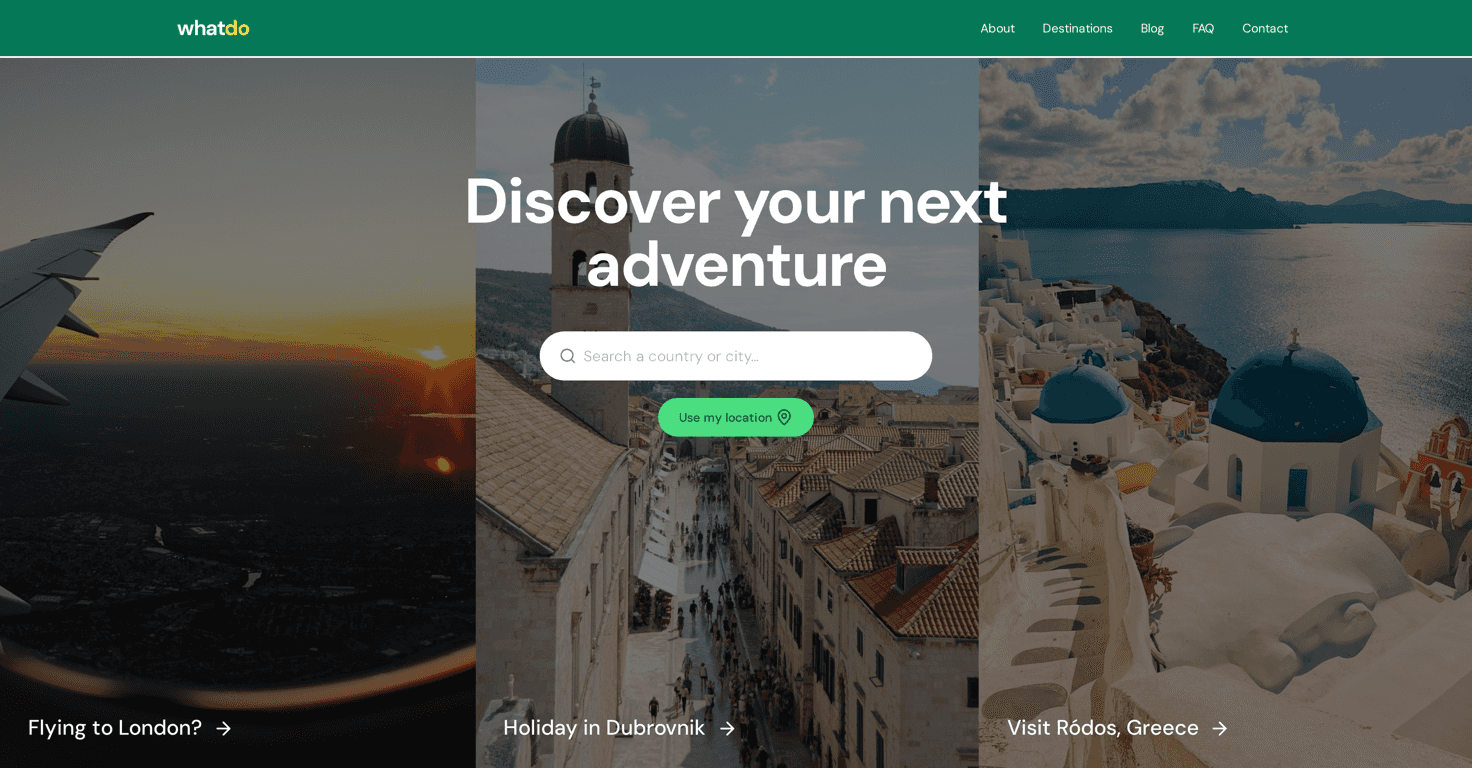
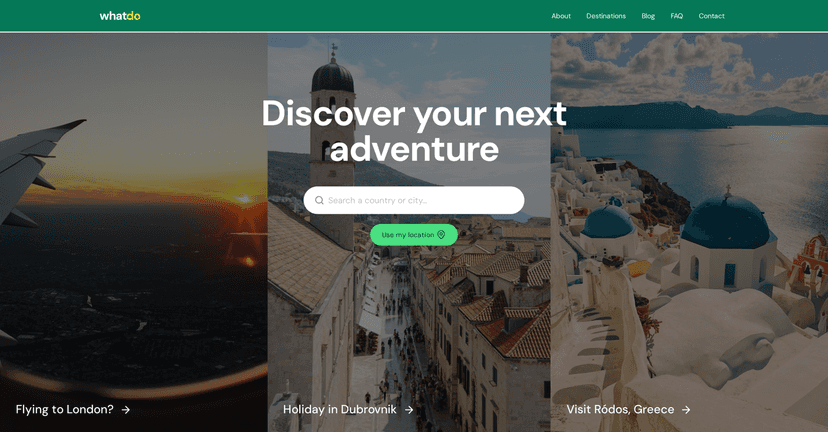
The interface is also easy to use. You pick a destination, then you’re presented with recommendations for attractions, local adventures, and dining options. I didn’t feel like I had to dig around to understand what to do next, which is a big deal when you’re planning on your phone.
One thing I appreciated: it feels designed for real days. It’s not just “go here sometime.” It’s more like, “Here’s how your day could flow,” which helps if you’re trying to avoid that classic mistake—doing three things that are all on opposite sides of the city.
Key features I noticed while using WhatDo
- Curated Day Itineraries: The platform builds day-by-day plans instead of throwing a giant list at you.
- Attraction Recommendations: Suggestions are tied to your preferences, so you’re less likely to get stuff you’d skip.
- User-Friendly Interface: Navigation is straightforward, and the planning flow feels quick.
- Local Adventures: It pushes beyond the obvious tourist stops and tries to include more “lived-in” experiences.
- Search Function: You can search for destinations and activities rather than only browsing blindly.
Pros and Cons: what’s great, and what to watch out for
Pros:
- Good variety across destinations: It’s set up for travelers planning trips around the world, not just one region.
- More personalization than generic lists: The itinerary recommendations felt tailored to different travel styles.
- Saves time: Instead of building a day from scratch, you can start with a ready-made plan and tweak it.
- Visually engaging and easy to scan: It’s the kind of site where you can quickly decide what to keep and what to skip.
Cons:
- Pricing clarity is limited: When I looked for specifics, I didn’t see clear, upfront pricing details—so you may need to contact them for confirmation.
- Booking details aren’t super obvious: Depending on how you plan, you might want clearer guidance on reservations and ticketing.
- It can feel less “human” for some people: If you prefer a very personal, deeply researched plan (or you’re traveling with specific constraints), you’ll still want to do your own checks.
Pricing Plans: what I found (and what you should verify)
Here’s the honest part: the website doesn’t clearly list pricing in an obvious way. That usually means one of two things—either the service is free (at least in part), or it relies on commission-based transactions or bookings through the platform.
If pricing matters to you (it does to me), don’t assume. Before committing, I’d recommend contacting them directly through their provided contact options so you know exactly what you’re paying for and whether there are any booking fees or limits.
Wrap up
WhatDo is a practical travel planning tool if you want a curated day itinerary without the headache. I like that it’s structured, preference-based, and easy to use—so you can spend less time researching and more time actually enjoying your trip. It’s not a replacement for your own judgment (especially for reservations, opening hours, and accessibility needs), but as a starting point, it works.
If you’re the kind of traveler who wants ideas fast and a plan that makes sense day-to-day, WhatDo is worth trying. Happy travels!