Table of Contents
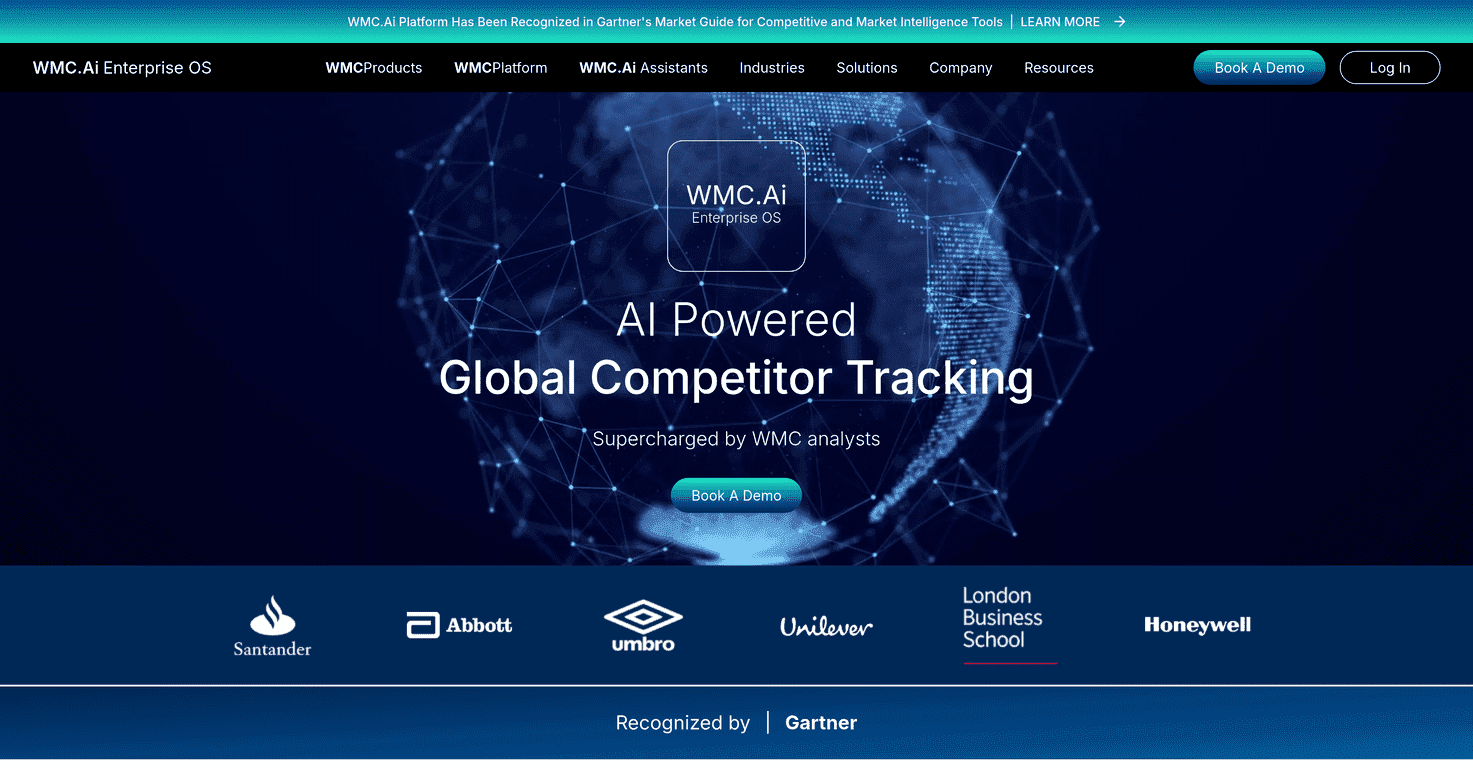
If you’re trying to grow a business, you can’t just “set and forget” your competitors. I’ve learned that the real value comes from noticing changes early—new pricing, new messaging, feature launches, even small shifts in how they talk to customers. That’s where WatchMyCompetitor comes in.
In my experience, most competitor-tracking tools either (1) feel too manual, or (2) dump a lot of data on you without helping you act. WatchMyCompetitor tries to bridge that gap with automated monitoring, real-time alerts, and analyst-style insights that are easier to digest than spreadsheets. Is it perfect? No. But if you want competitive intelligence you can actually use, it’s worth a serious look.
WatchMyCompetitor Review
So what does WatchMyCompetitor actually do day-to-day? It’s built around monitoring competitors automatically and then turning those updates into something you can act on. Instead of spending your mornings searching the same pages (pricing pages, release notes, blog posts, landing pages), you set your targets and let the system keep watching.
One thing I liked right away is the idea of “real-time alerts.” If a competitor changes something meaningful, you don’t want to find out two weeks later when it’s already old news. Alerts help you respond while it still matters—like updating your own messaging, adjusting sales talk tracks, or preparing a battlecard before a customer calls in.
Also, the platform isn’t positioned as just a raw data dump. It includes curated analyst insights, which is useful if you don’t have a full-time competitive intelligence team. You still need to think, of course—but it reduces the time spent hunting for context.
Key Features
- Automated Tracking for competitor activities: You can monitor competitor changes without manually checking everything. In practice, this saves a lot of repetitive work.
- Extensive Data Insights on market trends: It’s not only about what one competitor did—it helps you spot patterns across the market.
- Real-time Alerts on competitor changes: When something shifts, you get notified so you can react quickly instead of guessing.
- WMCAi for advanced analytics powered by AI: The AI layer is meant to help interpret what’s happening and surface insights faster than manual review.
- Task Tracker for managing and tracking tasks: I like that it’s not only “watching”—you can turn insights into next steps and keep moving.
- Curated Analyst Insights from market experts: This is a big differentiator for teams that want guidance, not just metrics.
- Analytics & Trends to facilitate decision-making: Instead of drowning in numbers, the goal is to make trends easier to understand.
- Battlecards for sales and marketing teams: These are especially useful when sales needs quick, accurate responses to competitor claims.
- Comprehensive Reports for in-depth analysis: Helpful when you need to share findings internally or prepare for strategy meetings.
Pros and Cons
Pros
- Automated tracking actually reduces busywork: You spend less time manually checking competitor sites and more time using what you learn.
- Curated insights make the data easier to digest: I found it faster to understand the “so what” behind updates.
- Alerts help you act sooner: Instead of reacting after the fact, you can respond in time for campaigns, proposals, or product positioning.
- Analytics and trends support strategy: It’s easier to connect competitor moves to broader market direction.
Cons
- Premium features may cost more than you expect: If you only need basic tracking, you might feel like you’re paying for extras.
- There can be a learning curve at first: Any tool with multiple views (alerts, reports, tasks, battlecards) takes a little time to set up properly.
- Not every business will use it the same way: Smaller teams or very niche industries might not get full value unless they’re actively running competitive plays.
Quick reality check: no competitor tool will magically tell you what to do. It can, however, cut down the time between “something changed” and “we adjusted our plan.” That’s the difference I care about.
Pricing Plans
WatchMyCompetitor doesn’t list pricing publicly in the content I reviewed. Instead, they push you toward booking a demo so the team can tailor the plan to your needs. If you’re evaluating it, I’d ask a few practical questions during the demo:
- How many competitors can I track on my plan?
- Are real-time alerts included, and can I customize what triggers them?
- Do battlecards and analyst insights require specific tiers?
- What’s the expected onboarding time for a small team (like 3–5 people)?
- Can I export reports for internal sharing?
That way, you won’t end up surprised later—because competitor intelligence tools can get expensive if you only realize what’s gated after you sign up.
Wrap up
Overall, I think WatchMyCompetitor is a strong option if your goal is to keep tabs on competitors without turning it into a full-time job. The combination of automated tracking, real-time alerts, and curated analyst insights is what makes it feel usable—not just interesting. If you’re serious about sales enablement, marketing positioning, or product strategy, it can help you move faster when competitors change their story.
If you want to see whether it fits your team, I’d start with the demo and pay attention to how quickly you can go from an alert to an actionable output (like a task or battlecard). That’s where the real value tends to show up.