Table of Contents
If you’ve ever copy-pasted an AI draft and thought, “This is *technically* good… but it doesn’t sound like me,” then you already get the whole problem Walter AI is trying to solve. I tested Walter AI on a few paragraphs that were clearly written by a machine—tight sentences, generic phrasing, and that slightly “samey” rhythm you see in a lot of AI output. After rewriting, the text felt more natural and easier to read out loud.
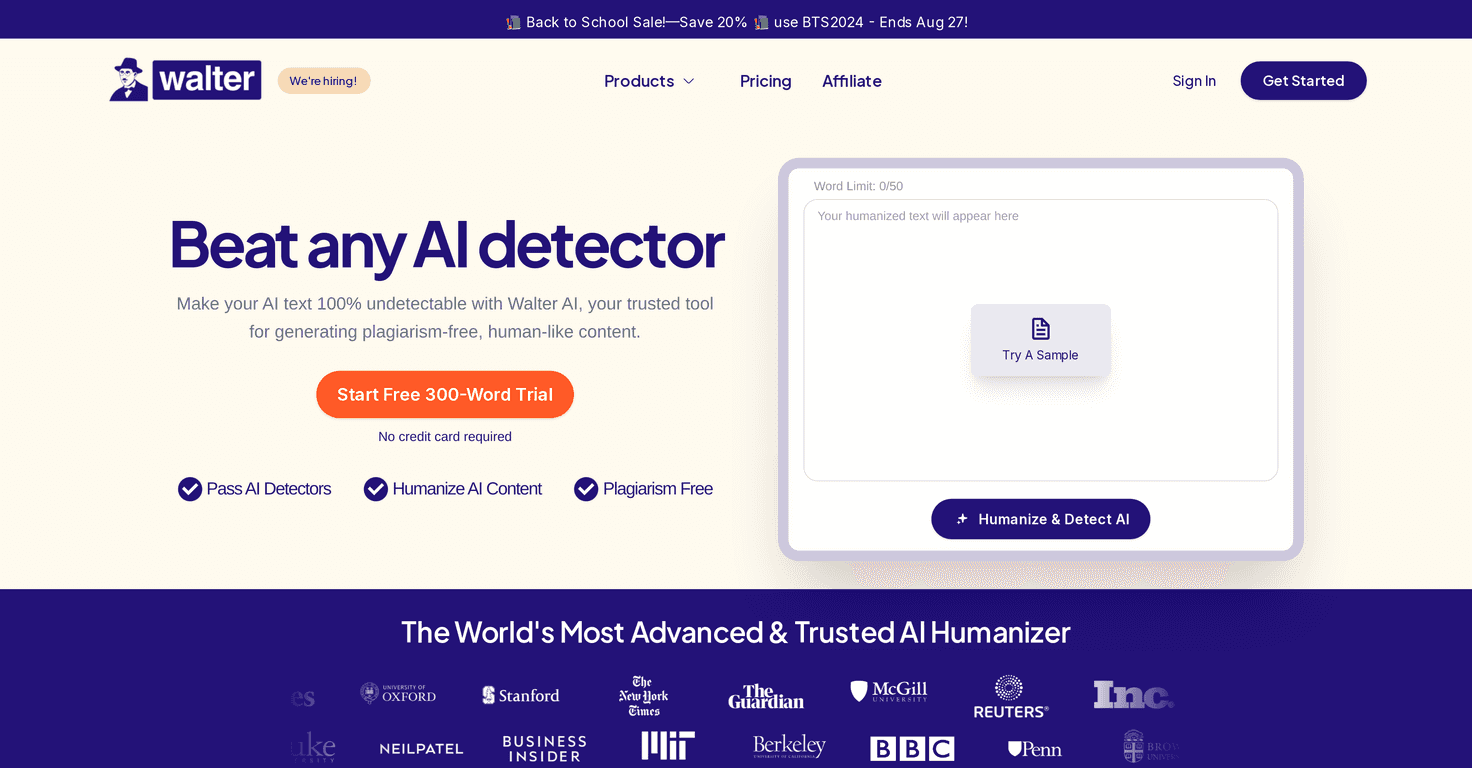
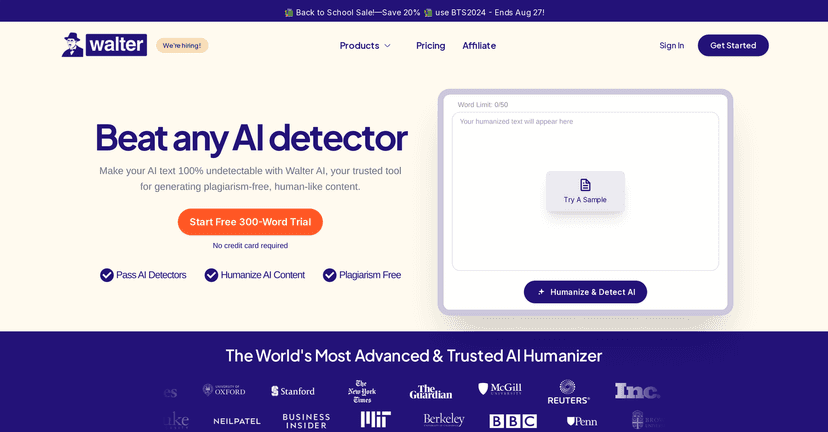
Walter AI is positioned as a rewriting tool: you feed it AI-generated text, and it rewrites it so it sounds more human-friendly. It also claims it can help with AI-detection tools like GPTZero and Turnitin. I’m not going to pretend no tool can guarantee results (detectors change all the time), but I did notice the rewritten version sounded less robotic and more like a real person talking to a real reader.
Walter AI Review
Walter AI focuses on rewriting AI-generated text so it reads like something a human actually wrote. That’s the big promise. And honestly, that’s exactly what I look for when I’m reviewing AI tools—does it just swap words around, or does it improve flow, clarity, and voice?
In my experience, Walter AI tends to do the “voice cleanup” part better than most basic spinners. The rewritten text usually feels less stiff. Sentences don’t all land in the same way, and the tone comes across more naturally—especially for blog-style writing and marketing copy.
It’s also marketed as a way to reduce the chances of getting flagged by AI detection tools like GPTZero and Turnitin. I can’t promise perfect results (no one can), but the rewritten output did seem less “AI-ish” on first read. If you’re using AI drafts as a starting point and want the final version to sound more like you, that’s where Walter AI fits.
Key Features
- Humanization of AI-generated text
This is the core feature. Walter AI rewrites content to sound more natural, with better rhythm and less “template” phrasing. - AI detection tool rewriting support
Walter AI explicitly mentions helping with AI detection tools like GPTZero and Turnitin. Again, detectors aren’t magic, but the goal is to make the text less predictable. - Works with different AI text inputs
You can use it to rewrite content that started from other AI tools or drafts that sound too generated. The output is meant to be more readable regardless of the original source.
Pros and Cons
Pros
- More natural tone after rewriting
What I noticed most: the rewritten text is easier to read out loud. It doesn’t keep hitting the same “AI cadence.” - Helps reduce that robotic feel
Even when the topic is the same, the rewrite tends to feel less generic. It’s not just word replacement—it’s more about flow and clarity. - Useful for real writing tasks
If you’re turning AI drafts into blog posts, emails, or ad copy, Walter AI can be a practical last step before you publish.
Cons
- Not a lot of detail on how the tool works
I wanted clearer info on what options you get (modes, intensity controls, tone settings, etc.), but the available details are pretty limited. - It won’t replace your editing brain
Even after rewriting, you’ll still want to check facts, remove fluff, and make sure the piece matches your voice. Tools like this can’t fully “own” your perspective for you.
Pricing Plans
Pricing wasn’t clearly available in the information I reviewed. Since plans can change (and sometimes differ by billing cycle), I’d recommend checking Walter AI directly for the most up-to-date pricing. If you’re budgeting, it’s worth comparing monthly vs. annual plans and looking for any limits on rewrites or word count.
If you want a quick way to sanity-check value before paying, try rewriting a short sample first (like 300–600 words). Then compare: does the output sound better *enough* to justify the cost?
Wrap up
Walter AI is basically for one thing: making AI text sound more human. After using it on drafts that felt robotic, I did notice a clearer improvement in tone and readability. If your workflow is “AI draft first, human-sounding rewrite second,” it can be a helpful step—especially for blog posts and marketing copy.
Just don’t treat it like a guarantee machine. I still think you’ll get the best results when you pair Walter AI with your own edits, your own examples, and your own voice. That’s what makes the final piece actually feel real.
Promote Walter AI