Table of Contents
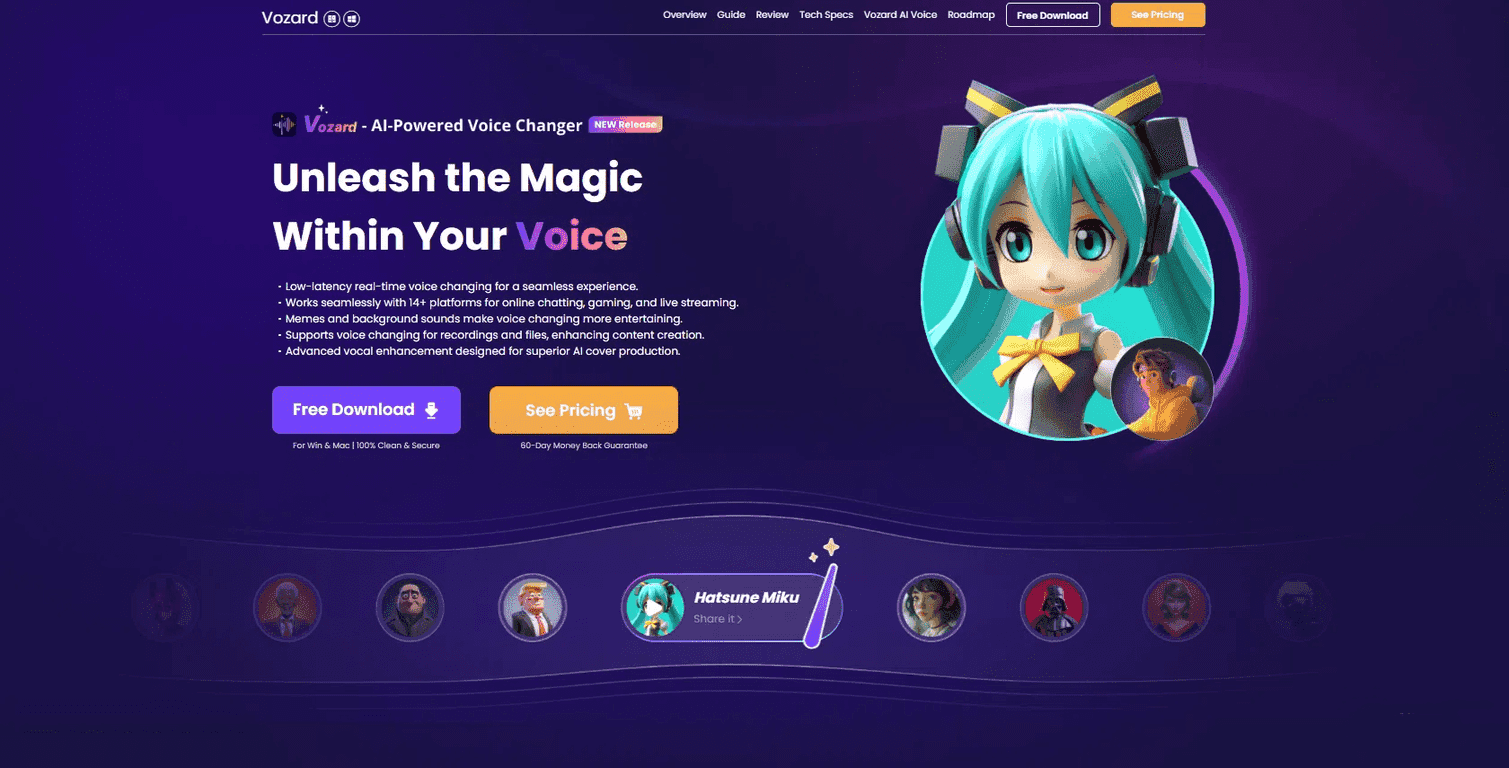
If you’ve ever watched someone sound like a completely different person in a Discord call and thought, “How are they doing that?”, Vozard is basically the answer. It’s a voice changer that lets you swap your voice in real time, plus add background sound effects when you’re gaming, streaming, or just messing around with friends. I tested it for a few sessions, and what stood out to me right away was how quickly you can get from “default mic” to “whoa, that’s not my voice.”
Vozard also isn’t locked to one single app. It’s built to work across more than 14 platforms (including popular ones like Discord and Twitch), which matters if you bounce between services. And if you like character voices, funny presets, or even just adding crowd noise / sci-fi ambience, the tool is pretty flexible.
Vozard Review: Does the Voice-Changing Actually Work?
Vozard is built for real-time voice transformation, which is what most people want when they’re using voice chat. It’s aimed at gamers, streamers, and content creators, but honestly, anyone who wants to add personality to calls can use it too.
In my experience, the big question isn’t “can it change your voice?”—it can. The real question is whether it stays usable while you talk. I noticed the effects feel responsive enough for normal conversation, and it doesn’t take forever to switch presets. That said, if you’re expecting studio-level vocal processing on every character voice, you might be a little disappointed. Some presets sound more natural than others, and you’ll probably find a few favorites you stick with.
What I also liked is the sound effects side. It’s not just about sounding different; you can layer in background sounds to sell the bit. Think “crowd noise,” “fantasy ambience,” or goofy audio cues for laughs during streams.
Key Features I Actually Look For
- Real-time voice changing for seamless interactions (so you’re not waiting for anything to “apply” after you speak).
- Compatible with over 14 platforms including Discord and Zoom, which is great if you don’t want to reconfigure everything constantly.
- 200+ lifelike sound effects—this is the part that keeps it fun. I didn’t get through even a fraction of the library in one evening.
- Voice modulation for recorded audio if you’re making clips or editing later.
- Vocal enhancement tools aimed at keeping the output clearer, especially when you’re not using a perfect microphone.
Pros and Cons (The Honest Version)
Pros
- Huge library of sound effects that’s genuinely useful for gaming sessions and streaming bits.
- Low-latency feel for real-time use. During my tests, switching effects didn’t feel disruptive.
- Easy to use—the interface is straightforward enough that you can get going without a tutorial video.
- Works on both Windows and Mac, which is a big plus if you’re not on a single ecosystem.
- Free version available with limited daily effects, so you can test before committing.
Cons
- Some platform features can be limited depending on the app and how audio routing is set up. You might need a quick settings tweak in the platform (like choosing the correct input/output).
- Full access requires a paid subscription—the free tier is fine for sampling, but heavy users will hit limits.
Pricing Plans: Free vs Paid
Vozard offers a Free Plan, and in practice that means you get 3 free voice effects daily along with access to essential background sound effects. I treated it like a “test drive” and kept switching only when I wanted to see how a preset sounded in real conversation.
If you want the full library and more freedom, you’ll need a Paid Plan. Exact details are on the official site (so I don’t guess here). The website also mentions a 60-day money-back guarantee, which is honestly one of the more reassuring parts if you’re on the fence.
Wrap up
For me, Vozard hits the sweet spot between “easy fun” and “actually usable in voice chat.” If you’re a gamer who wants to mess with teammates, a streamer who needs quick audio bits, or a creator making clips, it’s a solid option. Just keep expectations realistic: the best results usually come from picking a few presets you like and making sure your audio routing is set correctly in whatever platform you’re using.
Promote Vozard




