Table of Contents
I’ve been trying to stay active on LinkedIn without turning it into my full-time job. So when I saw Virly marketed as a way to generate personalized posts fast, I decided to test it myself instead of just taking the claims at face value. My goal was simple: could it produce posts that sound like me, not like a template?
Virly Review: what I noticed after running a 30-day content plan
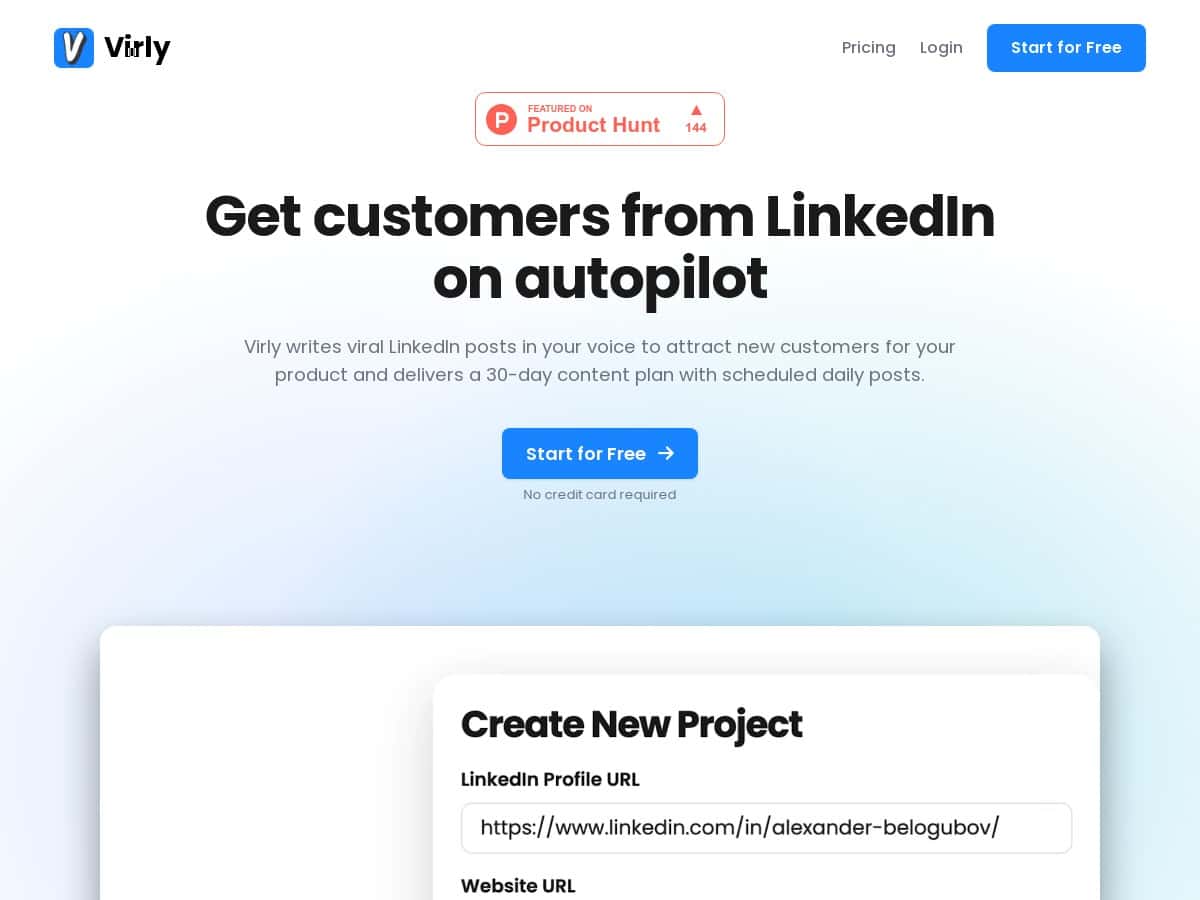
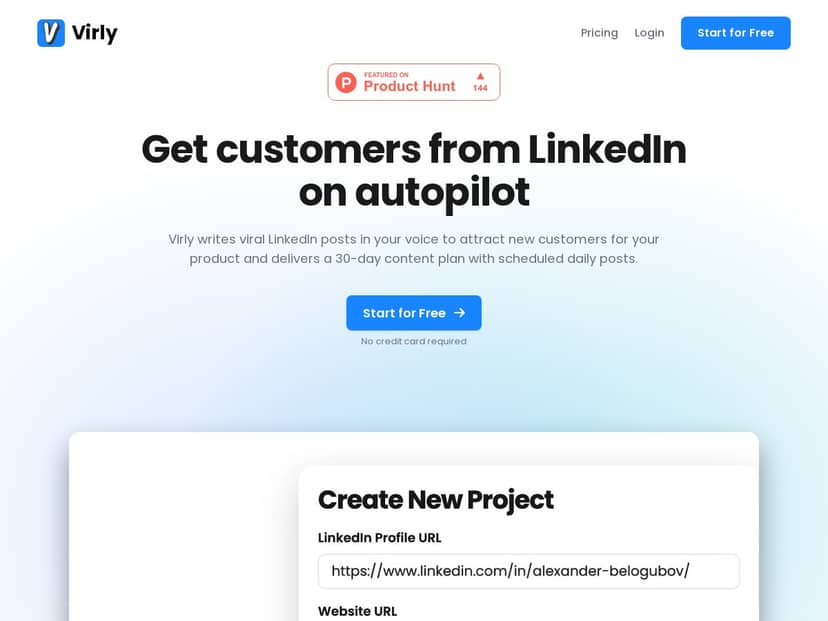
Setup (and the inputs I used): I started by connecting my LinkedIn profile and adding my website URL. Then I set up the content style so the posts would match how I normally write—shorter sentences, a few personal opinions, and practical takeaways instead of fluffy “thought leadership.”
How fast it worked: Once I clicked through the initial prompts, Virly generated a 30-day content plan pretty quickly. I’m not exaggerating—it was within the same sitting, and I didn’t have to babysit the process.
What the generated posts looked like (real examples): I pulled a few posts into my notes so I could compare “before and after” editing. Here are three examples of the kind of output I got, and what I changed to make it sound like me.
- Post idea: “quick lesson from a project.” Virly’s draft started with a hook and then moved into 3–4 bullet-style points. My edit: I swapped one generic line for a specific outcome from my work and tightened the ending call-to-action so it didn’t feel salesy.
- Post idea: “mistakes to avoid.” The draft used a clear structure (problem → what I learned → what I’d do differently). My edit: I added one concrete metric from a past campaign and removed a sentence that sounded too “AI-ish” (you know the vibe).
- Post idea: “engagement prompt.” Virly included a question at the end. My edit: I made the question more specific to my audience so it would be easier for people to respond with something other than “Great post!”
Did it publish automatically? This is important. Virly helped me schedule posts, but I didn’t just hit “set and forget” without checking. In my experience, I still reviewed each post for accuracy, tone, and whether the hook matched the day’s topic. I scheduled most of them, but I also held back on a couple because the examples were close to my voice—just not close enough that I’d feel confident posting it as-is.
Scheduling and reminders: The calendar flow was one of the biggest wins for me. I liked that I could see what was queued up, and the reminders helped keep me consistent. If you’ve ever missed posting because “life happened,” you’ll get why that matters.
Time savings (what I actually tracked): Before Virly, writing a post from scratch (including brainstorming and editing) took me roughly 45–60 minutes when I was busy. With Virly, the first draft work dropped a lot. Over the 30-day window, I estimated I saved around 35+ hours total—mostly because I wasn’t starting from a blank page every time.
Engagement results (what I could measure): I didn’t see a magic “viral spike” button. What I did notice was steadier posting, and steadier posting usually helps. I tracked engagement manually (likes/comments and rough performance by day) rather than relying on deep analytics inside the tool, because Virly doesn’t provide the kind of post-level reporting I’m used to seeing in more analytics-heavy platforms.
So, was Virly worth it for me? Yes—because it reduced the friction. But it’s not a replacement for your judgment. The drafts were strong starting points, and the best results came when I treated Virly like a writing assistant, not an autopilot.
Key Features that matter (not just what the marketing says)
- 30-Day Content Plan: generates a month of posts so you’re not stuck ideating every day.
- Voice and Style Customization: you can steer the tone so posts don’t feel generic.
- Viral Post Templates for Launches, Growth, and Engagement: templates help with structure (hooks, bullet points, CTAs).
- Automatic Scheduling and Email Notifications: scheduling reduces the “oops I forgot” problem.
- Content Calendar: makes planning and swapping topics easier than hunting through drafts.
- Supports Multiple Projects and Profiles: useful if you manage more than one LinkedIn presence.
- Time-Saving Automation: the real value is getting usable drafts faster, not instant analytics.
Pros and Cons from my actual test
Pros
- Big time saver: I estimated 35+ hours saved per month compared to writing from scratch.
- Drafts are close to usable: the structure and tone usually needed light editing, not a full rewrite.
- Scheduling is genuinely easy: once it’s set up, the calendar + reminders keep you consistent.
- Works for multiple accounts: if you run more than one project, it’s helpful to keep everything organized.
- Free trial: I’d recommend using it to check whether the generated voice matches your expectations.
Cons
- Lower-tier limitations: project options can be limited depending on the plan, which might be a deal-breaker if you manage several profiles.
- Not an analytics powerhouse: I didn’t get the kind of detailed performance breakdown you’d want (impressions, CTR, follower growth trends, post-level deep dives). I ended up tracking results manually.
- No built-in outreach automation: it helps with content planning and scheduling, but it doesn’t do the “find people / DM sequence / follow-up” type of automation.
- Some drafts still need your touch: if you’re picky about phrasing, you’ll want to review each post before it goes out.
Pricing Plans (what I could confirm during my review)
Virly uses subscription plans. In my test, I saw the Starter tier listed at around $29/month (and it showed discounts for annual billing). The Starter plan included 30 posts and one project in what I observed.
The Pro and Business tiers offered more posts and more projects, but I don’t want to guess on exact limits here—those details can change, and I didn’t capture every line item in a way I can quote perfectly. If you want the most accurate breakdown, check the live pricing on their official page before you commit.
That said, the free trial is the move if you’re on the fence: try it, generate a week of posts, and see whether the voice feels like you. If it doesn’t, you’ll know fast.
Wrap up
Virly is a solid option if your biggest problem is consistency and the blank-page grind. It helped me get a month of LinkedIn posts scheduled without spending hours writing from scratch, and the drafts were usually close enough that editing felt quick.
Just don’t expect it to replace your strategy or analytics. If you want deep performance reporting or outreach automation, you’ll likely need something else alongside it. For me, the sweet spot was clear: Virly handled the heavy lifting of content planning and scheduling, and I handled the final polish so the posts still sounded like a real person.


