Table of Contents
If you’ve ever sat there tweaking a voiceover for an hour, you already know the pain: it’s not just recording—it’s the whole process of getting the tone right, matching pacing, and rewriting scripts when it doesn’t sound natural. Vidvoi is an AI voiceover generator that aims to skip most of that hassle.
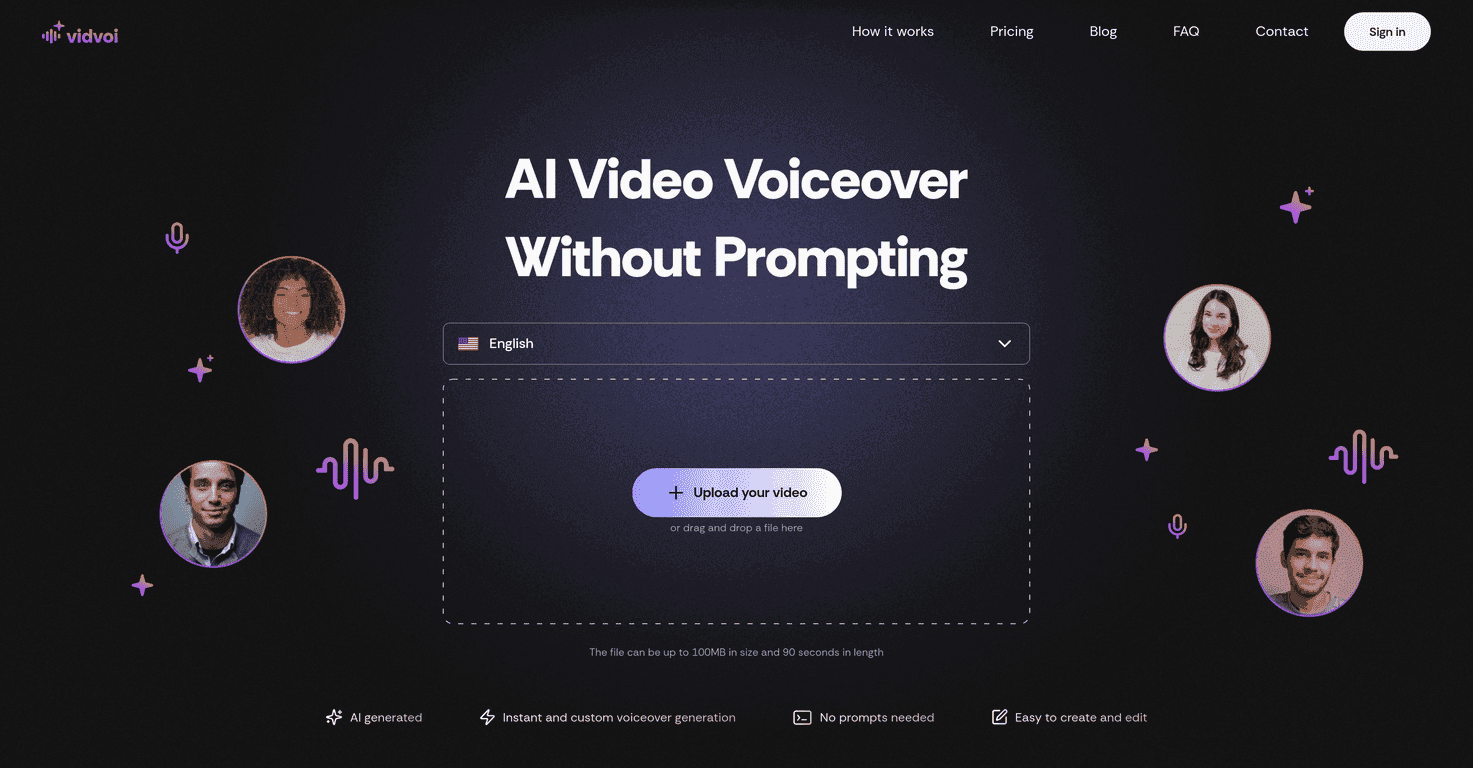
In my experience, what makes Vidvoi stand out is how simple it is. You upload your video, pick a voice style (and language, if you want), and it generates a voiceover quickly. No deep prompting, no complicated setup. It’s built for creators who want something “good enough” fast—especially for social clips, promo videos, and educational content.
Vidvoi AI Voiceover Generator Review
Vidvoi is designed to generate a voiceover for your video without you having to write a bunch of complicated prompts. You upload the video, and it creates a voiceover that fits the content. It also supports multiple languages and different voice styles, which is great if you’re repurposing the same video for different audiences.
What I noticed right away: the workflow is pretty “upload → choose → generate.” That’s exactly what I want when I’m trying to ship content on a deadline. If you’re doing product demos, explainers, or marketing reels, you don’t want to babysit a voice tool all day.
Also, there are some practical limits to keep in mind. Vidvoi lets you upload video files up to 100MB and up to 90 seconds. So if you’re working with longer videos, you’ll either need to cut them into smaller parts or split your content into multiple uploads.
Key Features
- AI-generated voiceovers that you can generate directly from your video
- Instant voiceover generation (fast turnaround is the whole point here)
- No prompts required for voice generation—at least in the basic workflow
- User-friendly interface that makes it easy to upload and manage your output
- Multiple languages and voice styles so you can match different video vibes
- Upload limits: up to 100MB and 90 seconds per video
- Commercial use options on the Pro plan
Pros and Cons
Pros
- Easy workflow: I didn’t have to fight with settings. Uploading and generating felt straightforward.
- Free plan available: if you’re just testing the waters, you can try it before committing.
- Speed: voiceover generation is quick enough that you can iterate without losing your whole day.
- Voice variety: you get multiple voice styles and language options, which helps when you’re targeting different audiences.
- Works for lots of content types: educational videos, marketing clips, and social media content are all good fits.
Cons
- Free plan restrictions: you’re limited to one video per month, which is tight if you post often.
- Watermarked output: free versions include watermarks, so you can’t just publish the results as-is.
- Less flexibility on the free tier: compared to paid plans, you’ll hit limitations sooner—especially if you’re doing real production work.
Pricing Plans
Vidvoi has a Free Plan and a Pro Plan. Here’s the gist of what you get:
- Free Plan: 1 video per month, with 6 unique voice styles. You’ll also see watermarked videos, and commercial use isn’t included.
- Pro Plan: includes everything from the Free plan, but you can generate 50 videos per month, get faster processing, remove watermarks, and use the output commercially.
One thing I wish was more transparent: the exact Pro pricing isn’t listed here, so you’ll need to check the site for current rates before deciding.
Wrap up
Vidvoi is a solid option if you want voiceovers without the usual grind. It’s not trying to replace a full studio setup, but for quick content—especially for marketers and creators who need speed—it does the job. If you’re okay working within the upload limits (up to 90 seconds), and you’re fine upgrading to Pro when you’re ready to publish commercially, it’s a tool I can see getting used regularly.
If you’re mostly testing or posting occasionally, the free plan can be a decent try. Just don’t expect to run a real content schedule on it—those monthly limits and watermarks get in the way fast.
Promote Vidvoi AI Voiceover Generator



