Table of Contents
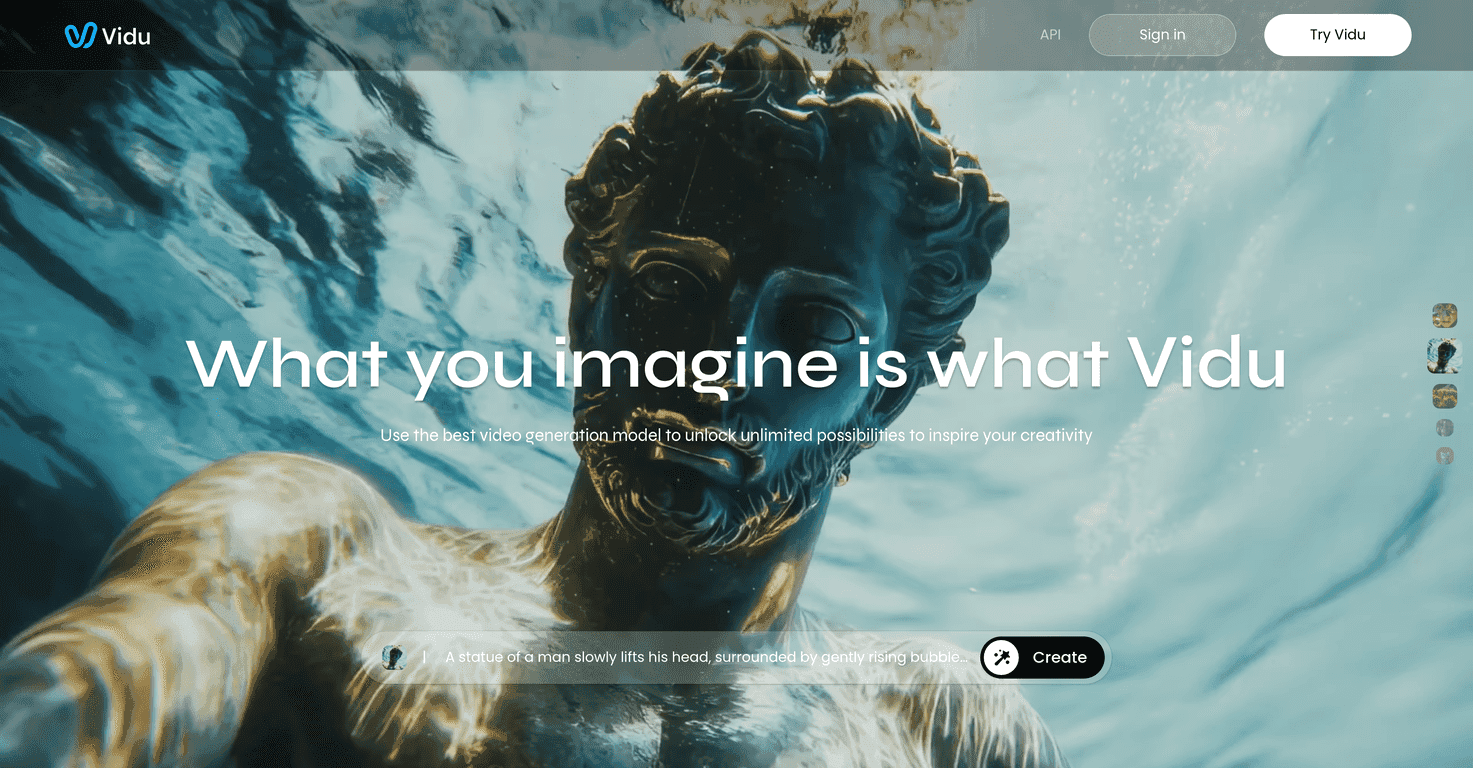
If you’ve been trying to crank out more video content without spending weeks in editing purgatory, you’ll probably get why I was interested in Vidu. It’s an AI video creation platform that turns text prompts (and even images) into full video clips fast. The big promise is speed—like, “you might see something in about 10 seconds” fast—which is exactly what you want when you’re testing ideas or making quick variations.
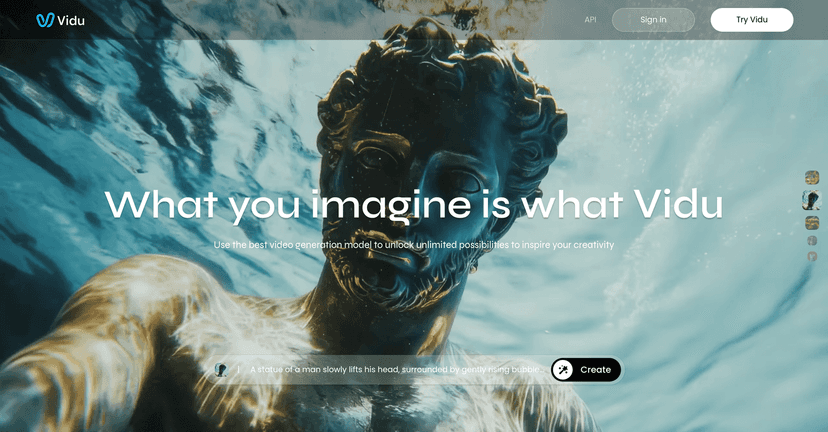
In my experience, the most impressive part isn’t just that it generates a video—it’s how it tries to interpret the meaning of what you wrote. If you give it clear details (subject, setting, camera style, mood), it tends to produce results that feel more intentional than the usual “random motion” you get from weaker tools. And yeah, I still end up tweaking prompts, but that’s normal for AI video. What I like is that the learning curve doesn’t feel steep.
Vidu Review: What It Does Well (and Where It Trips Up)
Vidu is built around one core idea: you describe what you want—or provide an image/reference—and it generates a video. The “text-to-video” workflow is obviously the headline, but what stood out to me is that it doesn’t treat prompts like vague suggestions. If you’re specific, it usually follows through.
Here’s what I noticed when I tested it:
- Fast iteration matters. When you can generate something in roughly 10 seconds, you’re way more willing to experiment with angles, lighting, and vibe. That’s a real productivity boost, not just marketing.
- Prompt quality still wins. If your prompt is “a dog in a park,” you’ll get something dog-in-park-ish. If you prompt “golden retriever running through morning fog, cinematic lighting, shallow depth of field, camera tracking shot,” the output feels more directed.
- It’s great for concepting. I can see using this for early storyboards, social ads drafts, or quick “what if we tried this” clips—then polishing later with traditional editing.
Now, I’ll be honest: AI video is never perfect. Sometimes you’ll get motion that looks cool but doesn’t perfectly match your intent, especially with complex scenes or lots of moving parts. Still, for the speed and the variety, it’s easy to keep generating until you hit something usable.
Key Features of Vidu (Text, Images, and References)
- Text-to-Video: Turn written descriptions into engaging videos. I like this for ad concepts and quick cinematic experiments.
- Image-to-Video: Bring static images to life. This is handy when you already have a character, product shot, or scene and want motion without starting from scratch.
- Reference-to-Video: Generate videos using your chosen references with Multi-Entity Consistency. In plain terms: it tries to keep multiple elements aligned to what you provided.
- Ultra-Fast Generation Speed: Create videos in as little as 10 seconds. That speed is the reason I’d use it for iteration, not just final renders.
- Powerful Semantic Understanding: Interprets complex text so the output reflects your imagination more accurately than basic prompt-to-clip tools.
- Realistic Movements: Smooth motion and larger-scale movement options, which helps avoid the “jerky AI” look you sometimes see elsewhere.
Pros and Cons From a Real-World Creator’s Perspective
Pros
- Speed you can feel. Rapid generation makes it easier to test 5–10 prompt variations and pick the best one.
- Flexible inputs. You can work from text, images, and references—so you’re not locked into only one workflow.
- Output is often “close enough” to be useful. For social content, concept reels, and early drafts, the results can be surprisingly workable.
- Easy to start. You don’t need a full technical background to get decent first attempts.
Cons
- Customization can feel limited. If you’re the type who wants super granular control (exact camera path, precise object placement), you may hit walls and rely on prompt retries.
- Complex prompts can get inconsistent. The more you cram into one description (multiple characters, detailed actions, specific camera moves), the more randomness creeps in.
- AI interpretation can surprise you. Sometimes it nails the vibe. Other times it “understands” your intent differently than you expected—so you’ll want a few rerolls ready.
Pricing Plans: What I Could Confirm (and What You’ll Need to Check)
I couldn’t find clear, fixed pricing details in the content I reviewed. What is mentioned is a “Try it now” option, plus enterprise-level inquiries for users who want access to an API. That usually means there are tiers—often based on usage limits and features—but you’ll want to check directly on the site for the latest numbers.
If you’re cost-sensitive, I’d also recommend you test with a handful of prompts first. AI video tools can vary a lot in how many attempts it takes to land on something you actually want to publish.
Quick Tips to Get Better Results With Vidu
If you want to get from “interesting” to “publishable,” here are a few prompt habits that tend to work:
- Specify the camera. Words like “close-up,” “wide shot,” “tracking shot,” or “over-the-shoulder” often improve consistency.
- Describe lighting and mood. Try “golden hour,” “neon-lit at night,” “soft diffused daylight,” etc.
- Limit your scene complexity. If you’re doing a multi-step action, consider splitting it into separate prompts and stitching later.
- Use references when you care about consistency. If there’s a character or product that must stay recognizable, reference-based generation is more reliable than pure text.
- Reroll strategically. Don’t just spam prompts—change one variable at a time (angle, lighting, subject motion) so you learn what’s driving the result.
Wrap up
Overall, Vidu feels like a practical AI video creation tool for anyone who needs speed and wants to explore ideas quickly. The text-to-video and image/reference workflows are exactly what you’d expect from a modern generator, but the real win is how fast you can iterate—especially if you’re making social content, ad variations, or storyboard-style clips.
Just go in with realistic expectations. You’ll likely do some prompt tweaking, and heavy, complex scenes may not come out perfectly on the first try. But if you treat it like a rapid concepting engine (then refine with editing), it can save a ton of time.