Table of Contents
Video editing can feel intimidating—especially if you’re used to just posting and moving on. I’ve been there. You open a timeline, everything looks technical, and suddenly you’re spending more time figuring out buttons than actually making the video.
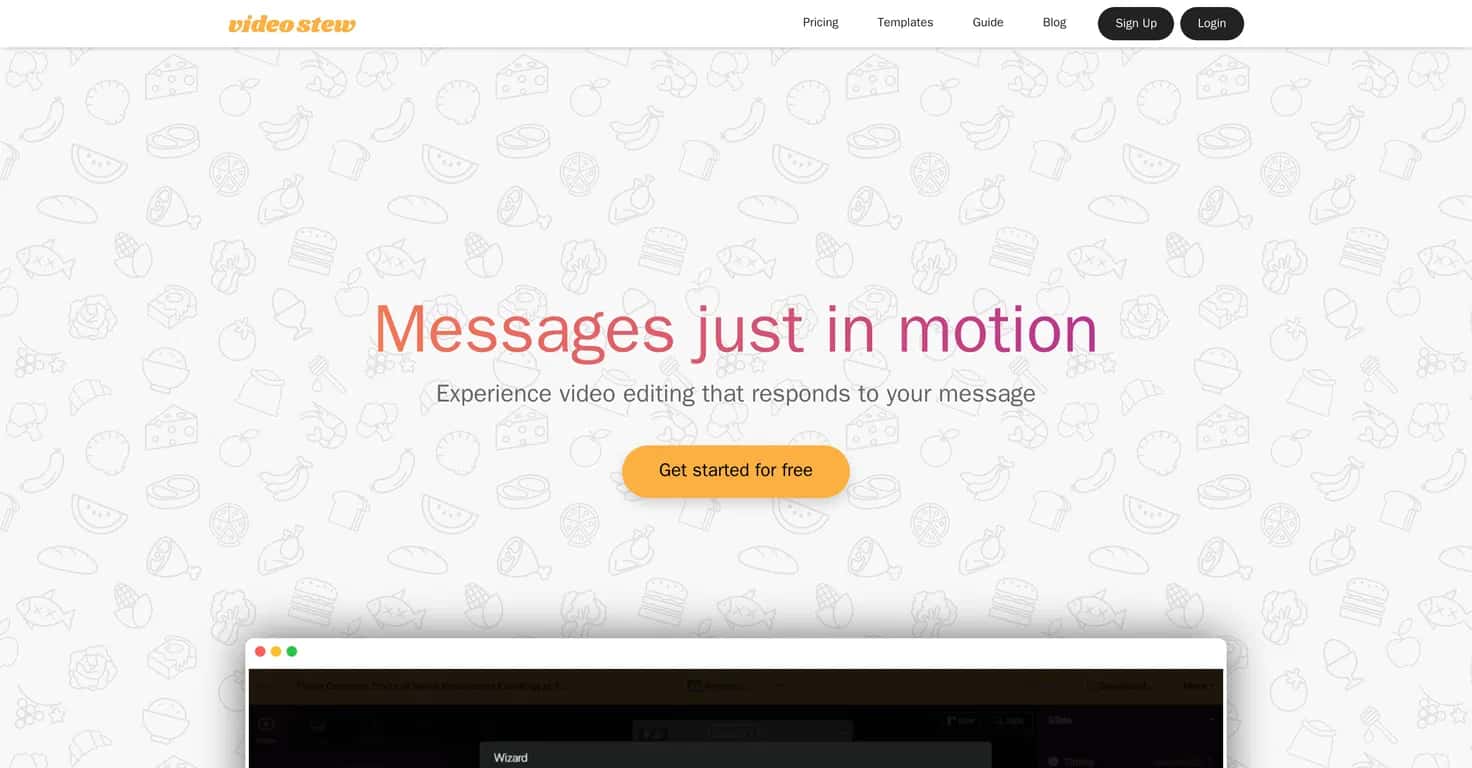
That’s why I wanted to try VideoStew. It’s an AI-powered online video editor that’s built to help you go from idea to a usable draft faster—without needing to be a full-time editor. The big promise here is simple: you provide content (text, blog links, or voice), and the AI generates a video draft you can tweak. In my experience, that’s exactly what most people want—something they can shape, not a blank screen.
VideoStew Review
VideoStew is aimed at people who want to publish more often, not people who want to spend hours perfecting every cut. It’s especially handy if you’re making short-form content, course-style explainers, or even simple promo videos.
One thing I liked right away: the interface feels familiar. It’s kind of like working in a slide editor (think PowerPoint vibes). You’re not constantly hunting for complicated menus. If you can rearrange text blocks and adjust a layout, you’ll probably get comfortable quickly.
Here’s how the workflow usually goes:
- Start with content (text, a blog link, or voice input).
- Let the AI generate a draft based on what you provided.
- Customize it—change wording, adjust visuals, and refine the pacing.
- Pick assets from the library so you’re not hunting for stock every time.
- Render and export when it looks right.
In my experience, the “draft first, polish later” approach is the whole point. The AI won’t magically replace your taste. But it does give you something you can actually build on. That matters, because the hardest part for many beginners isn’t editing—it’s getting started.
Also, the stock media library is a big deal. It’s one less thing to worry about when you’re posting publicly. You still want to be careful and check the usage rules for your specific plan, but having a built-in asset pool saves a ton of time.
And yes, it’s cloud-based. I tested it from a different device than my usual setup, and I didn’t have to transfer files or mess with exports just to keep going. That’s a small thing, but it adds up if you collaborate or work on the go.
Key Features
- AI-assisted video draft creation from text, blog links, or voice input
- Simple editing interface that’s easier to learn than traditional timeline editors
- Cloud-based editing so you can jump between devices
- Extensive royalty-free asset library for backgrounds, media, and supporting visuals
- Purpose-driven templates for common video types (so you’re not starting from scratch)
- Team collaboration tools for shared projects and smoother handoffs
- One-click distribution to platforms like YouTube
Pros and Cons
Pros
- Beginner-friendly—the layout and controls feel approachable, not overwhelming.
- Fast first drafts—I could get something usable without spending an entire afternoon figuring out editing basics.
- Useful AI help—it’s not just “generate and leave.” You can still customize, which is where the value really shows.
- Built-in media library—it reduces the time spent sourcing visuals (and helps avoid copyright headaches).
- Works well for repeat content—if you’re making similar videos for marketing or learning, templates and AI drafts help you stay consistent.
Cons
- Rendering limits for heavier usage—if you plan to render a lot of versions, you’ll want to watch your monthly cap.
- Advanced editing can feel limiting—for super specific effects and highly technical timeline work, you may find yourself wanting more control.
- AI drafts still need your taste—sometimes the visuals or phrasing won’t match your exact style on the first try, so expect a bit of tweaking.
Pricing Plans
VideoStew uses subscription pricing, and the numbers are fairly straightforward. The Personal Plan starts at KRW 24,750/month for casual users. If you’re running a business or producing content regularly, the Agency Plan goes up to KRW 366,667/month for teams with heavier video needs.
Each tier includes different rendering capabilities and plan-specific access, so the real question is: how often are you rendering and exporting? If you’re only making a couple videos a month, the lower tier might be enough. If you’re producing multiple variations for campaigns, you’ll probably feel the limits sooner than you expect.
Wrap up
For me, VideoStew hits a sweet spot: it’s not trying to be a fully manual pro editor, and that’s honestly refreshing. If you want to create videos faster—especially using text, blog links, or voice—this is the kind of tool that can help you actually publish. You’ll still do editing and fine-tuning, but you’re not starting from zero.
If you’re the type who loves deep timeline control and complex effects, you might outgrow it. But if your goal is “make a good-looking video without the headache,” VideoStew is worth serious consideration.
Promote VideoStew



