Table of Contents
Let me be honest: I don’t always have time to watch a 20–60 minute video just to find the one part I actually need. So when I tried Video Summarizer, I was mainly looking for a quick way to pull out the key points without losing the context.
What this app does is pretty straightforward: it transcribes the video into text and then generates a summary you can skim. In my experience, that’s the real value—especially for lectures, product demos, interviews, and long YouTube explainers where the “good stuff” is buried somewhere in the middle.
It’s also worth mentioning that the app is still getting traction (and the user rating is pretty low right now). That doesn’t automatically mean it’s bad, but it does mean you should expect some rough edges until the developers iron things out.
Video Summarize Review
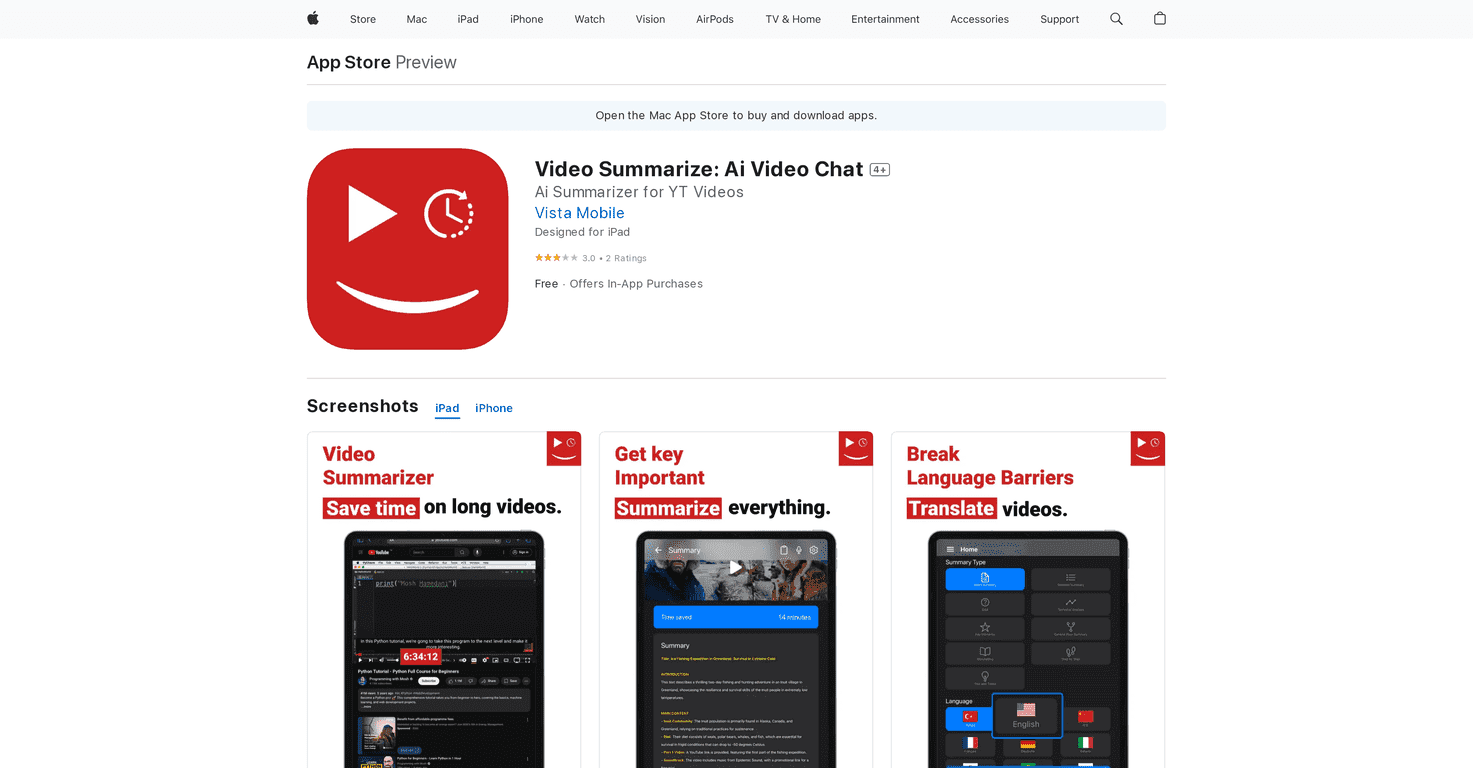
Video Summarizer is an app built for people who want the gist fast. Instead of sitting through every second, you paste a video link (like a YouTube URL) and the app generates a transcript and a summary.
In my experience, the transcript is the part that helps you “check the work.” The summary is great for quick understanding, but if you’re trying to study something or write notes, the text version is what lets you verify details and grab quotes.
Here’s how I’d describe the workflow: you feed it a video, it processes it, and you end up with something you can skim in a few minutes. That’s exactly what I want when I’m prepping for a meeting, reviewing an interview, or trying to understand a topic without committing to a full watch-through.
One thing to keep in mind though: the app’s current rating is low (2.3/5). That usually means some users are running into issues—whether that’s accuracy, speed, or paywall/friction. So if you try it, I’d treat it like a “test drive” rather than a perfect tool on day one.
Key Features
- Summarizes videos from YouTube and other platforms quickly (fast enough to be useful, not just “eventually”)
- Transcribes video audio into text so you’re not stuck reading a fuzzy summary
- Generates concise summaries designed to be easy to scan
- Lets you paste video links manually, which is handy when you’re collecting links for later
- Premium subscription option for unlimited summaries and other advanced features
Pros and Cons
Pros
- Time savings are real. If you’re dealing with long videos, the summary + transcript combo can cut your research time dramatically.
- Text-based learning feels easier. I found it simpler to highlight and revisit points when it’s in written form.
- Link input is convenient. Being able to paste your own video link means you’re not limited to whatever happens to be trending.
Cons
- Low user rating right now (2.3/5). That’s a red flag. I’d expect inconsistent experiences across different videos or accounts.
- Premium paywall for advanced usage. If you want unlimited summaries and deeper transcription/summarizing, you’ll likely need a subscription.
- Accuracy can vary depending on the video. With busy speakers, heavy accents, or lots of jargon, the transcript and summary may need a quick review instead of being “copy/paste perfect.”
Pricing Plans
Video Summarize is available as a free download, but the real functionality is tied to in-app purchases.
Here are the listed options:
- YouTube Video Unlimited Summaries: $79.99
- Transcribe Ai YT Video to Text: $49.99
- YouTube Video Summarizer Ai: $9.99
There’s also a subscription option with auto-renewal. You’ll need to cancel at least 24 hours before the renewal to avoid being charged again.
My take? If you’re only going to summarize a video occasionally, those one-off prices might make more sense. But if you’re doing this regularly for work or studying, unlimited summaries could pay off fast—assuming the app stays consistent.
Wrap up
Video Summarizer is a solid idea: turn long videos into something you can skim—transcript plus summary—so you can spend your time on what matters. When it works well, it’s genuinely useful for students, researchers, and busy professionals who don’t want to waste hours watching every detail.
Still, the low rating and the subscription requirements are important context. If you try it, start with a video you already know well, compare the summary to the actual content, and see how accurate the transcription feels. If it nails the basics for your type of content, it could be a great time-saver.
Promote Video Summarize




