Table of Contents
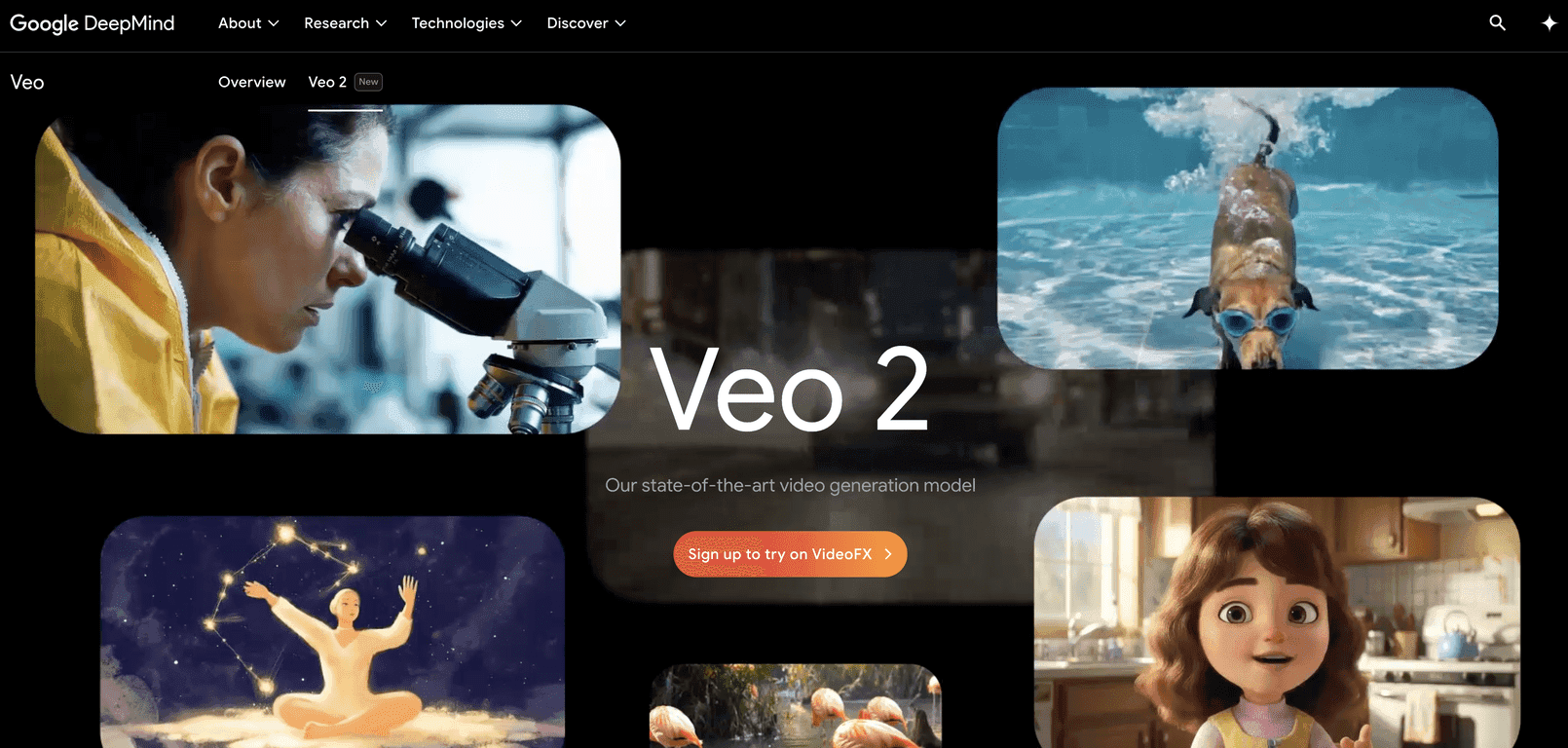
I’ve been testing a bunch of AI video tools lately, and Veo 2 is one of the few that actually feels “ready” for real creative work. Not just because the output looks good (it does), but because it’s easier to steer toward what I had in mind. If you’ve ever typed a prompt and then stared at the results like, “Why is it doing that?”—yeah, I get it. Veo 2 at least gives you more control to correct course.
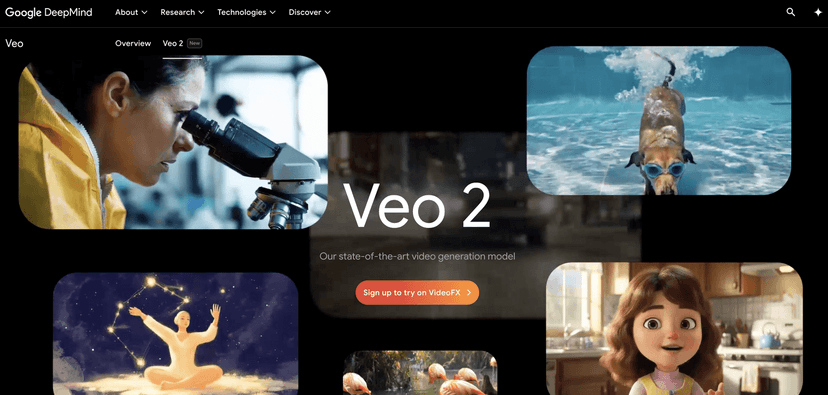
Veo 2 Review: What I Like (and What Still Trips It Up)
Veo 2 is built for creators and marketers who need video clips that look believable, not just “technically video.” In my tests, it handles a wide range of prompt styles—from simple scenes (“a cyclist riding at sunset”) to more detailed direction (“slow dolly-in, shallow depth of field, wind blowing fabric”). That flexibility matters, because most people don’t write prompts like engineers.
Resolution is another big deal. When Veo 2 outputs up to 4K, the footage feels more “cinematic” and less like a low-res demo. I noticed this most when zooming in on faces, textures, and background details—there’s enough clarity to actually use the clip as part of a bigger edit.
Now, the part that surprised me most: realistic motion. The camera and subject movement doesn’t always look like a slideshow of poses. Movements feel continuous, and physics-like behavior shows up in small ways—like how objects react to motion and how surfaces hold together visually. It’s not perfect every time, but it’s consistently better than what I’ve seen from several competing generators.
Also, the camera controls are genuinely useful. Instead of hoping the model guesses what you meant, you can steer things like angle, style, and movement. For example, if I want a more dramatic vibe, I’ll ask for a low-angle perspective and a slow push-in. If I want something more documentary, I’ll go for a steadier framing and less aggressive camera motion. It gives me enough leverage to iterate without starting from scratch.
That said, Veo 2 still has a weak spot: complex scenes. The more moving elements you add—multiple characters, lots of props, overlapping actions—the harder it is for the model to keep everything consistent. In particular, intricate motion and character-to-character timing can drift. You might get a great first few seconds and then a subtle “off” moment later. It’s not unusable, but it’s where you’ll spend more time regenerating or editing around the output.
So overall? High fidelity, strong physics simulation, and better control than most tools. Just don’t expect it to nail every chaotic, high-activity scene on the first try.
Key Features That Matter in Real Use
- Realistic motion for output that feels continuous (not just “animated frames”).
- Extensive camera control so you can specify framing, angles, and movement style instead of guessing.
- High fidelity that helps reduce obvious artifacts and keeps details sharper—especially at higher resolutions.
- Physics-aware simulation for more believable interactions between objects and motion.
- Prompt understanding that’s responsive to user direction, including style and scene intent.
Pros and Cons (From My Testing)
Pros
- Cinematic-looking results when you keep the scene reasonably focused.
- Better creative control thanks to camera options—iteration feels less random.
- Strong motion quality that holds up better in edits and cuts.
- High-resolution output (up to 4K) makes the clips feel more “production-ready.”
Cons
- Complex scenes can get messy, especially when there are multiple interacting moving elements.
- Consistency drops when you push for intricate, layered motion (you’ll likely regenerate more).
- Prompting takes practice—if your instructions are vague, you’ll still get vague results.
Pricing Plans: What I Could (and Couldn’t) Confirm
Pricing for Veo 2 isn’t laid out clearly in the content I reviewed. What I can say is that access is typically handled through VideoFX, and the exact cost depends on how you’re using it (credits, usage tiers, or availability windows).
If you want the real numbers for your situation, I’d check Google DeepMind’s Veo page and any linked documentation/support for current access and billing details. Pricing changes fast in this space, and I don’t want to guess and waste your time.
Quick tip: before you commit to a workflow, do a couple of short test generations and see how many iterations you need to get “edit-ready” footage. That’s usually where the real cost shows up.
Wrap up
Veo 2 feels like a serious step up in video generation—especially if you care about motion quality and want more control than a basic text-to-video button. It’s not flawless (complex, chaotic scenes still challenge it), but it’s strong enough that I’d actually consider it for client work and marketing experiments.
If you’re experimenting with AI video right now and you want outputs that look more believable straight out of the generator, Veo 2 is absolutely worth trying. Start with simpler prompts, use the camera controls, and iterate until it looks like what you pictured.
Promote Veo 2