Table of Contents
If you’re selling online and you’re not texting your customers, you’re leaving money on the table. That’s just how it feels to me. SMS is one of the few channels where people actually notice the message. So when I looked at TxtCart, I wanted to know one thing first: can it help with real eCommerce use cases—especially cart recovery—without turning into a complicated mess?
TxtCart Review: What It Does for eCommerce (and What I’d Watch Out For)
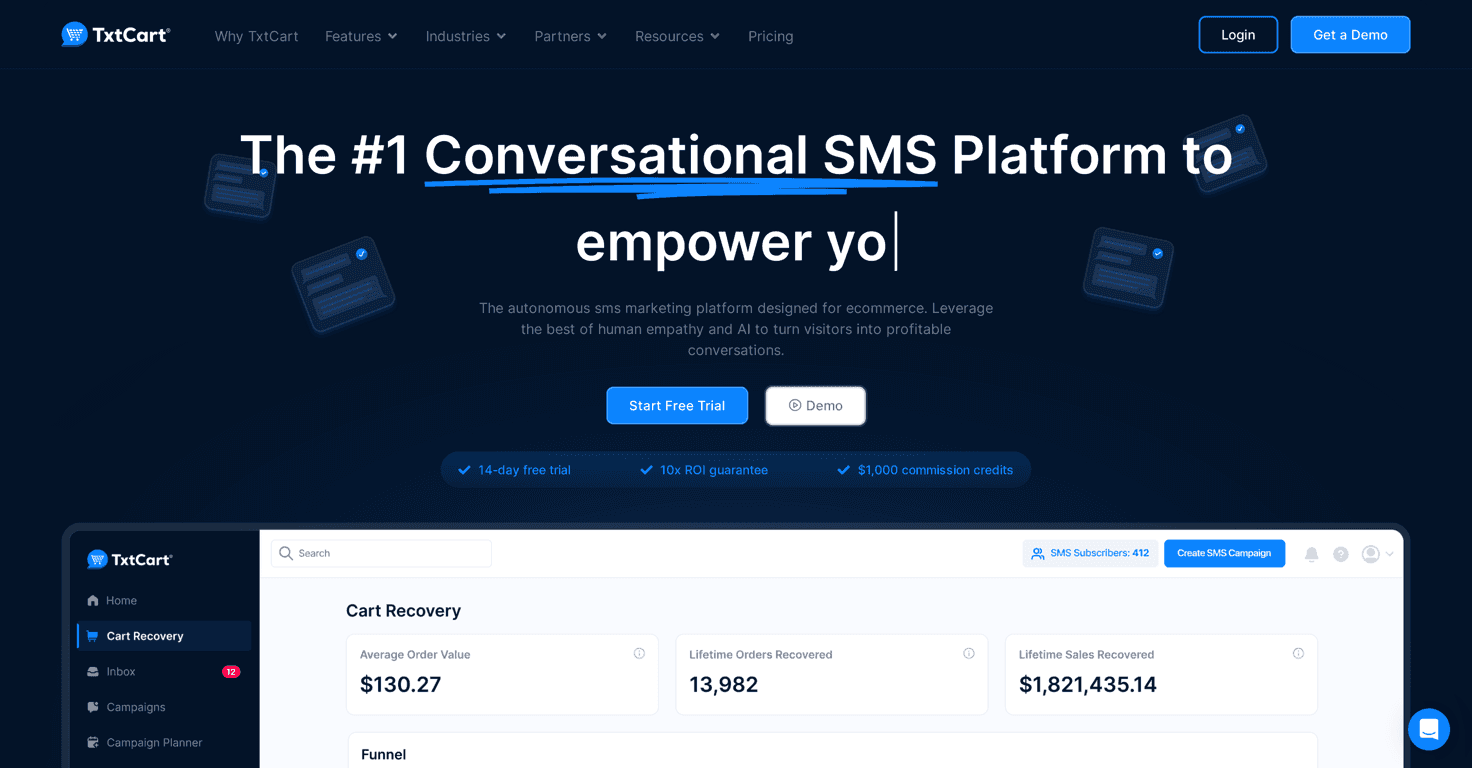
TxtCart is built for eCommerce SMS marketing, not just “generic texting.” In my experience, that matters because the best SMS tools feel like they understand how online stores actually work—browse, abandon, buy, reorder. TxtCart leans hard into those workflows, especially cart recovery.
Here’s what stood out to me: the whole pitch isn’t just “send blasts.” It’s more about automated messaging tied to customer behavior. For example, cart recovery is the big one. If someone adds items to their cart and then disappears, you want a timely reminder—without manually chasing every single person.
TxtCart also positions itself for industries like fashion, beauty, and food. That makes sense because those niches tend to do well with SMS offers, restock reminders, and quick “back in stock” updates. And yes, it includes analytics and reporting so you can see what’s actually working instead of guessing.
Key Features (The Stuff You’ll Actually Use)
- Campaign Planner for planning SMS sends more strategically (not just ad-hoc messages)
- Analytics tools so you can track performance and see trends over time
- Cart Recovery tools designed to reduce abandoned carts and bring shoppers back
- Flows & Automations for customer journeys—think “if this happens, then send that”
- User-friendly popups to collect customer data (opt-ins) without making it feel like a chore
- AI Assistant aimed at improving customer support and speeding up responses
How I’d set up cart recovery with TxtCart
If you’re trying to get value fast, I’d start with a simple abandoned cart flow. Something like:
- Message 1: a reminder after a short delay (enough time for the shopper to notice but not so long they forget)
- Message 2: a nudge with a benefit (free shipping, discount, or “need help?”)
- Message 3: a last call that’s more direct—only if they still haven’t checked out
Why this approach? Because SMS works best when it’s helpful, not spammy. And you want the timing to feel natural, not like you’re just blasting everyone at once.
Pros and Cons: My Honest Take
Pros
- Easy to use — the interface feels straightforward, which matters when you’re not a full-time marketer
- Cart recovery focus — that’s usually where SMS ROI shows up first
- Automations save time — once flows are set, you’re not constantly writing messages
- Built for eCommerce — it’s not trying to be everything for everyone
- Analytics that help — you can use the data to adjust what you send and when
Cons
- Can be pricey if you’re a smaller store and SMS sending volume ramps up quickly
- Customization may feel limited for certain advanced needs (especially if you want very specific message logic)
- Opt-ins are everything — if you don’t have solid signup flow, your results will be weaker no matter how good the software is
One limitation I’d plan for
SMS is permission-based. So even with a great platform, your growth depends on getting opt-ins consistently. That’s why I like that TxtCart includes popups for collecting customer data—but you’ll still need to make sure your signup offer is compelling (and compliant) or your list won’t grow.
Pricing Plans (What to Expect)
TxtCart offers pricing tiers based on business size and needs, starting with a basic option for smaller teams and moving up to more advanced plans as your requirements grow. In general, higher tiers typically unlock more automation depth, better reporting, and extra capabilities you’ll feel once you’re sending more messages and running more flows.
My advice? Don’t just compare sticker price—compare what you actually need. If your goal is cart recovery and a couple of automated flows, you may not need the highest tier. If you’re scaling campaigns, supporting customers, and sending more frequently, then upgrading can make sense quickly.
Wrap up
TxtCart feels like a practical SMS marketing tool for eCommerce—especially if you care about cart recovery and want automation without a big learning curve. I wouldn’t call it “set it and forget it” (you’ll still need to tune messages and timing), but it does give you the building blocks to run SMS like a real growth channel.
If you’re trying to connect with customers in a way they actually notice—and you’re ready to build opt-ins so you’re not stuck with a tiny list—TxtCart is definitely worth a closer look.



