Table of Contents
I went into Tutorly.ai expecting the usual “ask a question, get a paragraph” experience. What I actually noticed after testing it for a few study sessions is that it’s more like a quick study buddy for getting unstuck—especially when you need an explanation right now, not later. I tried it on a mix of homework-style prompts (math steps, science concepts, and essay brainstorming), and the responses were generally structured and easy to follow.
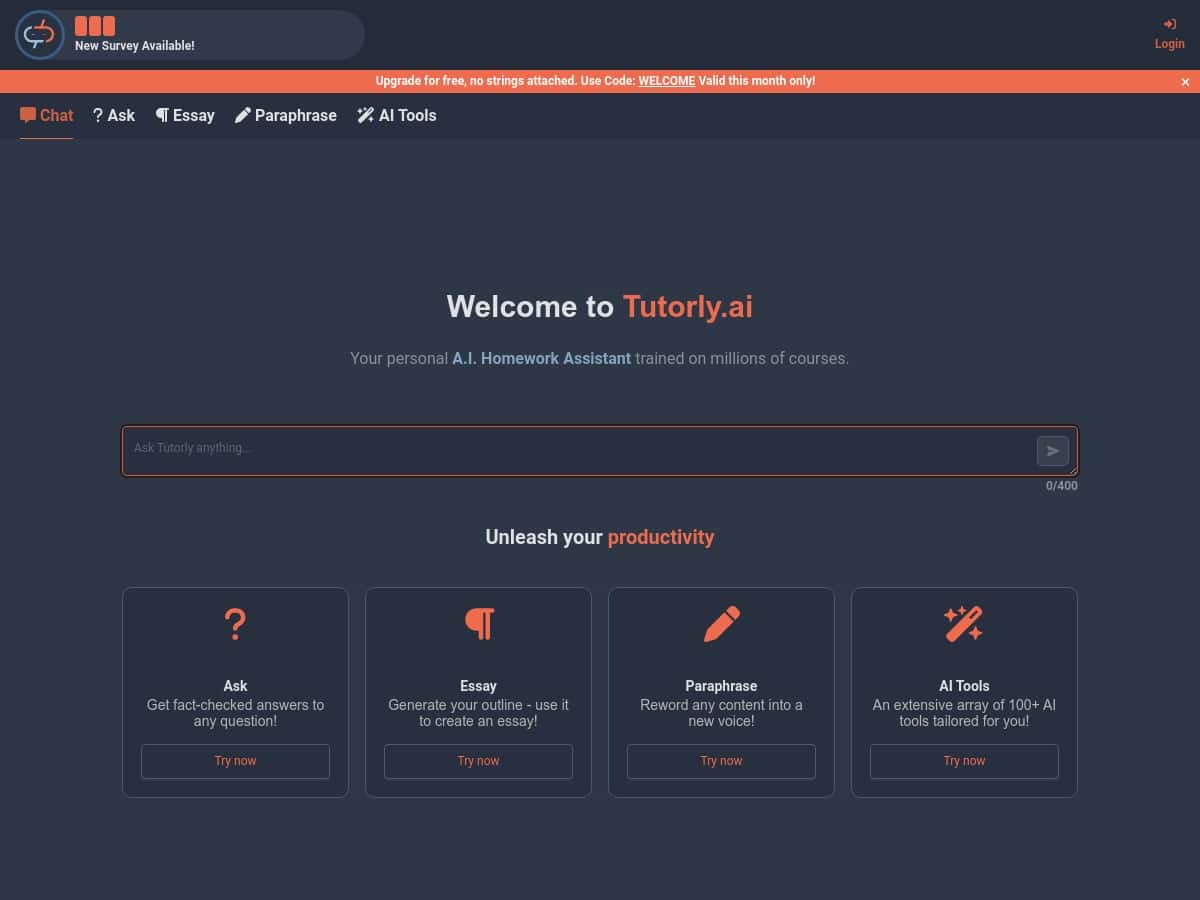
It’s also web-based, so I didn’t have to download anything or set up an app. I could just open it in my browser and start typing. And yeah—the “instant help” part is real in the sense that I didn’t wait around for ages. The interface is pretty straightforward too, which matters when you’re already stressed and don’t want to fight a tool.
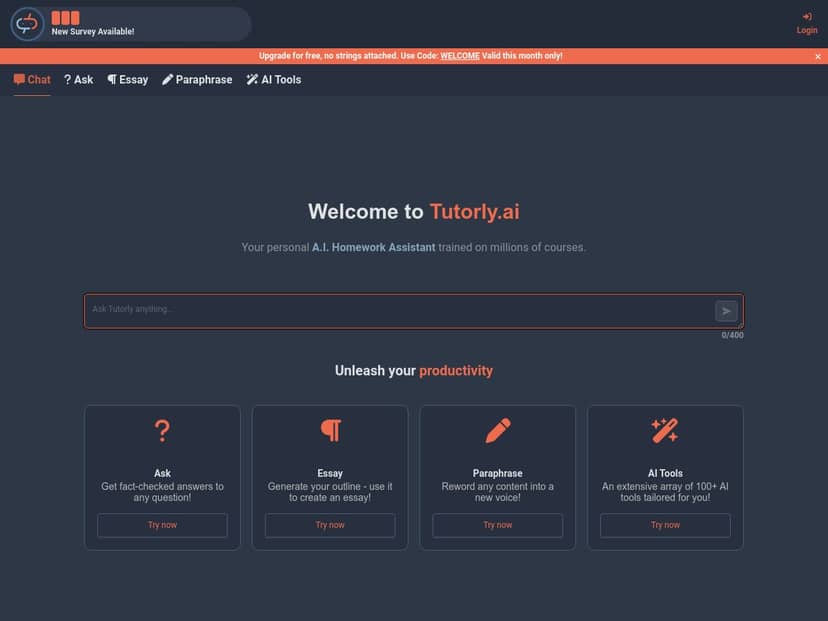
Tutorly.ai Review
Here’s the honest version: Tutorly.ai is strongest when you use it like a teacher—ask for steps, request examples, and then follow up when something doesn’t click. If you just throw a vague question at it, you’ll get a vague answer. But when you’re specific, it tends to do a better job.
For example, I tested it with prompts that looked like:
- Math: “Solve for x step-by-step: 2x + 5 = 17. Show each step.”
- Science: “Explain photosynthesis like I’m in middle school. Include what happens in each stage.”
- Writing: “Give me 5 thesis statement options for an essay about social media and its effects on teenagers.”
- Rewriting: “Paraphrase this paragraph and keep the meaning the same, but make it sound more natural.”
What I noticed from those tests: the answers usually come back organized (not just one wall of text). The math explanations especially felt “step-forward,” and the writing prompts produced usable starting points—like outlines and draft-ready sentences.
It’s also easy to jump between topics. One session I went from a chemistry concept to essay brainstorming without needing to change tools. That’s not a small thing when you’re juggling assignments.
One more thing: support. I didn’t find a “human chat agent” style experience during my test, but I did check how quickly the interface responded when I looked for help and guidance. It felt responsive and didn’t leave me stuck searching through menus for hours. If you’re pulling an all-nighter, that matters.
Key Features (and what they look like in real use)
- Chat with AI Tutors
- This is the core of Tutorly.ai: you type a question and the AI replies with an explanation. In my testing, the biggest improvement came from asking for a format—like “show steps,” “use bullet points,” or “give an example first.” Without that, you may get a more general answer.
- Example prompt: “Explain the difference between diffusion and osmosis. Give one real-life example of each.”
- What I noticed: It tends to define the terms first, then follow with examples. That’s the kind of structure that helps you study instead of just reading.
- Personalized Answers
- “Personalized” doesn’t mean it magically knows your exact class syllabus. What it does well is adapt to the way you ask. When I requested different difficulty levels (middle school vs. high school), the tone and depth changed.
- Example prompt: “Teach me Newton’s 2nd law using a simple scenario with numbers.”
- What I noticed: It’s more helpful when you tell it what level you’re at and what you’re trying to do (homework, exam review, or just understanding).
- Essay Assistance
- This is where Tutorly.ai can save time. I tested it with brainstorming and then asked for an outline. The output felt like something you could actually build on—intro ideas, topic sentences, and a logical structure.
- Example prompt: “Help me outline an essay arguing that school should have later start times. Include 3 body paragraphs.”
- What I noticed: It gives you a starting framework pretty quickly. Still, I’d recommend reviewing everything—especially claims, dates, and statistics—because the AI can sound confident even when you’d want sources.
- Text Paraphrasing
- If you’ve ever tried to reword something without changing the meaning, you know how annoying that is. Tutorly.ai’s paraphrasing worked best when I added constraints like “keep the same meaning” and “don’t change the tone.”
- Example prompt: “Paraphrase the following paragraph. Keep it formal and don’t remove any key points.”
- What I noticed: It usually adjusts phrasing without stripping meaning. But if you’re working with very specific wording (like quotes, definitions, or technical text), you still need to double-check.
- Wide Range of Subjects
- In my testing, it covered the stuff students actually ask about—STEM basics and humanities-style writing tasks. It won’t replace a textbook, but it can help you understand what you’re looking at.
- Example prompt: “Explain the causes of the French Revolution in 6 bullet points.”
- What I noticed: It gives summaries that are easier to study from, especially when you ask for bullet points or a quick review sheet.
- Additional AI Tools
- Tutorly.ai also mentions additional tools (the big claim being “over 100 tools”). I didn’t test every single one, but I did use the “supporting study” style outputs—summaries, quick explanations, and mini practice-style prompts.
- Example prompt: “Summarize this into 5 key points and then quiz me with 3 questions.”
- What I noticed: The quiz-style follow-ups are where it gets useful for active recall. Just don’t treat it like a guaranteed exam simulator.
Pros and Cons (what’s good, what bothered me)
Pros
- Good for quick understanding: When you ask for steps or examples, the explanations are easier to follow than a generic answer.
- Fast and easy to use: I didn’t feel like I was waiting around to get started. It’s the kind of tool you can use between classes or after school.
- Helpful for writing tasks: Outlines, thesis options, and brainstorming are genuinely useful as a first draft.
- No installs: It’s web-based, so you can use it on whatever device you already have.
Cons
- Fact-checking is still on you: For anything with complex details (especially niche topics or anything that needs citations), you can’t blindly trust it. I had moments where it sounded right but I still wanted to verify.
- Free plan limits can be annoying: The free tier is restricted—so if you’re doing multiple assignments in one day, you’ll hit the cap fast.
- No dedicated mobile app: It’s web-only. If you prefer a native app experience, this might feel a little inconvenient.
Pricing Plans (what I saw and what it means for students)
When I checked, the free plan was set up for limited daily questions (about 3 per day). That’s honestly fine if you’re using it like a “quick check” tool—like confirming an approach or getting help on one specific problem.
If you want more freedom, the premium plan was around $9.99/month. The big difference, in practical terms, is that you’re not constantly watching your question count. You can keep working through problems and writing tasks without waiting for the next day.
I also noticed the usual subscription flexibility—cancel anytime—and it looks like discounts or coupons may pop up occasionally. Still, don’t assume deals are always there.
One quick note: prices and plan details can change, so I’d still verify before you pay. For the latest updates, you can check Tutorly.ai’s site.
Wrap up
So, is Tutorly.ai worth it? In my experience, it’s a solid study buddy for explanations, brainstorming, outlines, and paraphrasing—especially when you ask for steps and examples. It’s not a “set it and forget it” solution, though. If your assignment needs verified sources, deep accuracy, or specific academic citations, you’ll still need to do the final check yourself.
If you want something quick and easy that helps you move forward when homework stalls you, Tutorly.ai does that well. If you’re expecting perfection or unlimited free use, that’s where it’ll disappoint.



