Table of Contents
I’ve tried a bunch of “no-code” tools over the years, and most of them still make you fight with forms, settings, and endless menus. That’s why I was curious about Trickle AI. The pitch is simple: you describe what you want in plain language, and it turns that into a working web app.
When I first tested it, the experience felt less like “building software” and more like collaborating with someone who already knows the stack. You’re basically chatting through your idea, and the platform handles the heavy lifting. No coding skills required is the headline—but what matters is whether the output actually works. In my case, the generated apps were usable right away, which is exactly what I want when I’m prototyping or exploring an idea.
Trickle AI Review: What It’s Like to Build With Natural Language
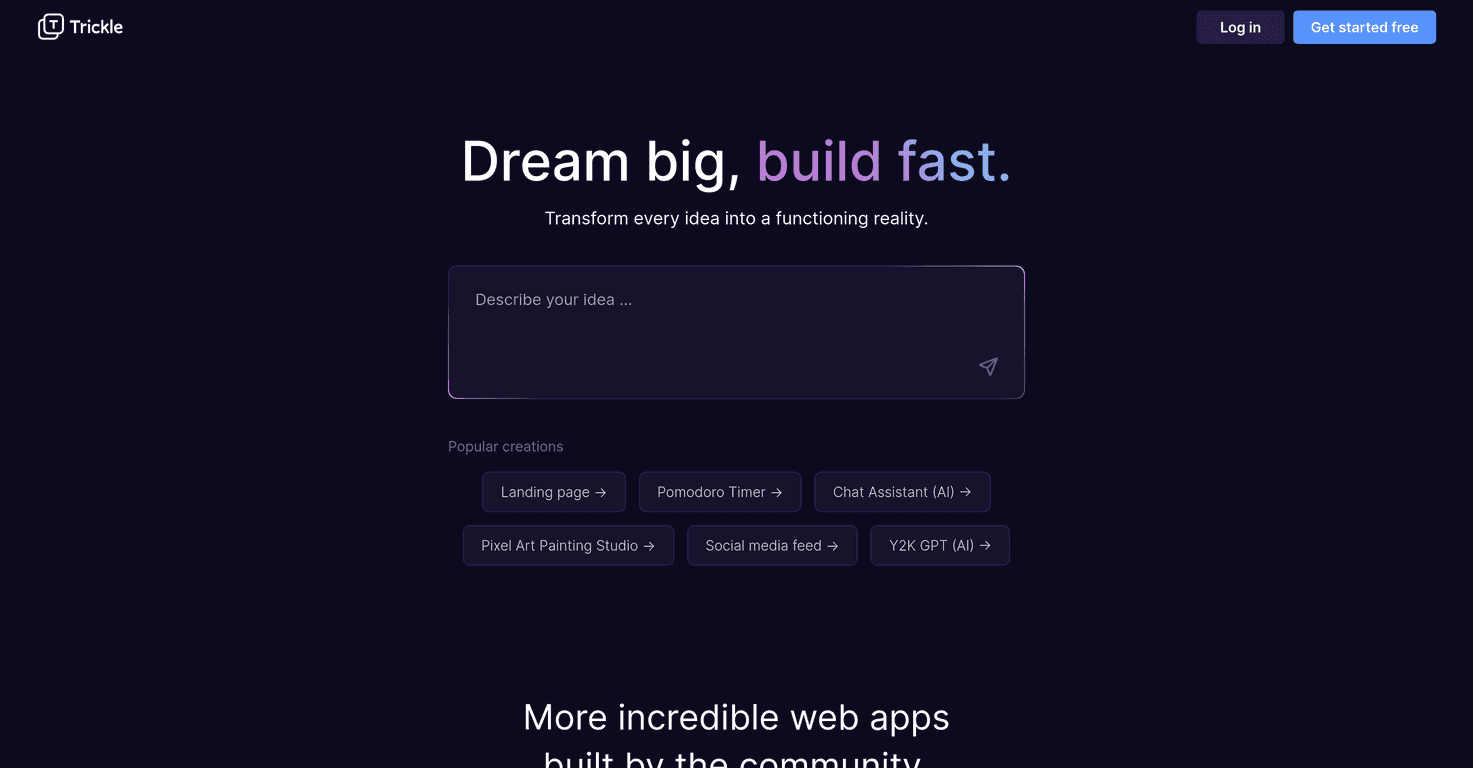
Trickle AI is built around natural language processing, which basically means you don’t need to map out every detail like you would with a traditional builder. Instead, you describe your app idea—features, pages, and the overall vibe—and Trickle AI converts that into a functional web application.
In my experience, the biggest win is speed. I can go from “I have an idea” to “I have something I can click around” without spending hours setting up a project. And when I say “click around,” I mean the kind of prototype where you can test flow and layout, not just a static mockup.
Another feature I liked is the community showcase. It’s not just there for decoration. When I was stuck on how to phrase my request, browsing what other people built gave me a lot of clarity. You can see real app concepts—simple landing pages through to more interactive things like chat-style assistants—and then remix those ideas into your own build.
Trickle AI also offers pre-set templates. I tested a couple of starter directions (landing page and chat assistant style), and the templates made it easier to get moving. Honestly, I’d rather start with a foundation than stare at a blank page and overthink everything.
That said, it’s not magic. If you’re an experienced developer, you’ll probably bump into the ceiling pretty quickly. The platform is great for “good enough” customization, but if you want deep control—custom logic, very specific UI behaviors, or advanced edge cases—you may find yourself constrained by what the AI can generate.
There’s also the reality that Trickle AI is still relatively new. New platforms can be hit-or-miss at scale. During busy times, you might run into slower generation or reliability quirks. That doesn’t mean it’s bad—it just means you should expect some growing pains while it matures.
Key Features That Matter (Not Just Marketing)
- Natural Language Processing that turns your spoken/written idea into a web app structure.
- AI-Powered Development that reduces the back-and-forth you’d normally do with code and configuration.
- Community Showcase so you can learn from real examples instead of guessing how prompts should be written.
- Pre-set Templates like landing pages and chat assistant-style apps to help you start faster.
Pros and Cons (Here’s What You’ll Actually Feel)
Pros
- Beginner-friendly interface. I didn’t feel like I needed a technical background to get a first result.
- Fast turnaround for prototypes. If you’re iterating on an idea, the workflow is quick enough to stay in motion.
- Community examples help you understand what’s possible. It’s easier to refine your prompt when you can compare against other builds.
- Creative freedom in plain language. You can describe what you want without learning a new “builder language.”
Cons
- Limited deep customization for advanced users. You can steer the output, but you can’t always force it into very specific technical requirements.
- Complex ideas can get messy. With more complicated logic or very nuanced requirements, the AI may misinterpret what you meant—especially if your prompt is vague.
- Reliability at scale is still an open question. Newer tools often improve quickly, but early growth can bring performance hiccups.
Pricing Plans: Free Trial and Next Steps
Trickle AI includes a free trial, which is honestly the best way to judge a tool like this. You can test your first app idea, see how your prompts translate, and check whether the generated output matches your expectations.
For the latest subscription details and any paid tiers, you’ll want to sign up on the platform and review the pricing directly there.
Wrap up
After using Trickle AI, my take is pretty straightforward: it’s a solid option if you want to build web apps without getting stuck in code. The natural language approach feels intuitive, and the templates plus community showcase make it easier to get results faster than you would with many “manual” builders.
Just don’t expect it to replace serious development workflows. If you need precise control, highly customized features, or complex business logic, you may end up outgrowing what the AI can reliably generate. But for beginners, hobbyists, and anyone who wants to prototype quickly? This is exactly the kind of tool I’ll keep in my toolkit. If you’ve got an idea you’ve been postponing, it might be worth giving Trickle AI a try and seeing what you can get working in your first session.
Promote Trickle AI




