Table of Contents
Grading is one of those jobs that never really ends—finish one set of assignments and suddenly you’re staring at the next stack. In my experience, the hardest part isn’t marking for hours (though that’s bad enough). It’s writing feedback that’s actually useful, consistent, and fast enough that students see it while it still matters.
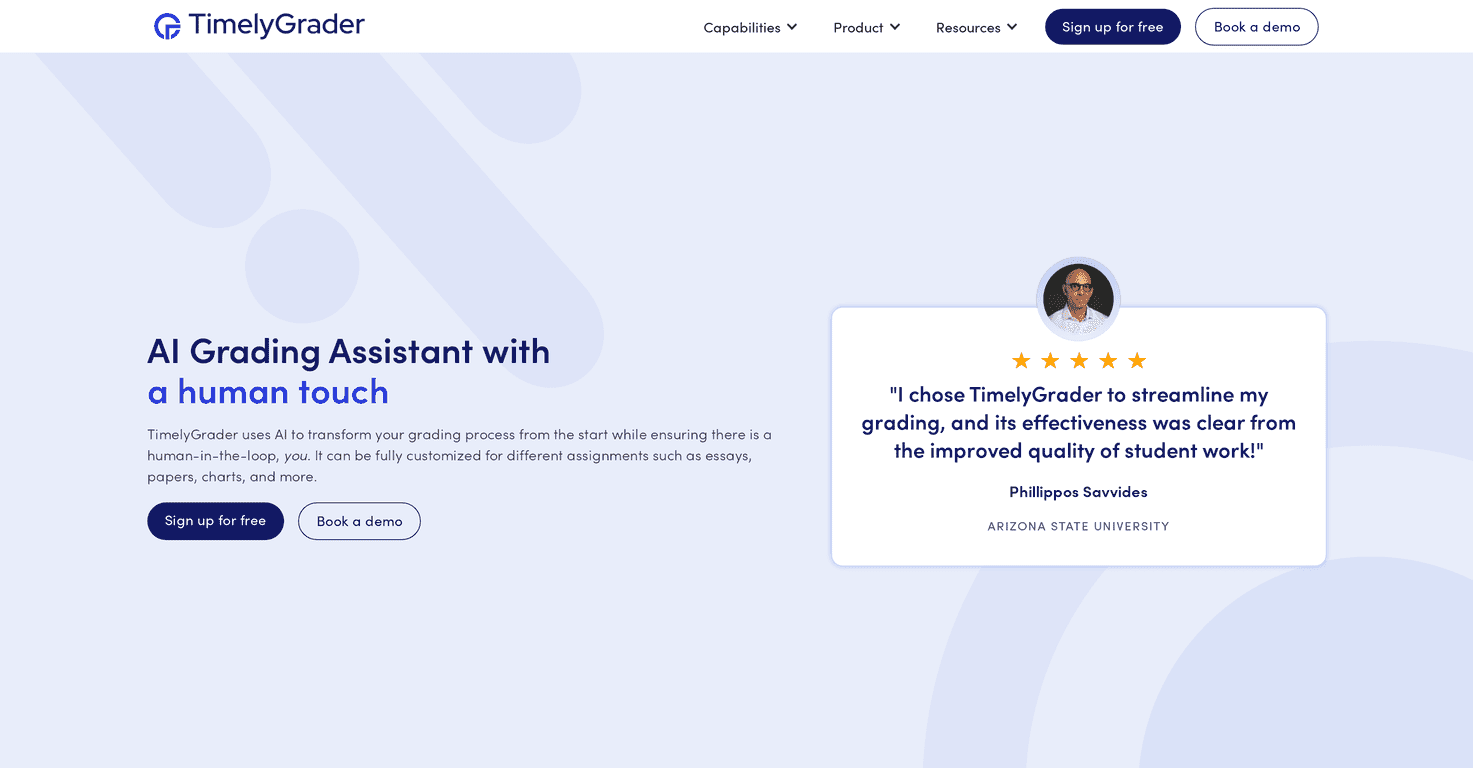
That’s where TimelyGrader comes in. It’s an AI-powered grading assistant built for educators, with the pitch that it can help you generate feedback and grading suggestions quickly—without turning you into a robot. I tested the workflow mindset (set up, run feedback, review what the AI suggests) and what stood out to me was the focus on speed and structure: students get feedback sooner, and instructors spend less time stuck on repetitive parts of grading.
TimelyGrader Review: What It’s Like to Use for Real Assignments
TimelyGrader is positioned as a grading assistant for instructors who teach at scale—think multiple sections, recurring assignment types, and students who need feedback yesterday. The big promise is faster grading and “instant feedback,” but I wanted to see what that actually means in practice.
Here’s what I’d expect to use it for:
- Essays and written responses where you want feedback tied to specific rubric points (not just a generic comment).
- Presentations or short student explanations where you can still grade structure, clarity, and evidence.
- Data-driven projects where the goal is to evaluate reasoning and results—not just whether the student “got the answer.”
One thing I noticed right away: AI-assisted grading works best when your grading criteria are clear. If your rubric is vague, the AI can only guess. But when you’re consistent—same rubric categories, same expectations—TimelyGrader’s suggestions feel more like a helpful draft you review rather than a black-box score.
Instant feedback is another practical win. Students don’t have to wait a week to hear what they did well and what to fix. In my experience, that timing matters. When feedback arrives while the assignment is still fresh, students are more likely to ask questions and actually apply corrections to the next task.
Customization is also a big deal. TimelyGrader isn’t just “one grading style for everyone.” You can tailor the grading process so it fits different assignment needs. For example, a visual or media-based project will require different evaluation criteria than a spreadsheet analysis. When the tool adapts to the assignment type, you don’t end up forcing everything into the same rubric template.
It also claims integration with popular learning management systems like Canvas and D2L. If you’ve ever tried to grade outside your LMS, you already know the pain: duplicated uploads, messy exports, and “where did I save that file?” moments. Integration matters because it keeps grading in the same place you teach from.
Still, I’ll be honest: no AI tool removes the need for instructor judgment. You’ll want to review the suggestions—especially for borderline cases, unusual student approaches, or assignments where the rubric isn’t perfectly aligned. That’s not a dealbreaker. It’s just reality.
Key Features That Matter (Not Just the Marketing)
- AI Grading for Various Assignments
- It’s built to support different formats—written work, presentation-style responses, and projects that involve data or analysis.
- Instant Feedback for Students
- This is the feature instructors usually care about most. Quicker turnaround means students can act on feedback sooner, not later.
- AI-Assisted Grading Suggestions
- Instead of replacing your rubric, it helps generate draft feedback and grading suggestions you can approve or adjust.
- Fully Customizable Grading
- You can tailor how grading works per assignment type. In practice, that means clearer criteria and fewer “why did it score that way?” moments.
- Learning Management System Integration
- Integrations with platforms like Canvas and D2L help keep your workflow consistent instead of adding another grading step.
- Accessibility Compliance
- If you’re grading in higher-ed or K-12 contexts, accessibility matters. The tool positions itself around compliance so feedback and grading output can be usable for more students.
- Data Security and FERPA Compliance
- For schools and districts, this is essential. You don’t want student data floating around without proper safeguards.
Pros and Cons (My Honest Take)
Pros
- Time savings that you actually feel: repetitive parts of grading (especially feedback drafts) can take a lot less time.
- Feedback quality can improve when rubrics are well-defined—students get more specific comments tied to criteria.
- Works across assignment types instead of being “only for essays.”
- Integration reduces workflow headaches when you already live inside Canvas or D2L.
- Consistency is easier when multiple sections or graders are involved. The AI suggestions can help standardize rubric interpretation.
Cons
- Reliability depends on setup: if your rubric is unclear or your expectations vary a lot, the AI will mirror that mess.
- Some instructors will still prefer human-only grading, especially for high-stakes assignments or work that needs nuanced judgment.
- There’s a learning curve at the start—getting the grading criteria right and understanding what the AI is doing takes a little time.
If you’re considering it, I’d recommend doing a small pilot first—one assignment, one class, and a short rubric. Then compare student feedback and your time spent. That’s the quickest way to find out if it’s genuinely helping or just adding another tool to manage.
Pricing Plans: What You’ll Need to Check
TimelyGrader doesn’t list full pricing details directly in the content I reviewed. What I did see is that they offer a free signup option, and you can book a demo to get current pricing and confirm features for your school or district.
If you care about budget (and who doesn’t?), don’t assume it’s “cheap for individuals.” Ask about pricing by seat, class size, or institutional setup during the demo so you can compare it fairly to other grading tools.
Wrap-up
TimelyGrader is one of those tools that makes sense if you’re drowning in grading but still want to give students meaningful feedback. The best-case scenario is clear rubrics, consistent assignment formats, and faster feedback turnaround—so students can actually use what you write.
Just don’t expect it to be fully hands-off. In my opinion, it works best as an assistant: it helps you draft, structure, and speed up grading, and you stay in control of the final call. If that sounds like your ideal workflow, it’s definitely worth exploring.


