Table of Contents
If you’ve ever tried to take notes during a fast lecture and ended up with a messy pile of half-phrases… yeah, you’re not alone. I’ve been there. And honestly, the hardest part isn’t just writing—it’s keeping up and turning what you heard into something you can actually study later.
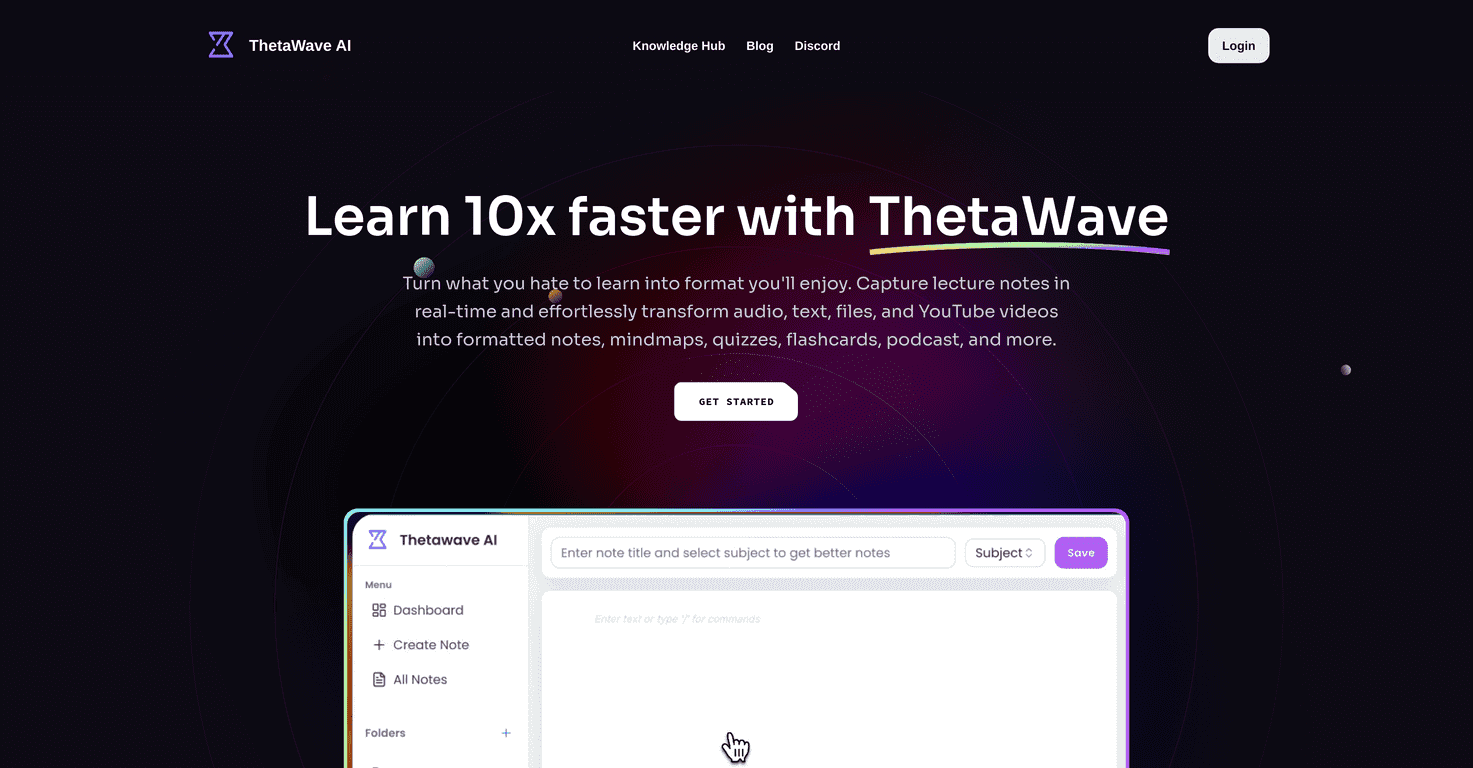
That’s why I was curious about Thetawave AI. ThetaWave AI claims it can convert audio/video (and even documents like PDFs and Word files) into organized, formatted notes. Then it goes a step further with study tools like flashcards and quizzes. Sounds great on paper, but does it hold up in real use?
Thetawave AI Review 2026: Does It Actually Work?
At its core, ThetaWave AI is built to turn lectures and study content into something you can review quickly. In my experience, that’s the real win: you’re not stuck rewatching a 45-minute video just to find one definition. You get structured output you can scan.
Here’s what I found most useful:
- Real-time transcripts + organized notes: Instead of dumping raw text, it tries to format everything into study-friendly sections.
- Document uploads: If you’ve got PDFs or Word files, you don’t need to rely only on audio/video.
- Detail controls: You can adjust how much information you want, which matters if you’re trying to cram vs. learn slowly.
- Study extras: Flashcards and quizzes are included, so you can switch from “reading” to “testing yourself.”
- Math, tables, and formatting: For subjects like biology, economics, or anything with equations, the formatted output is genuinely helpful when it works well.
One thing I’ll be upfront about: AI note tools can only be as good as the input. If the audio is noisy, speakers talk over each other, or the video has unclear narration, the notes won’t magically become perfect. Still, ThetaWave’s formatting makes it easier to clean up the mistakes afterward.
Key Features That Matter (Not Just Buzzwords)
- Real-Time Transcripts & Structured Notes
- It’s not just transcription—it’s trying to turn what it hears into readable notes you can study. That structure is what saves time later.
- Upload & Convert Various Document Formats
- You can bring in PDFs and Word documents. That’s a big deal if your course materials are already written down and you just want them reorganized.
- Customizable Detail Levels for Individual Learning
- I like this because it changes the “style” of the output. If I’m preparing for an exam, I’ll ask for tighter notes. If I’m learning a new topic, I’ll go for more detail so I’m not missing context.
- Interactive Tools like Flashcards and Mindmaps
- Flashcards are where this gets practical. Reading notes is passive; quizzes force recall. Mindmaps can also help when you’re trying to see how concepts connect.
- Supports Complex Formats Including Tables and Formulas
- For classes with equations or structured data, the ability to keep tables and math formatting (instead of flattening everything into plain text) makes the notes far more usable.
Pros and Cons From a Real-World Perspective
Pros
- Structured notes make studying faster: I don’t have to hunt through raw transcripts to find the important parts.
- Works across more than one input type: Audio/video plus document uploads is exactly what students need.
- Detail controls are actually useful: Being able to dial in how much gets included helps prevent “note overload.”
- Flashcards/quizzes support active learning: If you use them consistently, you’ll feel the difference during review days.
- Formatting helps with complex subjects: Tables and math formatting are a real quality-of-life improvement when you’re dealing with STEM or economics-style content.
Cons
- It’s not always perfect with messy audio: Poor mic quality or overlapping speech can lead to transcription errors that you’ll need to fix.
- There’s a learning curve: If you’ve never used AI study tools, you might spend the first session figuring out what settings to pick.
- Beta means features/pricing could change: You might see updates that improve results—or shift how the tool behaves.
Pricing Plans (and What I’d Watch For in Beta)
ThetaWave AI is currently in beta, and that usually means one thing: pricing can be unclear at first. As of now, pricing details haven’t been fully announced. If you want access as it develops, you’ll likely need to sign up for updates to catch early offers.
If you’re deciding whether to jump in, I’d keep an eye on three things before you commit:
- Limits on transcription/uploads: Are there caps per day/week? (A lot of tools do.)
- Output quality controls: Can you reliably choose the detail level you want?
- Whether flashcards/quizzes require extra steps: Some tools generate them, but you still need to export or format later.
Wrap up
So… does ThetaWave AI actually work? In my view, yes—especially if your goal is to turn lectures and study content into something you can review quickly. The structured notes, the option to upload documents, and the built-in flashcards/quizzes are the parts that feel most “student-friendly.”
Just don’t expect flawless results from bad audio or chaotic lectures. You’ll still want to skim and correct anything that looks off. If ThetaWave keeps improving during beta, it could become a genuinely solid study companion rather than another tool you try once and forget.
Promote Thetawave AI




