Table of Contents
If you’ve ever stared at a blank document thinking, “I know what I want to say… I just can’t get it onto the page,” you’re definitely not alone. I’ve been there, and essay writing can feel extra brutal when you also need sources, structure, and a voice that sounds like you actually care.
This is where Thesify.ai comes in. It’s an AI writing assistant built for students, with a focus on helping you plan, improve, and reference your work—without pretending it’s going to write the whole assignment for you.
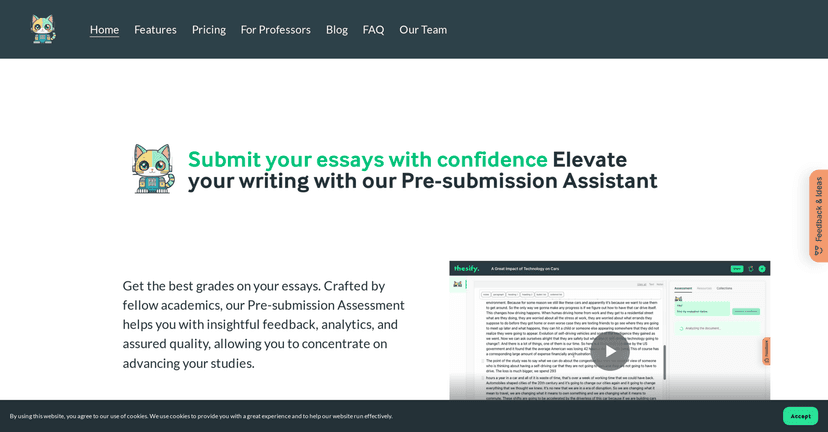
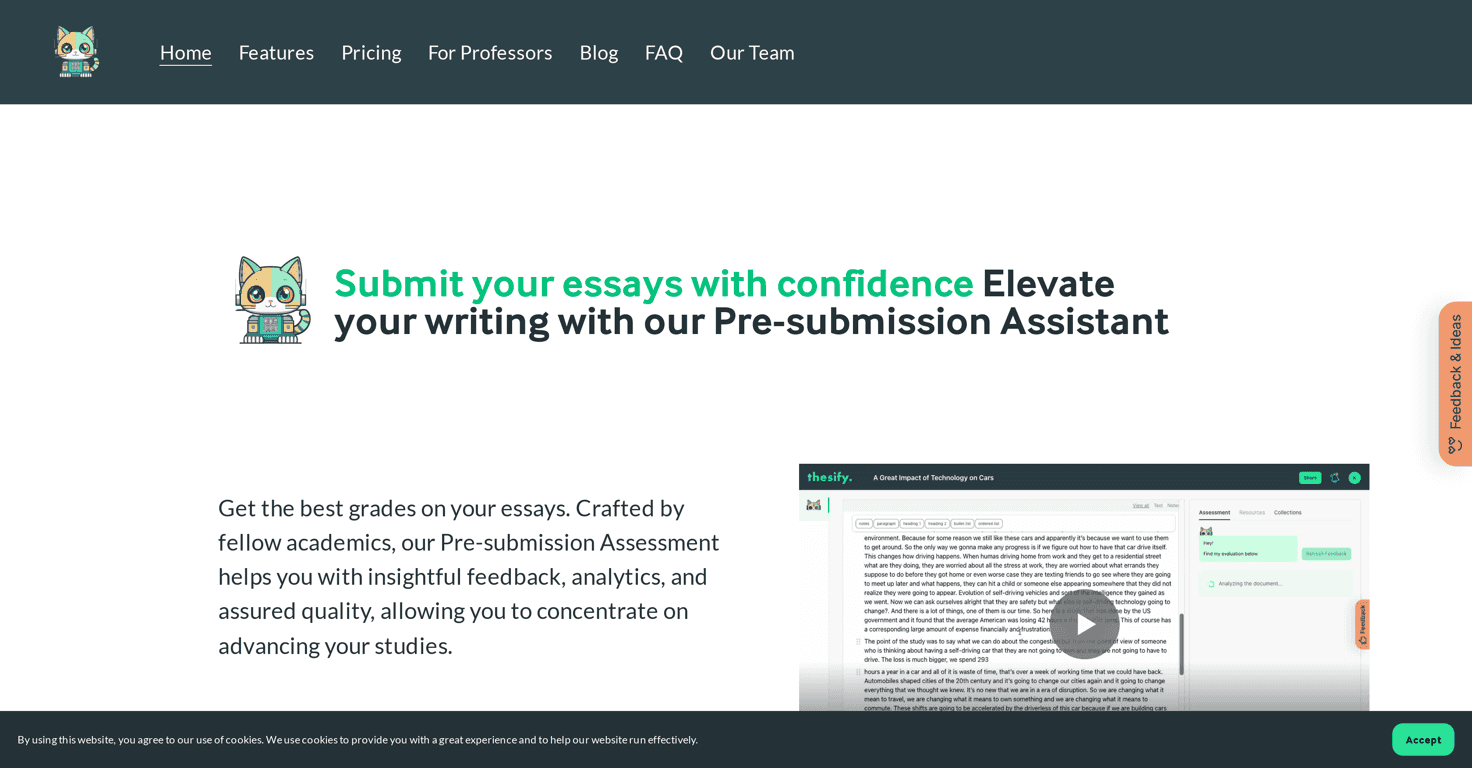
Thesify Review: What It Actually Helps With
Thesify is built around an AI assistant named Theo. In practice, what I liked is that it’s not positioned as a “submit-ready essay generator.” Instead, it tries to support the steps students usually struggle with: finding sources, organizing ideas, and tightening your writing before you hand it in.
For example, when I tested it, I paid attention to whether it helped me do the work myself or just created extra text that sounded generic. The difference matters. A lot of AI tools will happily produce paragraphs, but you still end up rewriting everything because the argument doesn’t match your assignment prompt.
Thesify leans more toward helping you build that argument and connect it to references. That means you spend less time stuck in the “what do I even write?” stage and more time polishing structure and clarity.
Key Features (Theo + Tools You’ll Use)
- Pre-submission Assessment
- This is the feature I’d actually recommend using right before you finalize your draft. The idea is to catch issues before you submit—things like clarity problems, weak flow, or spots that need more support. In my experience, this kind of “check” is most valuable when you’ve already written a rough draft and you’re trying to improve it fast.
- Semantic Article Search
- Instead of you hunting through search results and guessing which papers are relevant, semantic search helps you find sources based on meaning. If you’ve ever typed a super broad query and ended up with 20 irrelevant PDFs, you’ll appreciate this. It’s especially helpful for literature review-style tasks.
- Intelligent Paper Digest
- This one is pretty useful when you’re dealing with scientific or research-heavy articles. A digest can save you hours of skimming just to figure out what the paper is actually saying. What I noticed is that it helps you move from “I found a paper” to “I can explain why it matters” much quicker.
- Agile Editor
- The editor is designed to support the writing process instead of being a distraction machine. I like tools that keep you focused on drafting and revising rather than constantly bouncing you to settings, tabs, or weird workflows.
- Theo, the AI Assistant
- Theo is there to help with planning, developing arguments, and finding references. The best way to use it (in my opinion) is to treat it like a smart study partner: ask for outline ideas, ask what evidence you might need, and then rewrite in your own voice. If you paste your prompt and just blindly accept output, you’ll still have to do the hard work.
Pros and Cons (Real Talk)
Pros
- Helps you think more critically. It’s not only about wording—it pushes you to connect ideas and support claims.
- Actionable feedback. The “pre-submission” style check is the part I found most practical. You can actually use it to revise instead of just reading generic suggestions.
- Free trial with 50 credits. I think that’s enough to test the main workflow (searching, digesting, and getting feedback) without immediately paying.
- Privacy and data security messaging. If you’re a student, this matters—especially when you’re working with drafts and personal coursework. Thesify states it’s focused on privacy and data security.
Cons
- Credits add up after the trial. If you’re doing a lot of searches and revisions, you’ll likely burn through credits faster than you expect. This is the biggest downside I see for heavy users.
- It won’t write your assignment for you. And honestly, that’s both a pro and a con. If you want a tool that generates a full essay end-to-end, this isn’t that. Students still have to engage, draft, and make decisions.
Pricing Plans (Credits, Trial, and What to Expect)
Thesify starts you off with 50 free credits so you can try most features. After that, you’ll need to subscribe for more credits or use a pay-as-you-go style option (depending on what’s currently available on their site).
If you’re trying to budget, here’s what I recommend: use the free credits for the steps that usually take the longest—like semantic article search and paper digests—then do your own drafting and revision with the editor. That way you’re not spending credits on “redoing” the same ideas over and over.
Pricing details are available on their website. You can check the latest options directly here: Thesify.
Wrap up
Overall, I think Thesify is a solid option if you want help improving your writing process—especially with source discovery and making research easier to understand. It’s best when you use it as support (outline, feedback, references), not as a shortcut to skip the thinking part.
If you’re working on essays, literature reviews, or research-based assignments and you want something that feels more like a writing assistant than a content factory, it’s worth testing with the free credits and seeing if it fits your workflow.