Table of Contents
If you’ve ever stared at your bathroom mirror thinking, “Do I really want to try bangs?” or “Would a darker shade even work on me?”, you’re not alone. I tested TheRightHairstyles because I wanted a quick way to visualize options without committing to a cut or color first.
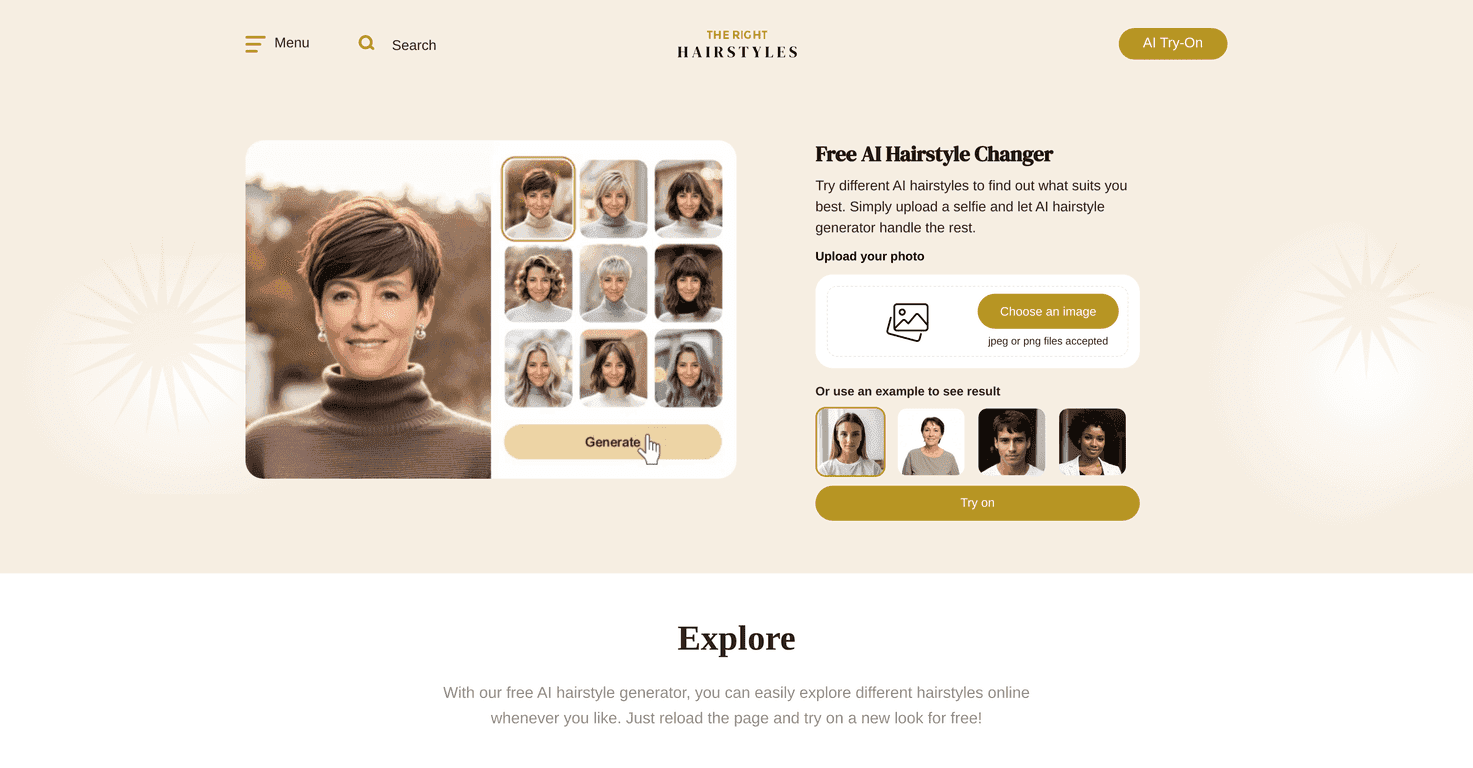
What I liked right away is the basic idea: upload a selfie, then virtually try hairstyles and colors. The site claims access to 100+ styles, and while you won’t see every single look in perfect detail, the variety is definitely there—everything from longer layers to shorter cuts, plus different color tones.
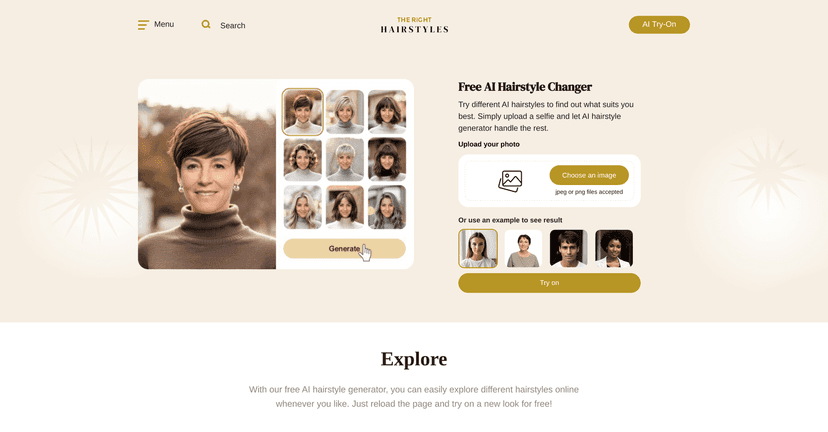
The workflow is pretty straightforward. You start by uploading a clear photo (good lighting helps a lot). Then you pick a hairstyle, and the tool generates the result on your face. It also tries to steer you toward options that match what you seem to like—nothing too complicated, just a “try this next” vibe.
One thing I appreciated: it feels built for people who don’t want to mess around with accounts. In my experience, that matters. Sometimes you just want to test an idea in 2 minutes and move on with your day.
TheRightHairstyles Review: What It’s Actually Like to Use
Here’s the honest version: this tool is best when you want inspiration fast. It won’t replace a real consultation with a stylist—especially if you’re dealing with tricky hair textures, major color corrections, or a cut that depends on your hairline and growth pattern.
But if your goal is to explore options, it’s genuinely fun. I tried a few different cuts and color tones back-to-back, and the generated images were consistent enough that I could tell which direction I liked. The “wow” factor comes from seeing how a style might sit around your face, not from perfection.
Also, the app/site feels responsive in the UI. You’re not stuck in a complicated menu system. It’s the kind of experience where you can start, pick something, generate, and repeat. If you’re the type who likes to compare 5–10 looks before deciding, that flow works.
If you want better results, keep it simple: use a front-facing photo, avoid heavy filters, and try to make sure your hairline and part are visible. I noticed the difference immediately when I used a brighter photo versus a darker one—details looked sharper and the hairstyle placement felt more natural.
Key Features That Matter (Not Just Marketing)
- AI Hairstyle Changer with 100+ styles
You get a decent range of cuts and color options. I didn’t feel limited to just one “type” of hairstyle, which is usually where these tools fall short. - Selfie upload for more accurate placement
The tool uses your face for the overlay, so your results are personalized instead of generic stock images. - Style recommendations based on your selections
It doesn’t just throw random options at you. In my experience, it nudges you toward similar looks after you pick a few. - No account setup needed
If you just want to try one or two styles, skipping sign-ups is a big win. - One-time refund or free regeneration option
This is helpful if a generation doesn’t come out the way you expected. (Just double-check the exact terms on the site before you rely on it.)
Pros and Cons (My Real Take)
Pros
- Large hairstyle library — I could test multiple directions (length changes, different styling vibes) without feeling boxed in.
- Easy to navigate — the steps are simple enough that you won’t need a tutorial.
- Flexible payment options — you can pick based on how many images you actually want to generate.
- Good satisfaction overall — the testimonials and general feedback you see online seem to match what I experienced: it’s most useful as an inspiration tool.
Cons
- Limited free testing — the free plan is basically a taste. If you want multiple tries, you’ll likely end up paying.
- Photo quality really affects results — blurry, dark, or heavily angled selfies can make the hairstyle look less convincing.
- Generation time can be slow — the site mentions generation may take up to 30 minutes. I didn’t always hit the full time, but you should expect some waiting, especially during busy periods.
Pricing Plans: Which One Should You Pick?
Pricing is pretty straightforward, and it’s easy to estimate how far your money will go. Here’s what TheRightHairstyles lists:
- Free Plan: one free hairstyle (with an option to watch an ad)
- Starter Plan: 20 images for $19.80
- Professional Plan: 40 images for $30
- Elite Plan: 80 images for $47.20 (listed as best value at $0.59 per image)
In my opinion, the Starter Plan is a good “test the waters” option if you’re only deciding between a couple looks. If you’re the kind of person who likes to generate a bunch of variations—like testing 5 different shades and 3 lengths—the Elite plan starts to make more sense fast.
Wrap up
TheRightHairstyles is a fun, practical way to preview hair ideas from home. I wouldn’t treat it like a replacement for a real stylist, but if you want inspiration, compare options, and get a clearer sense of what might work, it does the job.
The biggest limitations are also the most important ones: you’ll need a decent selfie for best results, the free trial is pretty limited, and generation can take a while (sometimes up to 30 minutes). Still, the variety of styles and the simple “try and compare” experience make it worth checking out if you’re planning a cut or color change.
Promote TheRightHairstyles