Table of Contents
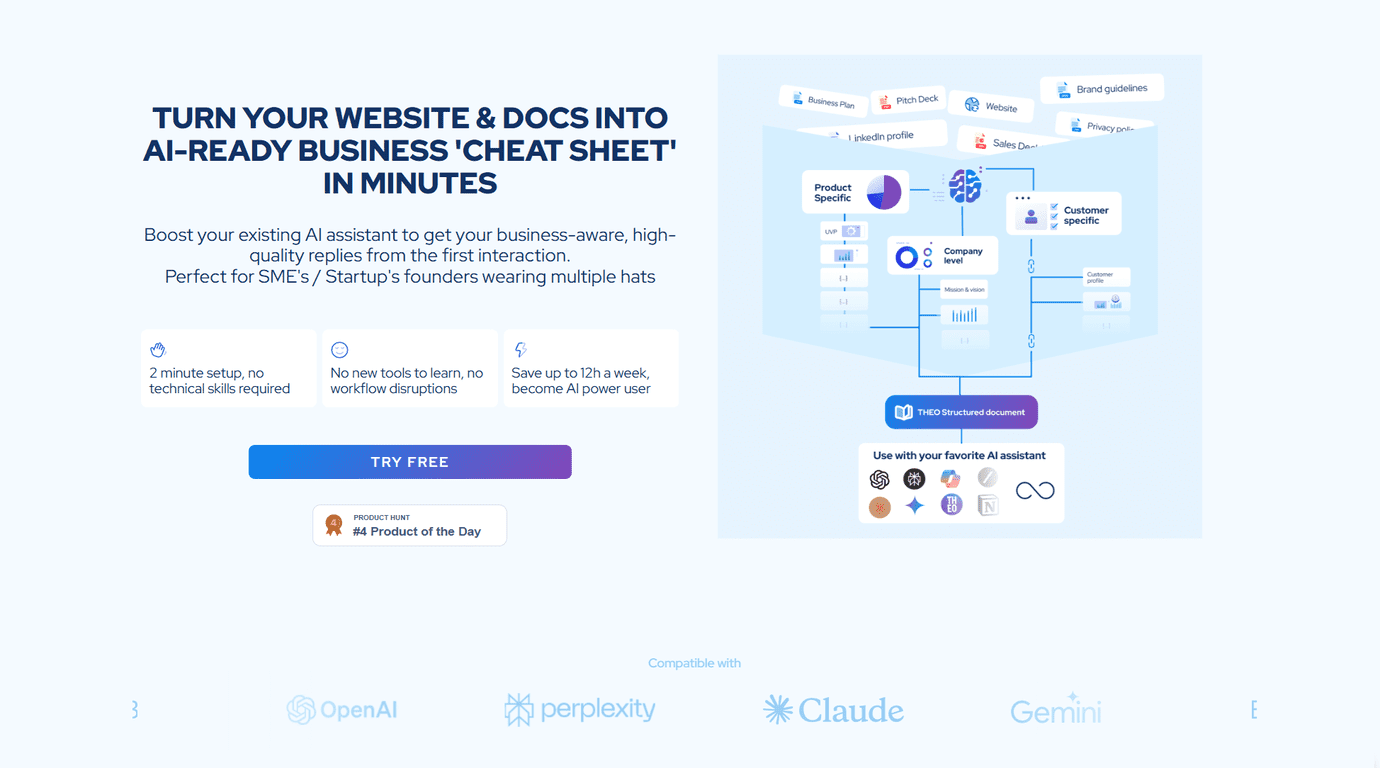
I’ve been testing tools that promise “better AI context” for a while now, and most of them fall into the same trap: you still end up doing a ton of copy/paste and prompting just to get your assistant to sound like you. THEO is different. It’s built to help startups feed their business info into AI assistants in a structured way, so the first conversation doesn’t feel like you’re starting from scratch.
After setting it up, what I noticed right away is how quickly it gets your company knowledge organized. You’re not wrestling with technical integrations or spending hours formatting docs. You basically take your existing materials, let THEO structure them, and then connect the output to popular AI assistants like ChatGPT or Claude.
Theo Review
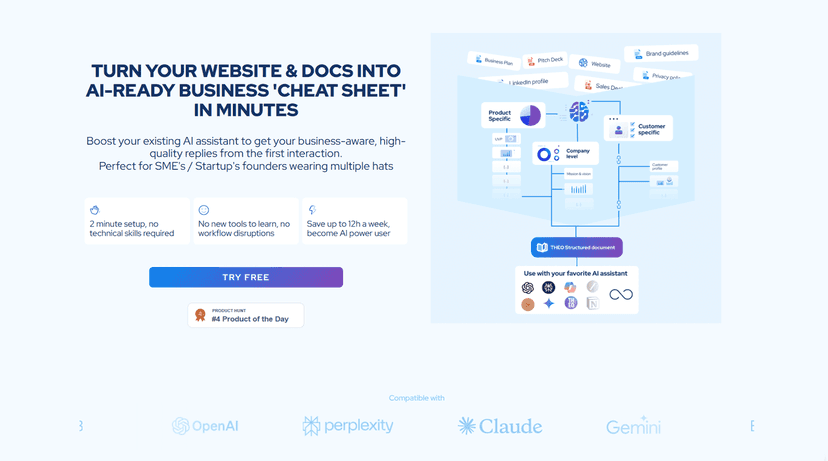
THEO is designed to make AI assistants actually understand your business, not just respond with generic advice. When you set it up, it structures your company’s critical info so AI platforms can use it from the start—without you manually turning every document into “AI-ready” context.
Here’s the part I liked most: THEO doesn’t just swallow files and hope for the best. In my experience, it pulls together scattered info from your documents and tries to fill in gaps. That matters because most startups have knowledge living in multiple places—pitch decks, product docs, FAQs, policies, internal notes—so the assistant needs a coherent story, not a pile of text.
It also includes web context mining. That means it can extract relevant details from the internet to enrich what the assistant knows about your company. Just keep in mind: web mining is only as good as what it can find publicly, so it won’t magically discover private pricing or internal processes. Still, it’s useful for things like positioning, offerings, and publicly stated policies.
If you’re tired of re-explaining your business every time you start a new chat, THEO is aimed exactly at that pain.
Key Features
- Quick Setup (about 2 minutes) — No technical skills required. I didn’t have to touch code or deal with complicated integrations to get started.
- Enhanced Context — It integrates information from multiple sources and flags missing pieces. That “gap identification” is one of the reasons the assistant responses feel more consistent.
- Custom Integration — Works with popular AI assistants like ChatGPT and Claude, so you’re not locked into one chatbot.
- Content Structuring — THEO organizes your business documents into formats AI assistants can actually use. This is where a lot of “context tools” usually fail, but it’s the core here.
- Efficiency Boost — Less repetitive prompting. Instead of telling the assistant your company background 10 times, you can focus on the actual question.
- Web Context Mining — Pulls relevant context from the web to enrich the knowledge base. Handy for public-facing details you might not have in your docs.
- Security Measures — Includes end-to-end encryption and a zero-storage policy. If privacy is a concern for you (it is for most startups), this is a big checkbox.
Pros and Cons
Pros
- Setup is genuinely simple — I didn’t need help to get it running, which is rare for tools in this category.
- Better first responses — Because the assistant starts with structured context, answers tend to be more aligned with your business right away.
- Works across AI platforms — Integration with multiple assistants means you can pick what your team already prefers.
- Privacy/security are clearly positioned — End-to-end encryption and zero-storage are the kind of details you want to see.
Cons
- Complex questions may take a couple tries — If you ask something very nuanced, you might need multiple runs or additional structuring to get the assistant to nail it.
- Costs can add up — The pricing is structured per “structuring run,” so if you’re constantly updating documents, it could get expensive for a tight budget.
Pricing Plans
Pricing Plans
– Basic Processing: €10 per structuring run
– File Upload: up to 3 docs
– 25 data points covering essential business information
– Web Context Mining
– Compatibility with major AI assistants
– Extended Processing: €50 per structuring run (Coming Soon)
– Everything in the Basic plan plus:
– File Upload: up to 5 docs
– 60 additional data points with advanced features
– Enhanced web mining and quality scoring
My practical take? If you’re a small team with a stable set of docs, Basic will likely be enough. If you’re iterating your positioning a lot (new product lines, frequent FAQ updates, changing policies), you’ll want to think about how often you’ll run the structuring process.
Wrap up
Overall, I think THEO is a solid option for startups that want their AI assistant to sound like it actually knows the business. The speed of setup is real, and the structured context approach is what makes the difference. When you’re using AI for customer support, sales outreach, internal Q&A, or onboarding, reducing repetitive explanations saves time fast.
That said, it’s not magic. If your business info changes constantly, or you ask very complex questions, you may need extra structuring runs to keep everything accurate. And yes—the per-run pricing could be a sticking point depending on your budget and update frequency.
If you’re looking for an easier way to get from “we have docs” to “our AI assistant actually uses them,” THEO is worth trying.
Promote Theo