Table of Contents
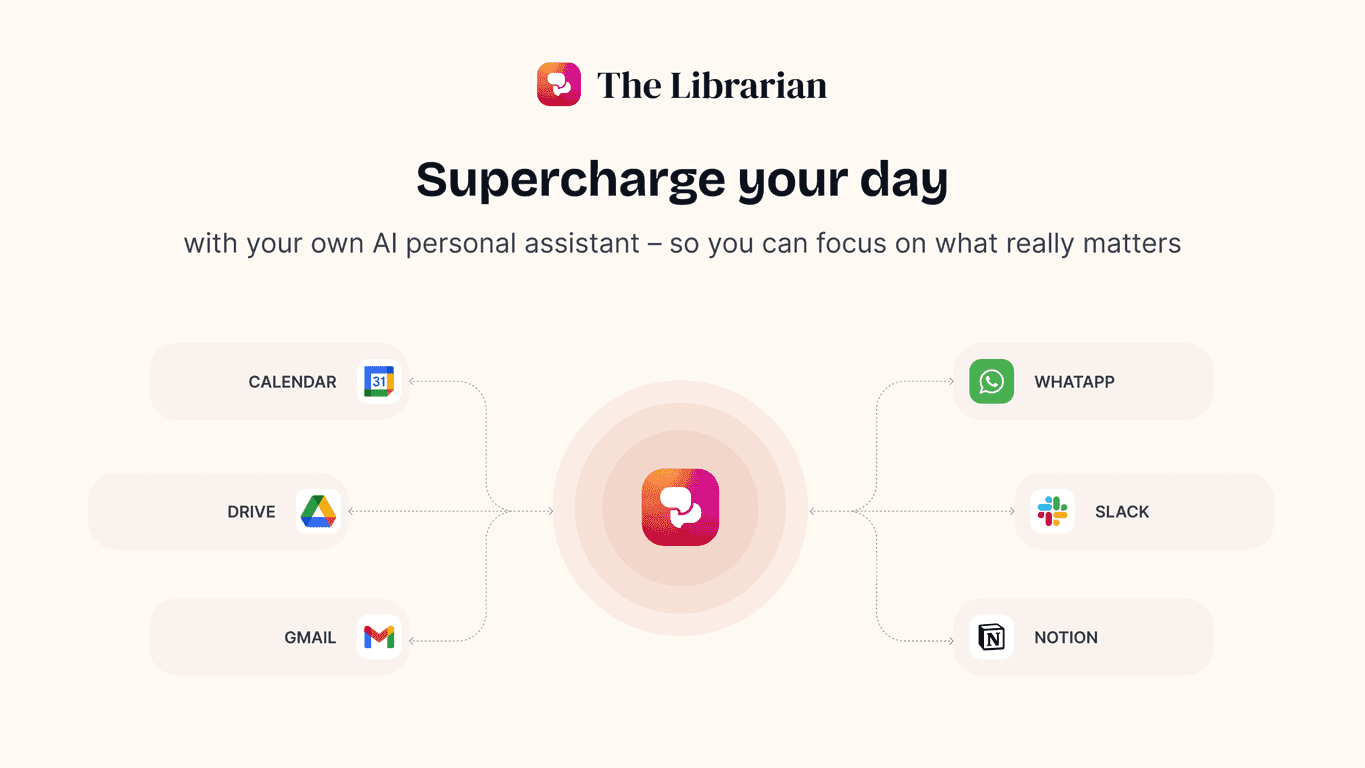
I’ve been testing TheLibrarian.io for a bit, and the big thing that stands out is how specifically it’s built around Google Workspace. If your day runs through Gmail, Google Calendar, and Google Drive, it feels less like “another AI assistant” and more like a practical helper that lives where you already work. And honestly, that matters—because if an assistant doesn’t fit your existing workflow, you end up doing extra steps instead of saving time.
In this review, I’ll break down what it actually does, what I liked, where it falls short, and whether it’s worth your attention if you’re trying to get more done with less mental juggling.
TheLibrarian.io Review
So what is TheLibrarian.io, really? It’s an AI personal assistant focused on the stuff that quietly eats your time: email follow-ups, scheduling, and hunting down documents buried in Drive. In my experience, those are the exact “busy work” tasks that pile up when you’re juggling meetings, deadlines, and messages all day.
What I noticed right away is that it feels built for Google Workspace users. If you live in Gmail and Calendar, you’ll probably feel at home fast. The interface is straightforward too—no “click here, then configure 12 settings” energy. For a tool like this, that’s a win.
That said, it’s not magic. You still have to review what it drafts (especially if you’re sending something sensitive or highly specific). But for speeding up the early steps—summaries, first drafts, and organizing—this kind of assistant can be genuinely helpful.
Key Features
- Master Your Inbox — Draft emails, summarize conversations, and help you respond without staring at the same thread for 20 minutes. I used it on a few longer email chains, and the summaries were the most immediately useful part. Instead of rereading everything, I could jump straight to the action items.
- Schedule Management — Organize meetings, resolve conflicts, and send automatic invites. When you’re coordinating multiple people, calendar friction adds up fast. This is where an assistant can actually reduce back-and-forth—especially if you’re trying to find a slot that doesn’t break someone else’s schedule.
- Information Retrieval — Find documents quickly and search without manually digging through folders. I tested a “where did I put that file?” moment, and it cut down the usual rummaging. The real value here is reducing the time between “I know it exists” and “I can actually use it.”
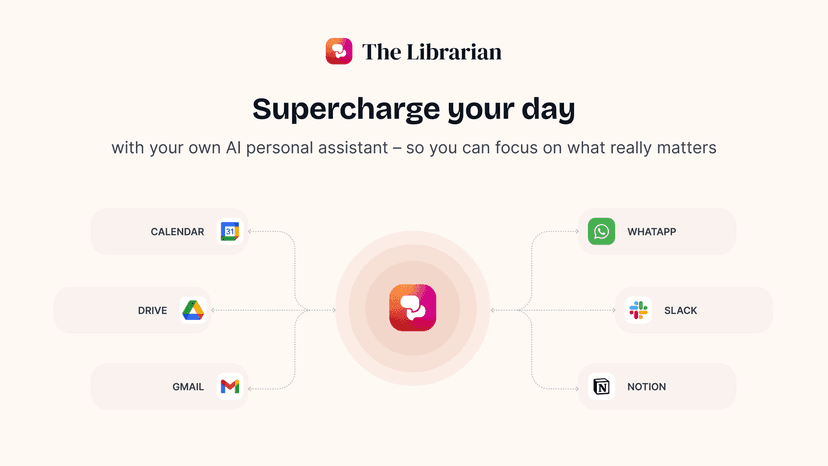
- Integrations — Sync with Gmail, Google Calendar, and Google Drive. This matters because it means the assistant isn’t asking you to copy/paste your life story into a separate tool. It’s working in the apps you already use.
Pros and Cons
Pros
- Time savings on repetitive tasks: Drafting, summarizing, and “what should I do next?” work gets faster, which helps you stay focused on higher-value tasks.
- Helpful intelligence (not just generic text): It doesn’t feel like it’s throwing random suggestions at you. In the best cases, it actually reduces the amount of rewriting you have to do.
- Designed for busy professionals: The experience feels practical—especially if your workflow is already centered on Google Workspace.
Cons
- Primarily for Google Workspace users: If you rely on Microsoft 365 (or other tools), you may not get the same benefit.
- Potential subscription upgrades: Some “advanced” capabilities could end up behind a paid tier later. That’s not unusual, but it’s worth keeping in mind if you’re budget-conscious.
- You’ll still need to review drafts: Like any AI writing assistant, it can miss nuance. I wouldn’t hit send without a quick read—especially for deadlines, pricing, or anything that could be interpreted the wrong way.
Pricing Plans
Right now, The Librarian is available in a Basic version for free. From what’s been shared, a Premium version is planned, with additional advanced features coming soon.
If you’re evaluating it, my advice is simple: use the free version for a week or two and pay attention to whether it saves you time on the tasks you do most (for me, it was inbox triage and quick document retrieval). If it consistently helps, upgrading later might make sense.
Wrap up
Overall, I think TheLibrarian.io is a solid productivity assistant—especially if you’re already deep in Google Workspace. It’s not trying to replace you. It’s trying to remove friction from the routine stuff: summarizing inbox threads, drafting replies, organizing calendar chaos, and finding documents without the usual scavenger hunt.
Will it be perfect? No. You’ll still want to review its outputs. But if you want something that actually fits your daily tools and helps you move faster, The Librarian could be worth trying—particularly while the Basic version is free and you can see how it performs for your specific workflow.
Promote TheLibrarian.io