LIFETIME DEAL — LIMITED TIME
Get Lifetime AccessLimited-time — price increases soon ⏳
AI Tools

TheFluxTrain Review – Create Your Own AI Influencers

Updated: April 20, 2026
5 min read
#AI#Ai tool

Table of Contents

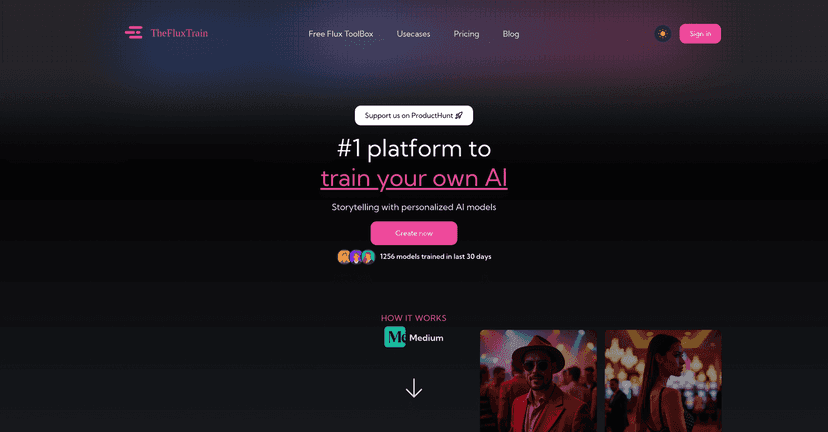
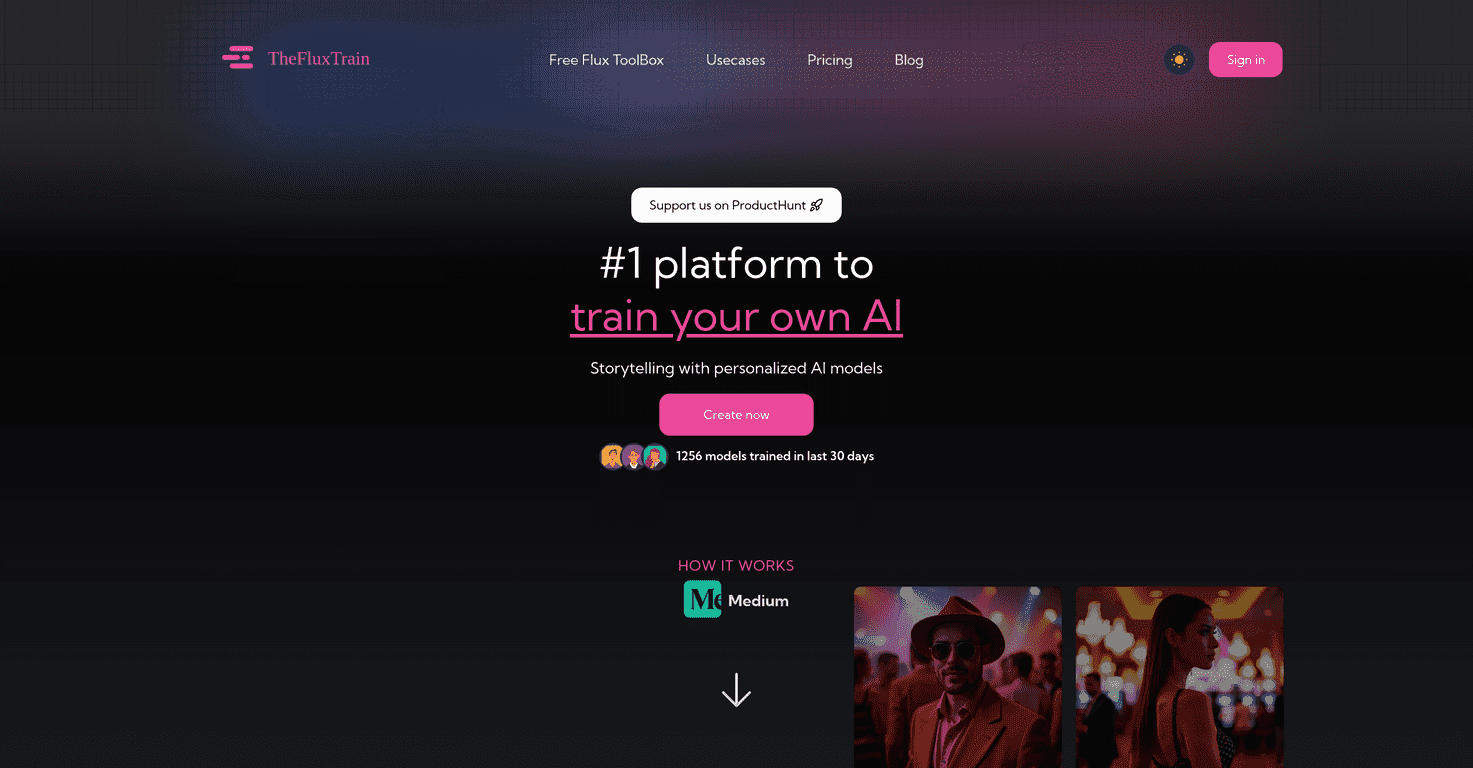
If you’ve been curious about training your own AI influencers (without having to wrestle with a bunch of technical setup), I tried TheFluxTrain and honestly, it feels a lot more straightforward than most “model training” tools I’ve played with. The pitch is simple: upload a set of images, train a custom Flux model, then use it to generate visuals that match your preferences—whether that’s headshots, fashion-style imagery, or influencer-like portraits.

What stood out to me right away is the workflow. It doesn’t try to be intimidating. You can move from “upload” to “generate/edit” without feeling like you need a PhD. And the results? They’re the kind of images that look like they belong in a campaign or a portfolio, not just random AI outputs.

Thefluxtrain

Table of Contents

TheFluxTrain Review: Training AI Influencers Without the Headaches

TheFluxTrain is aimed at creators—filmmakers, photographers, fashion professionals, and anyone who wants consistent visuals with their “own” AI persona. Instead of relying on generic prompts and hoping the face comes out right, you train a Flux model using your own dataset. That’s the big differentiator. It’s built for personalization.

In my testing, the best results came when I treated it like a mini photo shoot: varied angles, consistent lighting, and images that actually match the vibe I wanted. If your dataset is messy (random outfits, totally different lighting, lots of blur), the model struggles to lock in identity. But when the inputs are decent, the output looks much more “you” and less like a random AI face.

At the center of it all is an AI-powered editor. It combines image editing features with the ability to use your trained model. That matters because you’re not stuck with whatever the first generation gives you. You can refine, inpaint, and do image-to-image transformations to adjust details—hair, clothing styling, background elements, and the little things that usually make or break a portrait.

And yeah, I get the “influencer” angle. But it’s not limited to that. I can also see it working well for fashion campaigns (matching a specific look), product-style imagery (consistent branding), and even storyboarding for film scenes where you want the same character across multiple shots.

Key Features That Actually Matter (and How I’d Use Them)

  1. Personalized AI Modeling: Train using selfies and product images. I found that using a mix of close-ups and slightly wider shots helps the model understand facial structure and overall proportions.
  2. Multi-character Support: Generate images with multiple characters. This is great if you’re building scenes (like an influencer duo) instead of just single-person portraits.
  3. Easy Training Process: Upload images and start training without getting stuck in complicated settings. If you’ve ever tried training models elsewhere, you know how rare that simplicity is.
  4. Image Generation and Editing: Options like inpainting and image-to-image transformations. In practice, inpainting is where you can fix “almost right” results—like adjusting a background element or correcting a detail that looks off.
  5. Auto Captioning: Automatically generates captions to support training. This can save time because you don’t have to manually label everything, but I still recommend reviewing outputs if you’re going for a very specific style.
  6. Support for AI Influencers: Customize virtual influencers with traits. This is where you can lean into consistency—same face, same general aesthetic—so your content looks like a real brand account.

If you’re wondering, “How many images do I actually need?”—I can’t promise an exact number for every identity, but in general, more variety beats raw quantity. Quality and relevance to the final look matter more than dumping 200 random photos.

Pros and Cons From My Experience

Pros

  • User-friendly interface: I didn’t feel lost. You can get moving quickly even if you’re not super technical.
  • Training doesn’t demand a huge dataset: The platform is built for “upload and go,” and you don’t need a massive archive to start experimenting.
  • No subscription required: Instead of a recurring plan, you buy credits as needed. That’s nice if you’re doing occasional projects.
  • Customer support: There’s 24/7 support listed, and that matters when you’re waiting on renders and want answers fast.
  • Useful for multiple use cases: Personal projects, influencer content, fashion campaigns, and creative experiments all feel supported.

Cons

  • No free version: You’ll need to buy credits upfront to test properly. If you’re on the fence, that’s a little annoying.
  • Costs can add up: If you generate dozens of variations and keep iterating, you’ll burn through credits faster than you expect.
  • Credit tracking isn’t exactly simple: Depending on what you’re doing (training vs. generation vs. editing), it can be harder to predict spend. I’d love clearer “how many credits this will cost” info before starting.

Pricing Plans (Credits, Passes, and What They Mean)

TheFluxTrain pricing is based on credit packages through passes. Here’s what I saw listed:

  • Starter Pass: $15 for 5,000 credits
  • Pro Pass: $20 for 10,000 credits
  • Advance Pass: $40 for 23,000 credits
  • Super Pass: $100 for 75,000 credits
  • Enterprise option: starting from $699 for customized training models

My quick take: if you’re doing a one-off influencer batch or a small fashion set, the lower tiers might be enough. But if you’re planning to iterate a lot (different outfits, backgrounds, and character variations), you’ll want to think about how quickly credits disappear.

Wrap up

So, is TheFluxTrain worth it? If your goal is creating AI influencers and you care about getting consistent, personalized visuals, I think it’s one of the more practical options out there. The training workflow is much easier than I expected, and the editor tools (especially inpainting and image-to-image) give you a way to fix results instead of starting over every time.

Just go in knowing there’s no free trial, and the credit-based system can get expensive if you’re experimenting heavily. Still, for creators who want to build a recognizable “character” or brand look, TheFluxTrain feels like a solid tool—one that can turn your image set into content you’d actually want to post.

Stefan

Stefan

Stefan is the founder of Automateed. A content creator at heart, swimming through SAAS waters, and trying to make new AI apps available to fellow entrepreneurs.

Related Posts

chine meilleure imprimante featured image

Chine Meilleure Imprimante : Guide 2026 des Fournisseurs et Technologies

Découvrez la meilleure imprimante chinoise en 2026 : types, fournisseurs, technologies, prix et conseils pour choisir la solution adaptée à vos besoins. Lisez notre guide complet !

Stefan
is lisa crowne a real person featured image

Is Lisa Crowne a Real Person? Uncovering the Truth About Daisy Jones & The Six

Discover whether Lisa Crowne is a real person or fictional character from Daisy Jones & The Six. Get expert insights, episode details, and practical tips.

Stefan
are quotes public domain featured image

Are Quotes Public Domain: Complete Guide

Learn everything about are quotes public domain. Complete guide with practical examples, expert tips, and actionable strategies.

Stefan

Create Your AI Book in 10 Minutes