Table of Contents
Ever sit down to study and realize you’ve got too much—slides, PDFs, screenshots, lecture recordings, and somehow it all feels like it’s multiplying? I’ve been there. That’s why I wanted to try Thea. The promise is simple: take your course materials and turn them into study kits you can actually use day-to-day.
In my experience, what makes Thea stand out isn’t just that it “helps you study.” It’s the way it tries to structure what you’re learning—so you’re not just rereading notes hoping something sticks. Instead, it leans on active recall and spaced repetition to keep you coming back at the right times. And yes, the multilingual support matters more than I expected. If you’re studying in a language that’s not your first one, having options can reduce friction fast.
Thea Review (What It’s Like Using It)
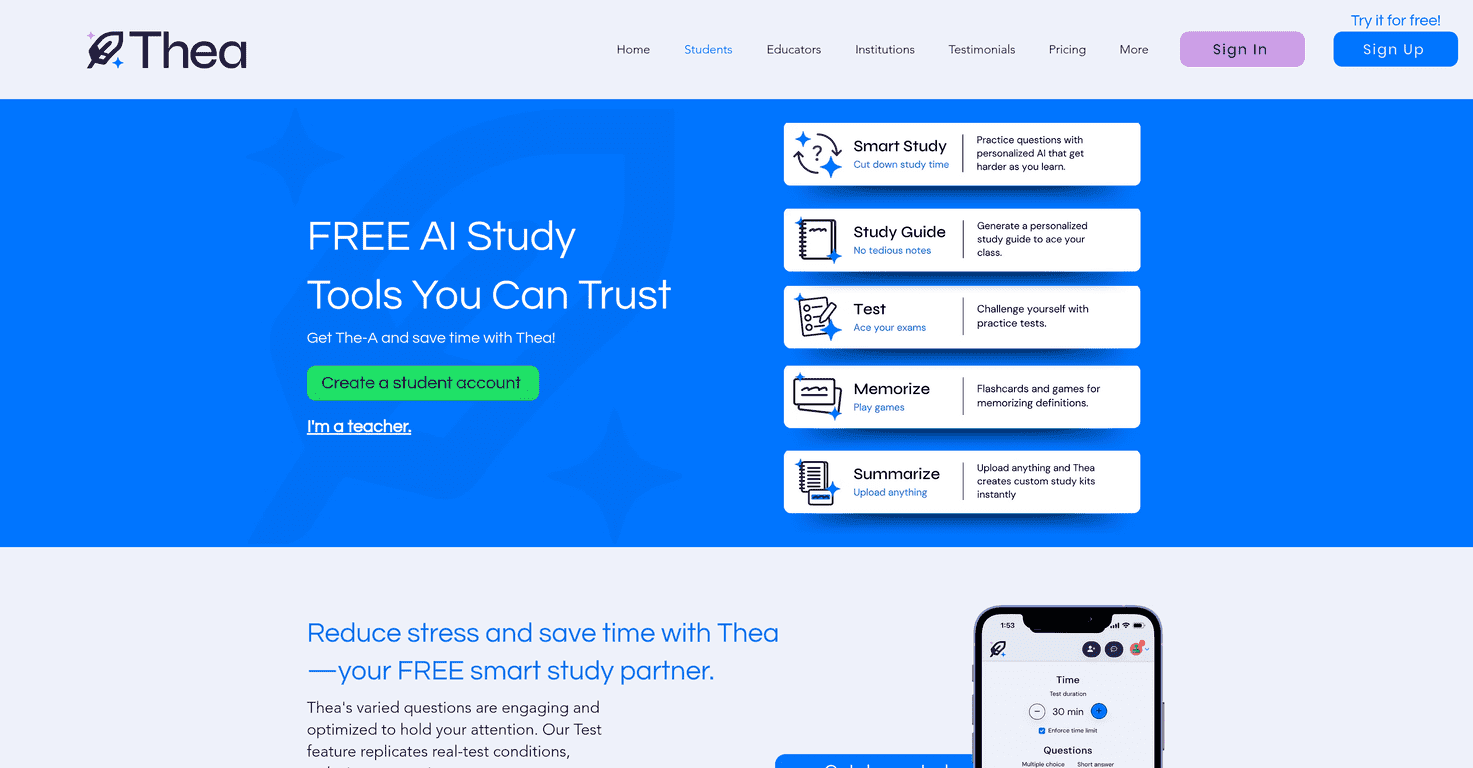
Thea is built around one main idea: take your existing course content and convert it into customized study kits. That means it can work with handwritten notes, PDFs, and lecture videos (at least in the way the platform is designed to accept and process materials). So instead of starting from scratch every time, you’re basically feeding it your stuff and letting it organize the learning.
One thing I noticed right away is that it doesn’t just push “read more.” It nudges you toward practice. The platform uses AI-enhanced learning techniques like active recall (testing yourself rather than passively reviewing) and spaced repetition (bringing topics back over time). If you’ve ever crammed the night before an exam and then forgotten everything by the next week, you already know why that matters.
Also, if you’re multilingual or studying in a second language, Thea’s language support can be a real advantage. I’ve seen students lose time just translating or re-explaining concepts to themselves. When the tool supports multiple languages, it can make your study routine feel less like extra work.
Key Features That Actually Affect Your Study Routine
- Personalized Study Kits
Instead of a generic set of flashcards, Thea focuses on turning your actual materials into study content you can work through. - Unlimited Questions for Practice
This is the part I like most for exam prep. You can keep drilling without feeling like you’re “running out” of practice material. - AI-Enhanced Learning Techniques
The active recall + spaced repetition approach is built into how the platform helps you review. It’s designed to help you remember, not just recognize. - Multilingual Support
If your course materials or your own notes aren’t in your first language, having multilingual options can make studying more consistent. - Accessible Across Devices
You can study on the go. For me, that matters because I’m not always sitting at a desk with a laptop.
Pros and Cons (My Honest Take)
Pros
- Free to Use until April 15, 2025
If you’re trying it during that window, you can test the workflow without committing money first. - Easy to navigate
The interface doesn’t feel cluttered. I didn’t have to fight to find the next step. - Research-based approach
Active recall and spaced repetition are the big names here, and they’re exactly what most students need when they’re trying to retain information. - Useful study tools
Flashcards and study guides are the kinds of features you’ll actually reuse, especially when you’re doing repeated review sessions.
Cons
- Limited offline functionality
If you’re on the subway, in a lecture hall with spotty Wi-Fi, or traveling, you may not be able to fully use it without internet. - Results can vary by subject
Some topics are easier to convert into practice questions than others. If your material is very dense or highly visual, you might need to do a bit more cleanup than you’d like. - Not “set it and forget it”
You still need to be comfortable using a study app. If you prefer writing everything by hand or you hate digital tools, this may feel like extra steps.
Pricing Plans (Is Thea Worth Paying For?)
Right now, Thea is available free for all students, with full access to features up to at least April 15, 2025. If you’re on the fence, this is the best time to test-drive it—set it up with one class first, then compare how your retention feels after a week of regular practice.
If you want a quick self-check: try studying one topic using Thea’s practice flow for 30–45 minutes, then test yourself again 3 days later. If you’re remembering more than you normally would, that’s a strong sign it’s doing what it claims.
Wrap up
Thea is a solid option if you want your study sessions to feel more structured and less chaotic. I like that it turns your materials into something you can practice with, and the active recall/spaced repetition approach is exactly the kind of habit that helps you stop forgetting everything right after the exam.
Just keep the limitations in mind—especially offline access and how well different subjects translate into practice questions. If you’re willing to use it consistently, though, it can genuinely make your studying feel easier and more effective.
Promote Thea



