Table of Contents
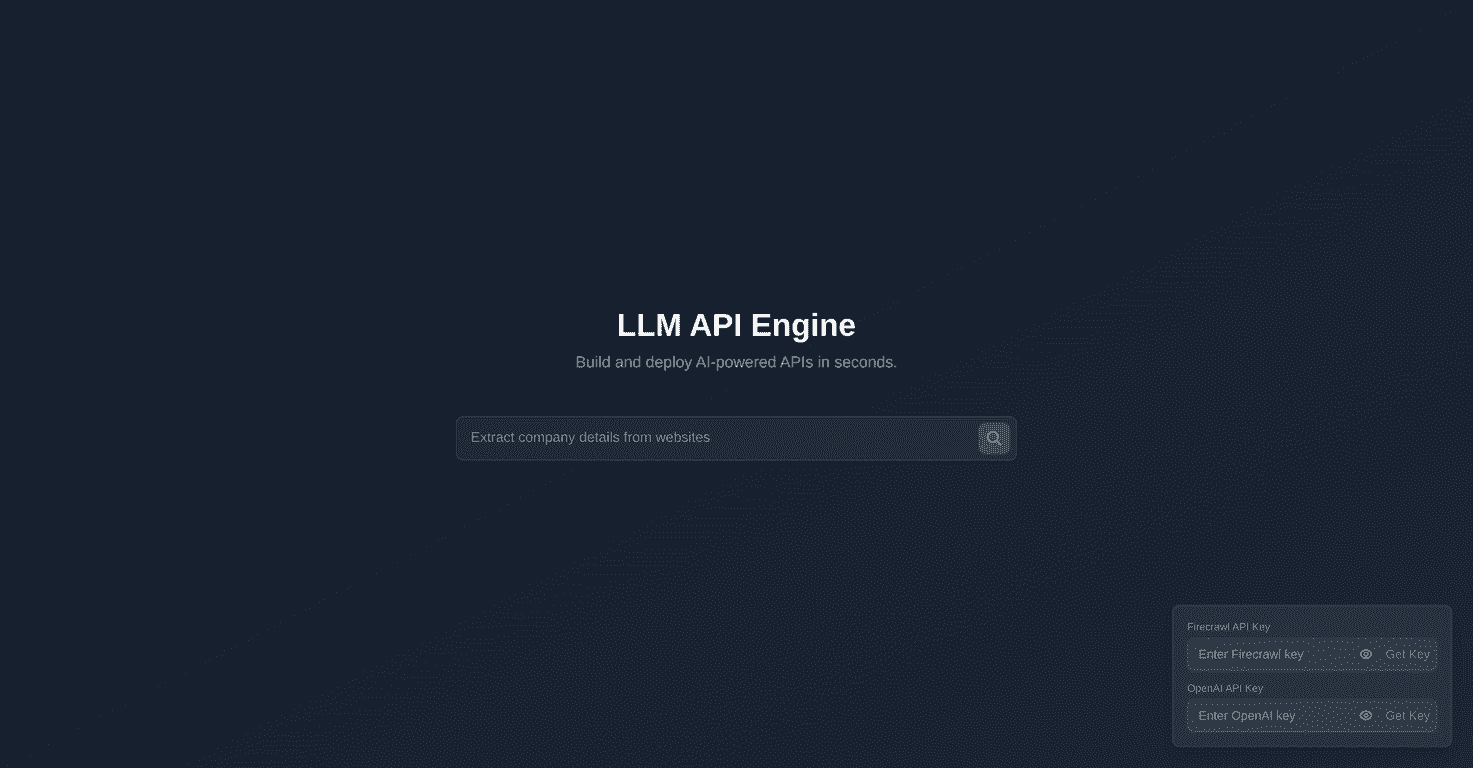
I’ve been testing “text-to-API” style tools for a while, and the Text to API concept is exactly what it sounds like: you take natural language, and end up with an API you can actually plug into an app. In this case, the platform behind that idea is the LLM API Engine.
After spending some time setting things up, what stood out to me wasn’t just the promise of AI-powered endpoints—it was how quickly I could get from “idea” to something that looked like a usable integration. If you’re tired of stitching together a bunch of separate services, writing boilerplate, and then debugging glue code for hours, this is the kind of platform that’s meant to reduce that pain.
Text to API Review
The LLM API Engine is built for people who want AI endpoints without turning the whole project into a DevOps project. In my experience, the biggest time sink with AI apps isn’t the model call—it’s everything around it: wiring, prompts, request/response formatting, and making sure it behaves consistently.
What I liked is that the platform leans on known pieces—especially its integrations with Firecrawl and OpenAI. That matters, because if you already understand those services, you’re not learning everything from scratch.
So, what can you realistically expect? Think of it like a “wrapper + workflow” for turning text-based instructions into an API you can use in your product. If you’re building something like a support agent, a content summarizer, or a workflow that pulls data from web pages and then generates structured output, this kind of setup can be a fast starting point.
Key Features
- AI-powered APIs for faster deployment
Instead of building everything from scratch, you’re set up to create AI endpoints quickly and iterate without the usual overhead. - Firecrawl integration
If your use case involves extracting or transforming content from the web, Firecrawl is a big part of the “why this works” equation. - OpenAI access for advanced model capabilities
You get to rely on OpenAI’s strengths for reasoning, summarization, extraction, and general language tasks. - User-friendly interface
I found the UI straightforward enough to follow without needing to stare at docs for hours. It’s not “no-code magic,” but it’s definitely beginner-friendly.
Pros and Cons
Pros
- Speed to a working integration
I was able to move from setup to an AI-backed endpoint faster than I usually can when I’m assembling everything manually. - Integration flexibility
The Firecrawl + OpenAI combination gives you a lot of room for different workflows—especially if your app needs both “get data” and “generate output.” - UI that doesn’t fight you
The experience feels designed for real developers. I didn’t feel like I was guessing where things were supposed to go.
Cons
- You still need your own API keys
This isn’t a “fully managed for free” setup. You’ll need valid keys for Firecrawl and OpenAI, and you’ll want to budget for usage. - Pricing details aren’t clearly laid out
At the time I checked, there wasn’t a neat breakdown of plans or what you pay for the platform itself. That makes it harder to estimate costs before you commit.
Pricing Plans
Here’s the honest part: I didn’t see transparent pricing plans for the LLM API Engine itself. What you can do is visit the underlying services—Firecrawl and OpenAI—to get the real details on usage costs and API key setup.
If you’re trying to forecast monthly spend, I’d recommend you estimate based on your expected request volume and payload size. For example, if your app runs 1,000 requests/day and each request triggers a model call plus some page extraction, your costs can add up fast. Better to sanity-check early than get surprised later.
Wrap up
Overall, I think Text to API (powered by the LLM API Engine) is a solid option if your goal is to build AI-powered APIs without getting bogged down in all the setup work. The Firecrawl + OpenAI integrations are a practical combo, and the interface feels like it’s meant to help you ship.
Just don’t expect it to replace budgeting or API key management—because it won’t. Still, if you want to get from “text instructions” to an API you can actually use, this one’s worth a closer look.
Promote Text to API



