Table of Contents
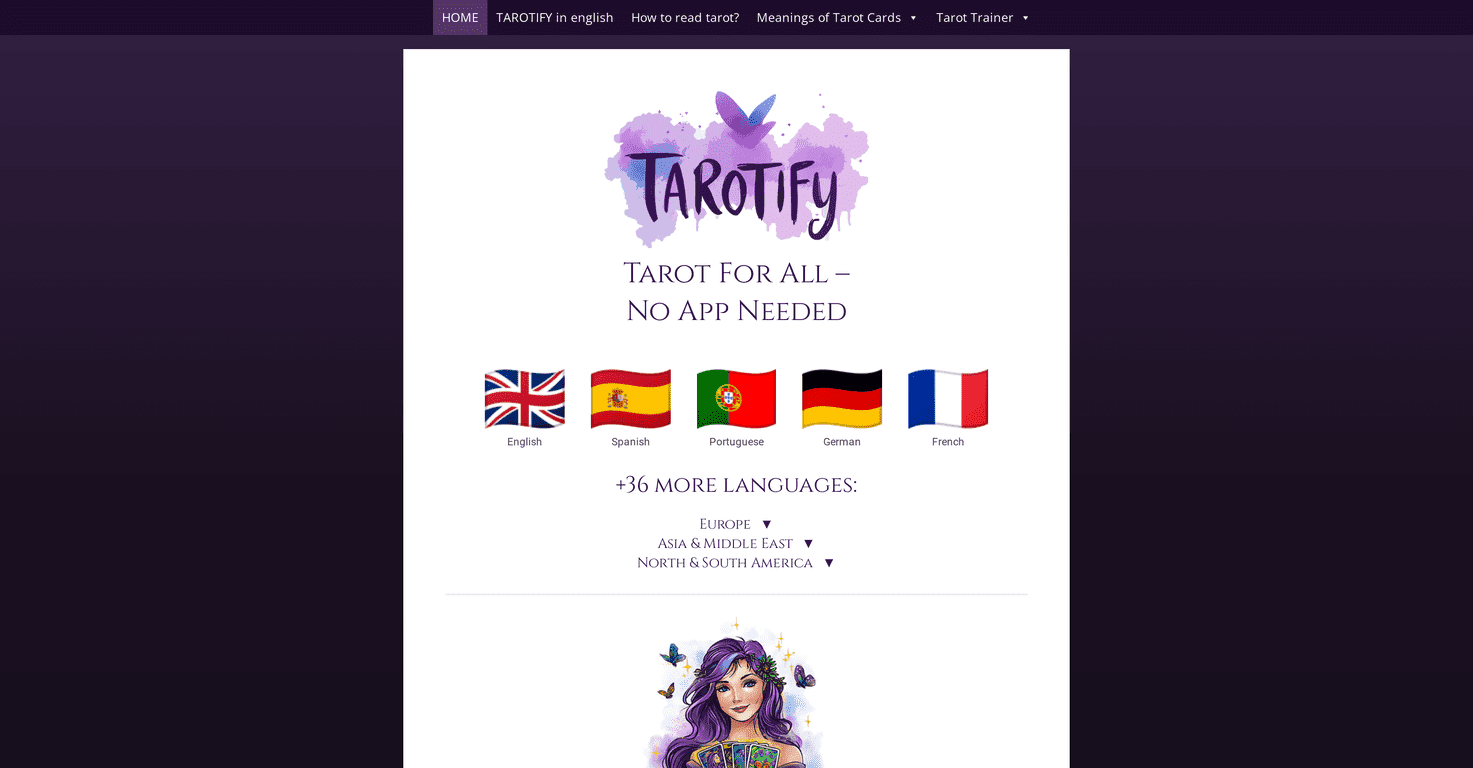
If you’re into tarot but you don’t really want to download another app, I get it. I’ve tried a few tarot apps over the years, and half the time I end up forgetting to use them because they’re just… another thing to install. That’s why I was curious about Tarotify.ai—an online tarot companion you can open straight from your browser.

In my experience, the biggest win here is simplicity. You don’t have to create an account just to get started, and it feels designed for quick readings—like “I need clarity today” quick. You can use it on mobile or desktop, which matters more than people think. If I’m on the couch with my phone, I don’t want to squint at a tiny interface or fight with a slow app.
Tarotify Review: What It’s Like to Use
Tarotify.ai is built for tarot readings through a web browser, and it leans heavily on AI-assisted interpretation. If you’re new to tarot, that’s actually a big deal. Most beginners don’t struggle with “what is a tarot deck?”—they struggle with “okay, but what do these cards mean together?” The platform tries to bridge that gap by translating your drawn cards into plain-language explanations.
It also includes a learning angle, not just reading. There’s an interactive tarot trainer that focuses on the 78 cards, plus video tutorials that walk you through readings. I like that because it means you can go from “I drew three cards” to “I understand why these cards matter” without bouncing between five different websites.
One thing I noticed right away: the interface feels pretty straightforward. No complicated menus. No “where do I click?” energy. You can jump in, draw cards, and get something useful quickly.
Key Features I Actually Used
- No app required — Works directly in your browser, so you can jump in fast.
- Multi-language support — Tarotify supports over 36 languages, which is great if you prefer reading in your native language.
- AI-assisted card interpretation — After you draw, you get explanations that are easier to digest than memorizing keywords alone.
- Interactive Tarot Trainer (78 cards) — Lets you learn card meanings in a structured way instead of random googling.
- Video tutorials — Helpful for learning spreads and reading basics, especially if you’re starting from scratch.
- User-friendly interface — Designed for both mobile and desktop use.
Pros and Cons (Straight From a Real User’s View)
Pros
- Free to use — No subscription required for the core experience, which makes it easy to test without commitment.
- Works anywhere — If you’ve got internet, you’ve got tarot. I used it on both phone and desktop and didn’t feel like I was getting a “downgraded” version.
- Beginner-friendly learning — The trainer and tutorials are a nice combo. You’re not only getting answers—you’re learning the system.
- AI interpretations are detailed enough to help — I didn’t just get a vague paragraph. The explanations felt like they were trying to connect the cards to a situation.
Cons
- Internet dependency — If your connection is spotty, the experience won’t be smooth. That’s the tradeoff for browser-based tools.
- Less “personal” than a human reader — AI can be insightful, but it won’t pick up on your exact tone, history, or nuance the way an actual reader might.
- Not everyone will love AI-style interpretations — If you prefer a strictly traditional approach (or you already have your own meanings), you might find the phrasing a bit too “modern” or generalized.
Pricing Plans: Is Tarotify Free?
Tarotify.ai is completely free. In other words, you’re not being pushed into a paid tier just to access readings or training. I tested it with the expectation that I’d hit a paywall, and I didn’t. That alone makes it worth a try if you’re curious but cautious about spending money on tarot tools.
Wrap up
Overall, I think Tarotify.ai is a solid option if you want tarot readings without downloading an app. It’s easy to use, beginner-friendly, and the combination of AI interpretations plus a 78-card trainer is genuinely convenient. Just remember it’s not a replacement for a real reader if you want deep personalization—and it does require a stable internet connection.
If you’re the type who likes quick clarity, wants to learn as you go, and doesn’t want to juggle yet another installation, Tarotify is worth checking out.
Promote Tarotify