Table of Contents
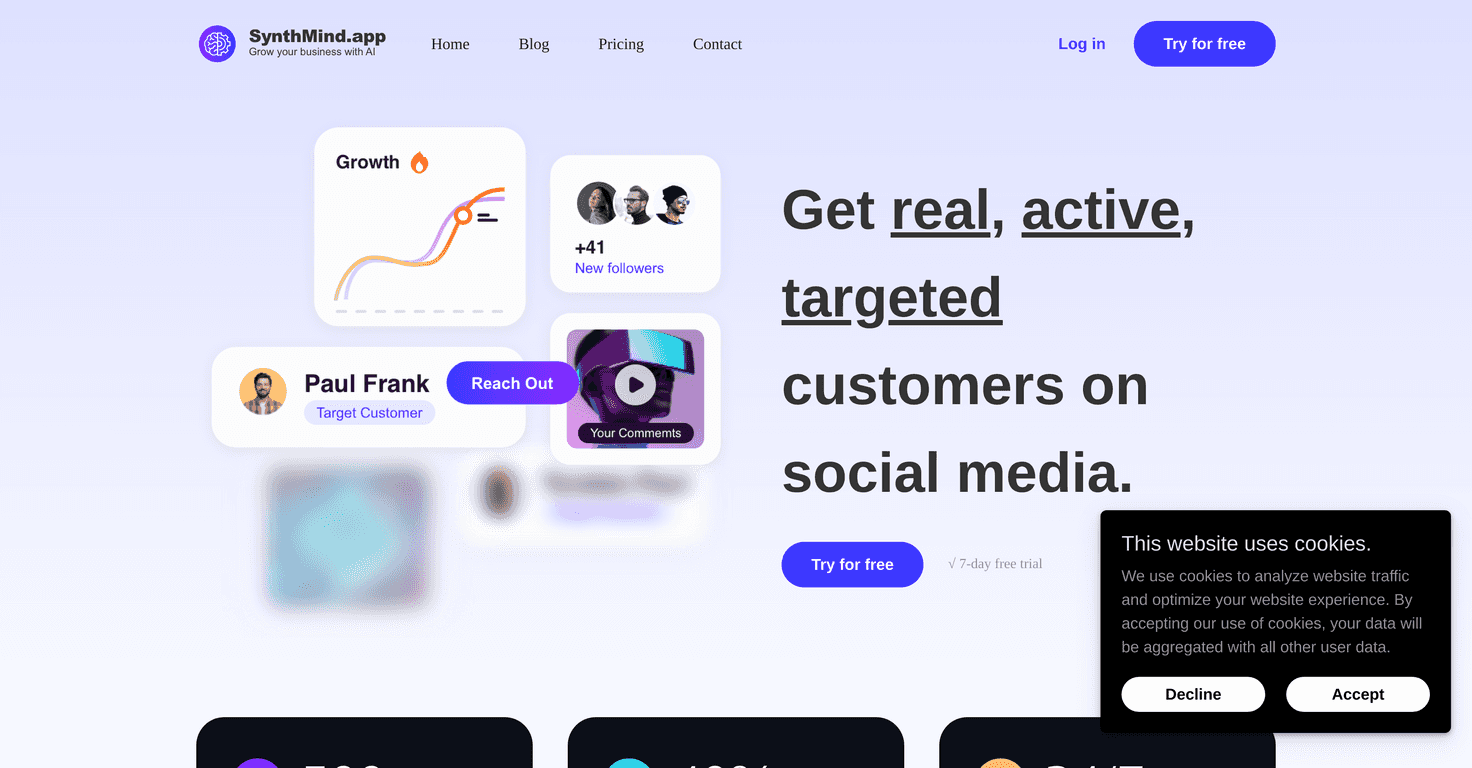
If you’ve ever stared at a blank page and thought, “I just need a starting point,” then you’ll probably get why I tried SynthMind AI. It’s a content generator that’s meant to help you crank out drafts faster—especially if you’re juggling marketing, blogging, or social posts and you don’t want to spend your whole day rewriting the same idea in different ways.
After spending some time with it, what stood out to me wasn’t just “it can generate text.” It’s more that the workflow feels pretty approachable. You don’t need to be an expert to get results, and the tool tries to keep you moving instead of getting in your way. Still, I’ll be honest: like most AI writing tools, you’ll probably want to edit things to make it sound like you.
SynthMind AI Review
Here’s the simplest way I’d describe SynthMind AI: it’s built to help you produce content quickly, and it tries to keep the process smooth from idea to draft. When I tested it, I didn’t feel like I needed a whole checklist of “prompt engineering” tricks just to get something usable.
The interface is pretty straightforward. You can pick what you’re trying to write, feed it context, and then iterate. And that’s honestly the part I liked most—being able to move back and forth without everything feeling like a complicated setup.
It also claims to understand context and generate content that matches it. In practice, I noticed that if I gave clearer details (topic, audience, goal, and a couple of bullet points), the output was more aligned. If I was vague, the text still came out, but it needed more editing to sound specific and real.
Key Features
- Intuitive interface for all skill levels
Even if you’re not a “writer,” you can get started without feeling lost. I didn’t have to watch a tutorial just to generate my first draft. - Content generation algorithms
This is the engine behind the scenes. You’ll use it to turn prompts into drafts for different formats. - Customizable content preferences
What I liked here is that you can guide the tone and direction. The more specific you are about what you want, the better the result tends to be. - Supports multiple content types
Blogs, ads, and social posts are covered, so you’re not stuck generating only one “type” of text. - Real-time collaborative editing
If you work with a team (or even just want feedback from a friend), collaboration can save time compared to swapping files back and forth.
Pros and Cons
Pros
- Saves time
For me, it’s been great for getting a first draft fast—especially for things like outlines, ad variations, or social post drafts. - Adapts to different writing styles
When I nudged it toward a more casual tone versus a more professional one, the outputs shifted in the right direction. - Lots of templates
Templates help a ton when you’re not sure how to structure your prompt. You’re basically starting from a better baseline. - Collaboration is a real benefit
If you’re producing content with others, being able to review and refine together is a practical win.
Cons
- Free version feels limited
I noticed that some of the more useful capabilities are likely reserved for paid plans. If you’re trying to test it seriously, you might hit limits sooner than you expect. - You’ll probably edit for a personal touch
Even when the content is good, it doesn’t always sound exactly like your voice. I ended up tweaking phrasing, tightening sections, and adding a couple of personal examples. - Not every generated result is flawless
Sometimes you’ll get something that’s close, but not quite ready to publish. Expect to review for clarity, accuracy, and tone.
Pricing Plans
Pricing is pretty straightforward: there’s a free plan with limited features, and then a premium subscription that unlocks the full set of capabilities. If you’re only doing occasional drafts, the free tier might be enough to evaluate it. But if you plan to use SynthMind AI regularly—like weekly blog work or ongoing ad testing—you’ll likely want the premium plan pretty quickly.
One practical tip: before you pay, try generating a few samples in the exact formats you care about (for example, one blog intro, two ad variations, and a handful of social posts). If the results are consistently close to publish-ready for your use case, that’s when upgrading tends to make sense.
Wrap up
So, is SynthMind AI worth considering? In my experience, it’s a solid option when you want speed and a smoother writing process—especially if you’re producing content for marketing or social media. The templates and customization help, and the collaboration feature is genuinely useful if you work with others.
Just don’t expect it to replace your judgment. You’ll still want to review what it generates, add your own perspective, and make sure it matches your brand. But if you’re looking for a creative partner that helps you start faster and iterate quicker, SynthMind AI can absolutely earn a spot in your workflow.
Promote SynthMind AI




