Table of Contents
Trying to level up your marketing visuals, sales assets, or even a small film project can get frustrating fast. You either end up paying for a bunch of separate tools… or you waste time clicking around while your ideas cool off. That’s why I was curious about SwapFans.
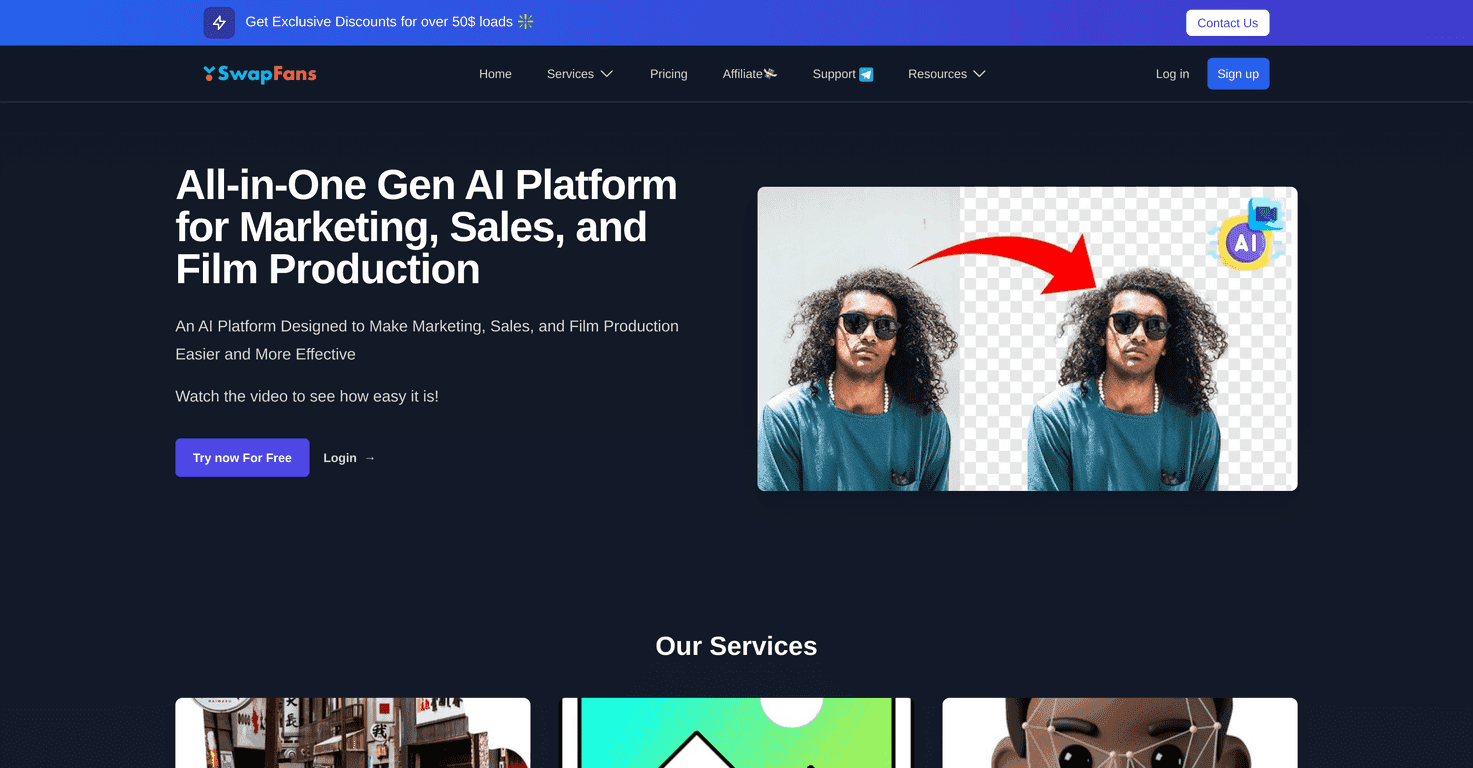
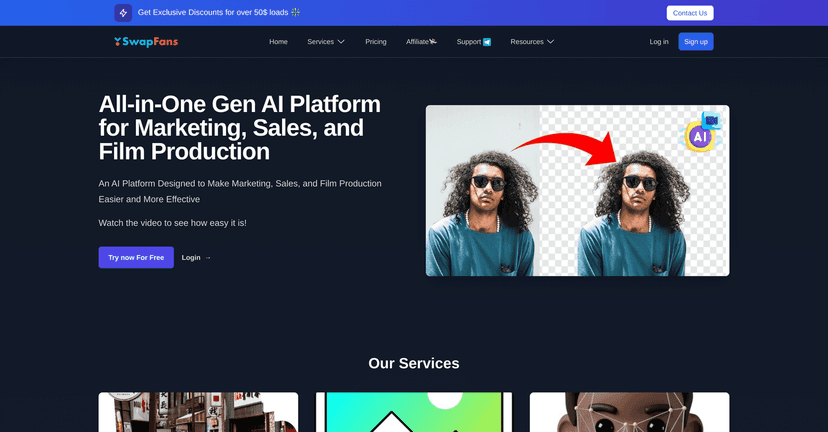
In my experience, SwapFans is one of those platforms that actually tries to stay practical. The interface feels straightforward even if you’re not super technical, and the core tools are aimed at the stuff people commonly need: changing backgrounds, removing them, generating new images from prompts, and swapping faces in videos.
What I noticed most is the “do the thing, don’t overcomplicate it” vibe. If you want a quick background swap for an ad, or you’re editing a clip and need a face replacement, it’s built for that. Is it perfect? No tool is. But it’s definitely focused, and that matters when you’re trying to ship content on a deadline.
SwapFans Review: What It’s Like to Use for Real Projects
SwapFans is a generative AI platform aimed at creative tasks for marketing, sales, and film-style edits. The big selling point is how many “common edit requests” it bundles into one place. You’re not bouncing between ten tools to do one small job.
For example, I tested the workflow conceptually around a few typical tasks people actually need:
- Ads and thumbnails: changing backgrounds so your subject pops more.
- Sales visuals: cleaning up images by removing backgrounds and swapping them for something cleaner.
- Video edits: face swaps for creative concepts (obviously, you’ll want to use this responsibly).
When it comes to quality, I found the results are strongest when your input image/video is reasonably clear. If the subject is blurry, lighting is chaotic, or the angle is extreme, you’ll usually get less convincing edges and more artifacts—same story with basically every AI editor out there.
Still, for quick turnaround work, it’s genuinely useful. You can generate images from text prompts, remove backgrounds fast, and do face swaps without feeling like you need a full editing suite or a steep learning curve.
Key Features (and How I’d Use Them)
- Background Changer: Swap or replace image backgrounds with high accuracy. I’d use this for product-style visuals, social posts, and “make it look intentional” edits.
- Image Generator: Create custom visuals from text prompts in seconds. If you’re drafting ad concepts, it’s a fast way to test ideas before you commit to a full shoot.
- Faceswap: Replace faces in videos for creative editing. This is the feature you’ll want for parody, short-form content, or experimental edits—just be mindful of permissions and context.
- Background Remover: Quickly and accurately eliminate backgrounds from images. This is one of those boring-but-critical tasks—especially if you’re making consistent assets for a brand.
- User-friendly Interface: Designed to be simple to navigate across devices. I like when platforms don’t punish you for being busy.
Pros and Cons: The Honest Take
Pros
- Multiple creative tools in one place—background edits, prompt-based generation, and face swaps without switching apps.
- Beginner-friendly. You don’t need to be a designer or editor to get started.
- Free credits for trying it out. I like that you can test the workflow before you decide whether it’s worth paying for.
- Fast results for common marketing and creative tasks. When you’re on a schedule, speed matters more than people admit.
Cons
- Advanced actions can cost credits. If you’re doing lots of iterations (which you usually do), you may burn through the free allowance quickly.
- Credit-based pricing won’t match everyone’s habits. Some people prefer subscriptions because it’s predictable—credits can feel a bit “pay as you go.”
If you’re the type who does one or two edits a month, credits can be fine. If you’re cranking out daily content, you’ll want to keep an eye on how often you’re using the heavier features.
Pricing Plans: Free vs VIP (What You’ll Actually Get)
SwapFans includes a Free Plan, which lets you generate and export edited images without watermarks using complimentary credits. That’s a solid starting point if you just want to see how the background tools and prompt generation feel.
For more frequent or higher-volume use, there’s a VIP Plan. It’s set up as a one-time payment option so you can purchase additional credits without needing a monthly subscription. In practice, this tends to work best if you know you’ll be producing a batch of assets and want to avoid surprise recurring costs.
Wrap up
Overall, I think SwapFans is a practical AI toolset for anyone who needs quick visual edits—especially backgrounds, background removal, and prompt-based image generation. If you’re working on marketing content or quick creative experiments, it’s easy to get value without turning it into a whole project.
If you want to test it for yourself, I’d say go for the free credits first, then decide based on how often you’ll use the advanced features. That way you don’t pay for something you won’t actually lean on.
Promote SwapFans




