Table of Contents
Survey creation always sounds simple—until you’re actually staring at a blank page wondering how to word everything. I’ve been there. That’s why I tested SurveyLoom to see if it can genuinely make the process easier (not just “easier on paper”).
SurveyLoom Review: Does the AI actually help?
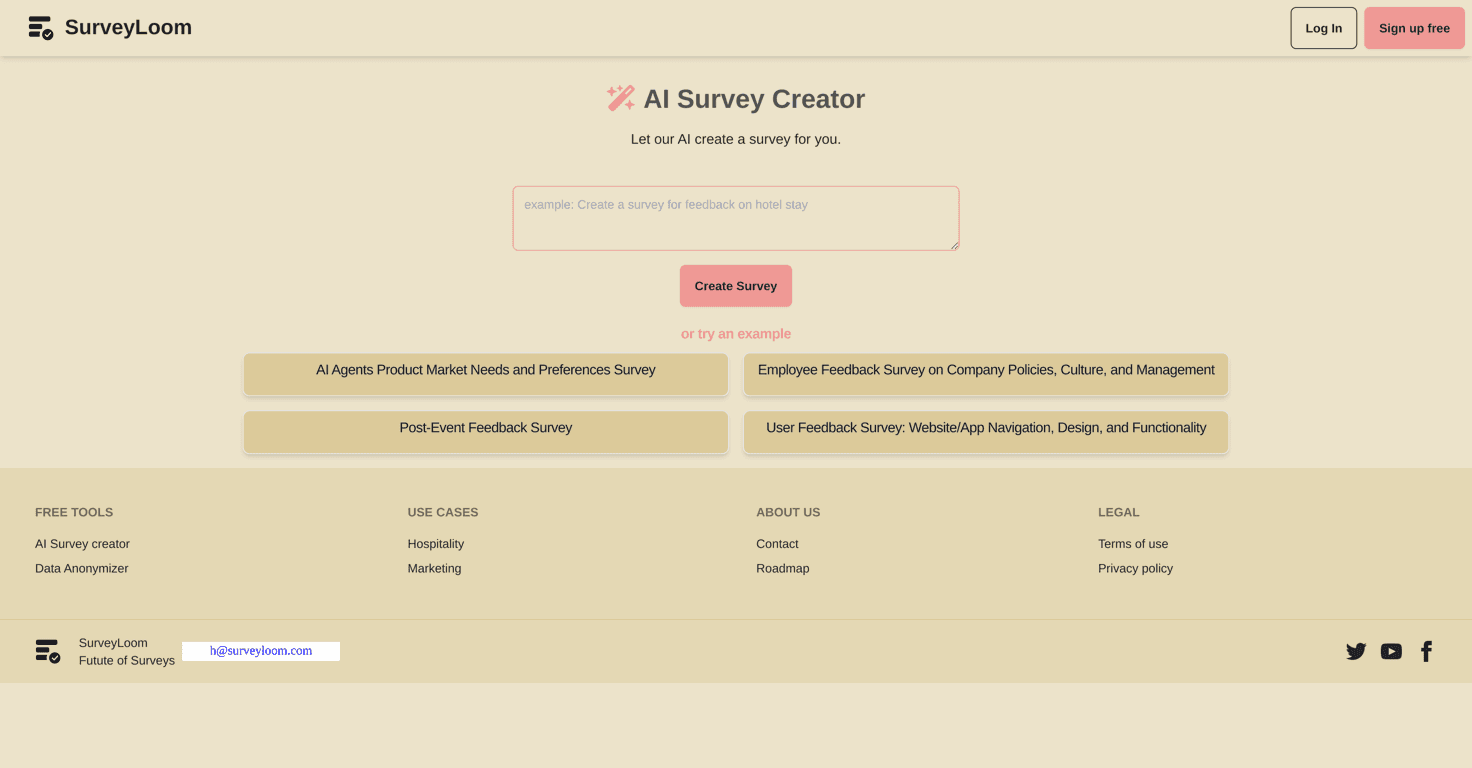
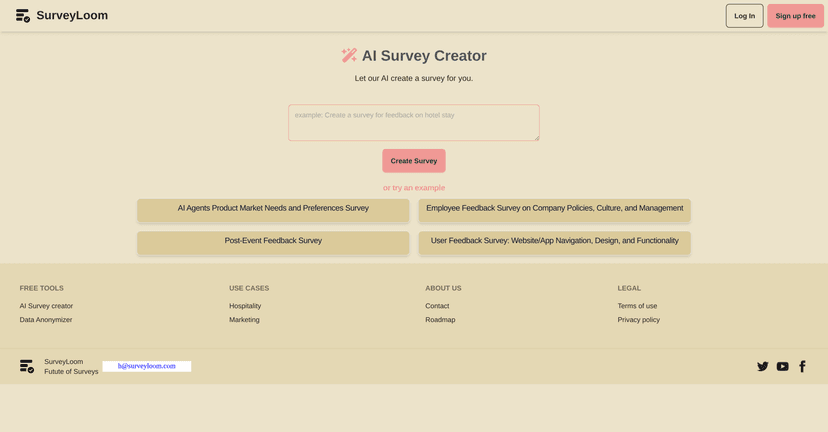
SurveyLoom is positioned as an intuitive online platform for survey creation, and in my experience the biggest win is speed. The standout feature is the AI Survey Generator, which creates questions based on what you type in (your prompt). Instead of starting from scratch, you’re basically giving it context and letting it draft the structure.
For example, I tried a prompt like “I need a short customer feedback survey for a small coffee shop—focus on taste, speed, and staff friendliness.” The AI didn’t just spit out random questions. It generated a set that felt organized and relevant, and I could quickly see how it would work for real-world use cases.
What I liked most wasn’t the “AI” part—it was that the interface made it easy to review what it produced and adjust where needed. If you’re a student, you can build something for a class project without wrestling with formatting. If you’re a professional, you can get a draft in minutes and spend your time on the parts that matter (like making sure the questions are actually clear).
Key Features I’d Actually Use
- AI Survey Generator that automates question creation from your prompt (so you’re not starting with a blank page).
- More than student-style surveys—it’s set up for businesses, educators, and general feedback collection, not just academic questionnaires.
- Example surveys you can use as a starting point. This is underrated. Sometimes you don’t need “AI,” you just need a template to tweak.
- Built for accessibility across different sectors, which matters if you’re sharing the survey with people who aren’t super techy.
Pros and Cons (Real talk)
Pros
- Quick setup: I could get a usable survey drafted fast, especially once I had a clear prompt.
- Good for different use cases: The platform doesn’t feel limited to one type of survey. You can adapt it for events, research, internal feedback, and more.
- Free trial available: I appreciate that you can explore without having to enter a credit card right away. It lowers the barrier to testing it properly.
Cons
- Customization can feel limited if you want to go beyond the AI’s suggestions. There’s a point where you may want more control over wording, question formats, or logic than what’s immediately obvious.
- Pricing details aren’t very transparent based on what’s shown up front. I didn’t see a clear breakdown of what each paid tier includes, so you might have to dig around or test features during the trial.
Pricing Plans: What I found
SurveyLoom offers a free trial, and that’s a solid move. In practice, it means you can build a survey, test the workflow, and see if the AI output matches what you want before committing to a paid plan.
That said, detailed pricing for premium features isn’t clearly laid out in the information I reviewed. If you’re the type who likes to know exactly what you’re paying for (I am), plan to check the trial or look for plan details directly on the site before you decide.
Wrap up
Overall, I think SurveyLoom is a good option if you want a straightforward way to create surveys without spending an hour formatting questions. The AI Survey Generator is genuinely useful for getting a draft quickly, and the platform feels friendly enough for beginners while still being practical for real projects.
If you’re okay with starting from AI-generated suggestions and then refining from there, you’ll probably like it. If you need very advanced customization or super-clear pricing upfront, you’ll want to pay close attention during the trial before you commit.