Table of Contents
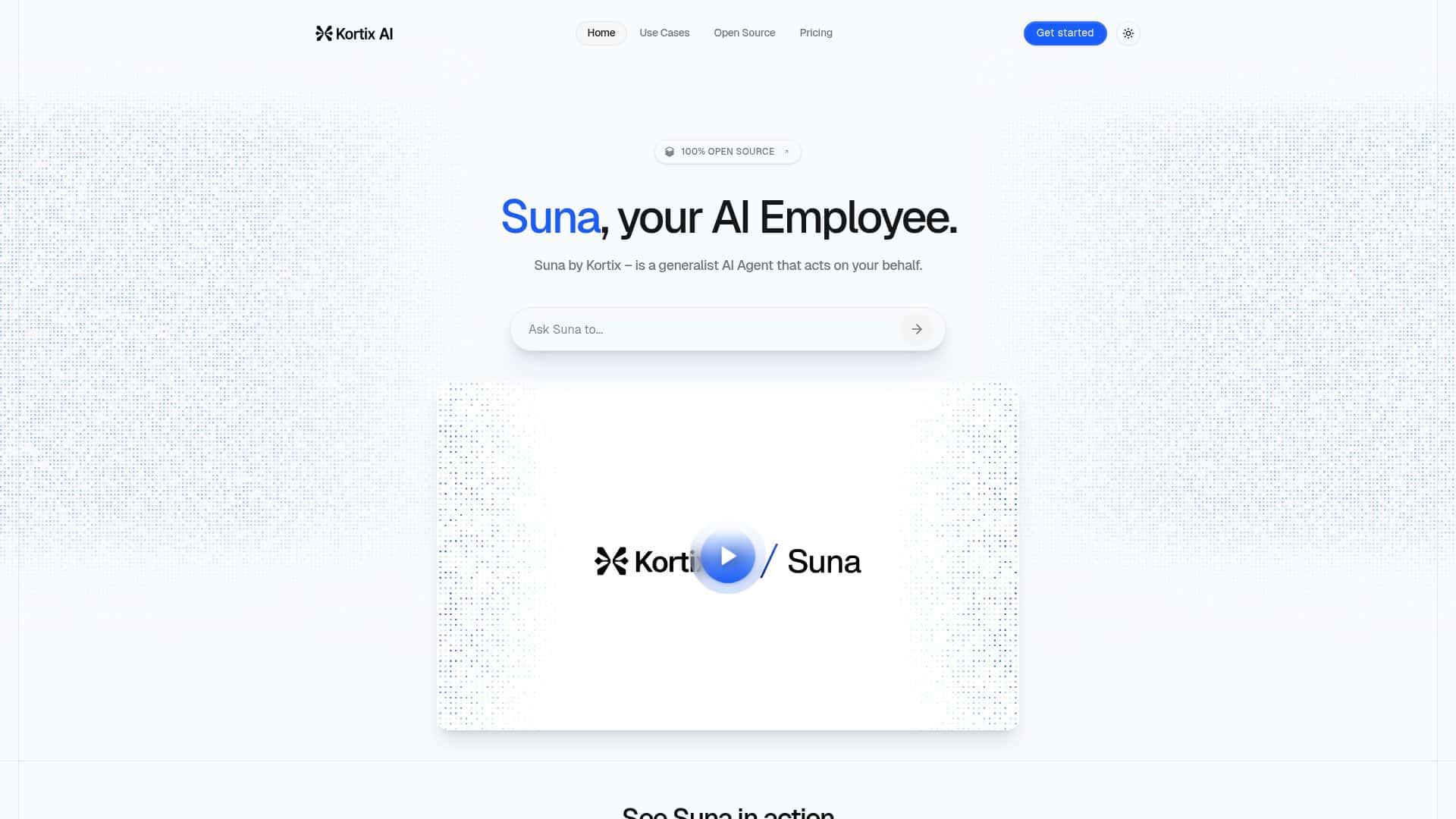
I’ve been testing a bunch of “AI assistant” tools lately, and I kept coming back to Suna from Kortix. What sold me wasn’t just the marketing—it was the idea of an open-source assistant that you can actually shape for your own workflow. So I spent a few sessions putting it through real tasks (not just asking it to write a poem). Spoiler: it’s genuinely easy to talk to, but it’s not magic, and the details matter.
Suna Review (What I Did, What Happened, and Where It Struggled)
My testing setup: I used Suna in a desktop browser on Windows (Chrome), and I also tried a self-host-style workflow to see how “open-source” actually feels day-to-day. I tested it over multiple prompts across a few categories—market research, lightweight web scraping, and report drafting—so I could compare “what it says it does” vs. “what it reliably does.”
First impression: The conversation style is the big win. Instead of feeling locked into rigid forms, it responds like you’re collaborating. When I asked follow-up questions, it didn’t just spit out a single answer—it tried to keep context and steer the next step. That matters when you’re doing research and you don’t know exactly what you’ll need until you see the first batch of results.
Task 1: Market research mini-sprint — I gave it a clear scope and asked for a structured output. Example prompt I used:
“Act as a market researcher. I’m evaluating [niche]. Pull together: (1) 5 key customer pain points, (2) 3 competitor positioning angles, (3) pricing signals (if available), and (4) a short summary I can paste into a slide. Use bullet points and cite the sources you used.”
What I noticed: Suna was good at turning messy notes into a clean, slide-friendly summary. The output was easy to skim, and it didn’t overcomplicate things. Where it got shaky was when I asked it to “guarantee” specific numbers without pointing to a source. In those cases, it either had to generalize or it produced claims that I couldn’t verify quickly. So the best workflow for me was: ask for claims that are either (a) clearly sourced, or (b) explicitly labeled as estimates.
Task 2: Web scraping (lightweight, practical, and not too ambitious) — I tried scraping-style prompts on a couple of public pages (forums and conference-related pages). I didn’t try to bypass rate limits or anything sketchy. Instead, I used Suna to extract patterns and summarize repeated themes.
Here’s what worked well:
- Prompting for “extract + summarize themes” (instead of “dump the entire site”) gave me better results.
- When I specified what fields to extract (e.g., “date,” “topic,” “who said it,” “quote snippet”), the output was more consistent.
And here’s what didn’t work as smoothly:
- If I asked for very broad scraping across many pages, I hit reliability issues—mostly around incomplete extraction and occasional missing sections.
- On pages with heavy scripting or anti-bot measures, the results were inconsistent. That’s not unique to Suna, but it’s still a limitation you’ll run into.
Task 3: Report and summary generation — This is where Suna felt most “useful” to me day-to-day. I took rough notes and asked it to turn them into a structured report. I also tested an iterative style: “Here’s what you produced—now tighten it for a non-technical audience.”
What I noticed: it’s much better when you give it a target audience and length. When I asked for “a short summary,” it was fine. When I asked for “exactly 200 words,” it was better at hitting the constraint (but I still had to skim for accuracy).
Bottom line from my tests: Suna is a strong assistant for research workflows and drafting. It’s not a set-and-forget scraping engine, and you shouldn’t assume every stat it mentions is automatically verifiable. But if you treat it like a collaborator—asking for sources, narrowing scope, and iterating—it can save real time.
Key Features (How They Perform in Real Use)
1) Natural Conversation Engagement
This is the feature that actually shows up in daily use. I didn’t need to “learn a command syntax” to get value. I could ask for help, then refine it with follow-ups like:
- “Make this more concise.”
- “Turn this into a checklist.”
- “Rewrite for an executive audience.”
What I found: the more specific you are about the output format (bullets vs. table vs. slide notes), the better it gets. Vague prompts lead to vague outputs. That’s true for basically every AI tool, but Suna seems to respond especially well to structured requests.
2) Open Source Platform (and what it means)
I like open-source tools because you’re not trapped if something changes. In my experience, the “open-source” angle is most valuable when you want control—custom prompts, workflow tweaks, or deeper integration into your own environment.
Reality check: open-source doesn’t automatically mean “no setup.” If you’re not comfortable with a bit of technical configuration, you’ll likely stick to the simpler hosted experience. But if you are technical, the flexibility is a real plus.
3) Market and Business Analysis Tools
Suna handled market research tasks best when I treated it like a structured analyst:
- Give it a niche + target customer.
- Tell it the output format (pain points, competitor angles, pricing signals).
- Ask for sources or “mark anything uncertain.”
What I noticed: it’s strong at organizing and summarizing. It’s less reliable when you push for hard numbers without a source trail. So I used it to build the narrative and shortlist themes, then I verified the key claims myself.
4) Job Search and Candidate Scouting
I tested a “candidate scouting” style workflow by describing a role and asking it to generate a screening rubric and outreach-style notes. This worked well as a starting point—especially the rubric/checklist part.
Where it’s weaker: if you expect it to instantly “find perfect candidates” from the entire internet, you’ll be disappointed. What it’s better at is helping you structure searches, summarize profiles you provide (or that it pulls), and generate consistent evaluation criteria.
5) Automated Report and Summary Generation
This is one of Suna’s most practical strengths. I used it to convert rough research notes into:
- 2–3 page style summaries (bullet-heavy)
- slide-ready takeaways
- short executive summaries
Tip that improved results: ask it to “output in sections with headers,” like: Overview, Key Findings, Risks/Unknowns, Next Steps. It keeps everything from turning into one long paragraph.
6) Web Scraping from Forums, Conference Sites, and Beyond
In my tests, Suna was best at extracting themes from public pages rather than trying to mirror an entire site.
Example workflow I used:
- Ask it to pull a limited set of posts/pages (by topic keywords).
- Extract specific fields (date, topic tag, short quote).
- Summarize recurring themes and contradictions.
Limitations I ran into: page layouts vary a lot. Some pages returned partial content, and sometimes it missed smaller sections. If the site uses aggressive anti-bot behavior, expect occasional gaps.
7) System Integration for Browser Automation, File Management, and API Use
This is where Suna starts to feel less like a chatbot and more like a workflow tool. When I leaned into automation-style prompts (things like “organize these outputs into a file structure” or “prepare a consistent report template”), it was noticeably more useful.
What I noticed about reliability: the more steps you bundle into one huge request, the more likely you’ll get an incomplete result. Breaking it into smaller steps improved consistency a lot.
Pros and Cons (Backed by What I Actually Saw)
Pros
- Conversation flow is genuinely smooth. I could iterate on research summaries without restarting from scratch, and follow-ups stayed relevant.
- Great at turning notes into usable reports. The slide-friendly bullet formatting was consistent, especially when I specified headers and target length.
- Open-source flexibility is a real advantage for technical users. If you want to tweak workflows, it’s not locked into a black box.
- Good “research assistant” fit. It helped me organize pain points, competitor angles, and next steps faster than starting from a blank doc.
Cons
- Free-tier limits can slow down real work. I hit usage constraints quickly when I ran multiple scraping-style attempts and iterative report drafts.
- It’s not always accurate with hard numbers. If you ask for specific stats, you need to require sources or label uncertainty—otherwise you’ll have to verify.
- Scraping reliability depends on the site. Some pages returned partial results, especially with complex layouts or anti-bot behavior.
- You’ll get better results with better prompts. Vague requests lead to vague outputs. The “magic” only happens when you guide it.
Pricing Plans (What the Numbers Mean in Practice)
During my check, Suna’s plans were presented as:
- Free Plan: 60 minutes of usage per month.
- Pro Plan: $20/month, 2 hours of usage, plus access to private projects.
- Custom Plan: $50/month, up to 6 hours of usage for heavier use cases.
Important detail (and my interpretation): “usage hours/minutes” generally refers to how long you can run the assistant’s processing time, not just how long you’re actively typing. In practice, longer multi-step prompts and scraping-style tasks burn through time faster than simple Q&A.
Quick take: If you’re doing occasional summaries and light research, the free plan might be enough to test the vibe. If you’re planning repeat scraping + report drafting, you’ll probably want Pro sooner than you think.
Wrap up
After testing Suna, here’s my honest take: it’s one of the more natural-feeling AI assistants for research and writing. I used it to turn messy notes into structured summaries and it saved me time on formatting and iteration. But for anything scraping-heavy, I wouldn’t treat it like an always-reliable data extraction engine—site differences and partial results are real.
If you want an AI assistant that’s great at summaries, report drafting, and structured research workflows, Suna is worth trying. If you need “perfect” hard stats without verification, or you expect it to fully automate complex scraping across any website, you’ll likely run into frustration.