Table of Contents
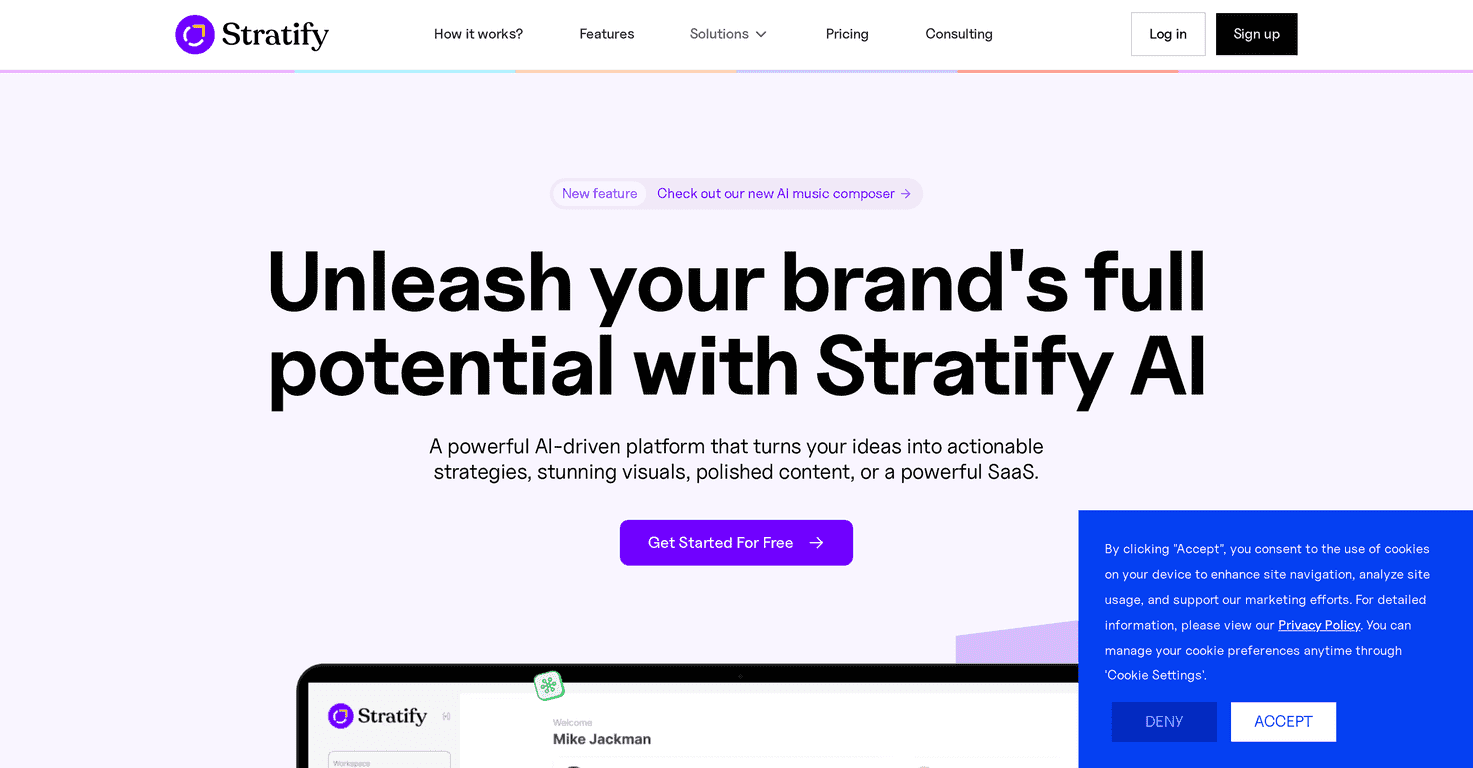
I’ve tried my share of “AI brand” tools, and most of them either help with content but don’t touch strategy… or they talk strategy but make you do all the heavy lifting. Stratify is different in the way it’s packaged. It’s built to handle both brand planning and the content side (design, voice, transcription), so you’re not bouncing between five different platforms.
What I liked right away? It feels pretty straightforward to use. I’m not saying it replaces a full marketing team, but for small teams and solo creators, it’s the kind of tool that can actually get work done without a steep learning curve.
Stratify Review: What It Does (and Who It’s For)
Stratify is basically a one-stop workspace for brand strategy and content production. Instead of only generating captions or only helping with planning, it tries to connect the dots: you build a strategy, then create the assets to go with it.
In my experience, the biggest value is speed. If you’re launching a product, running social campaigns, or trying to keep a consistent posting schedule, the ability to move from “idea” to “output” quickly matters. Stratify leans into that with tools like an AI Strategy Builder, an AI Designer for visuals, and AI Voiceover for audio.
That said, it’s not magic. You still need to provide direction (your niche, your offer, your brand vibe). If you’re vague, the results will be vague. But if you’re willing to spend a few minutes setting things up, it can save you hours later.
Key Features (and What I’d Actually Use)
- AI Strategy Builder generates a starting strategy based on your inputs and what’s relevant in your market. I found it useful for getting structure fast—especially when I didn’t want to stare at a blank doc.
- AI Designer helps create graphics and logos quickly. The output is great for drafts and social-ready visuals, but like any AI design tool, you’ll probably tweak colors, spacing, and text to match your brand.
- AI Transcriber converts speech to text. This is handy when you record voice notes or interviews and want clean text for blogs, scripts, or captions.
- AI Voiceover produces professional voiceovers in multiple languages. I noticed it’s best when you provide a clear script and tone—otherwise it can sound a bit generic.
- Voice Isolator improves audio quality by focusing on voices. If you’ve ever tried to clean up a noisy recording, you’ll appreciate this kind of feature even if you’re not doing “audio production” full-time.
- AI Chat Assistants help with decisions and planning. I used this for quick brainstorming and to sanity-check content ideas, not for replacing my judgment.
Pros and Cons: My Honest Take
Pros
- Easy to get started — the interface doesn’t feel overly technical, so you don’t need to be an “AI person” to use it.
- Tool variety — you’re not just generating text. You can go from strategy to design to voice-related tasks in one place.
- Trial access — it’s a lot easier to decide when you can test the workflow before committing.
- Updates based on feedback — I like seeing platforms improve over time instead of staying stagnant.
Cons
- Still a learning curve — not because it’s complicated, but because you need to learn how to prompt and guide it. Garbage in, garbage out.
- Pricing can sting for startups — if you’re a tiny team with limited content output, the subscription may feel heavy compared to cheaper single-purpose tools.
- Quality depends on your inputs — you’ll get better results when you clearly define your brand voice, target audience, and offer.
Pricing Plans (What You’ll Pay)
Here’s the pricing structure for Stratify, as listed: Standard at ₹1,800/month or ₹18,000/year (2000 credits), Professional at ₹3,999/month or ₹39,990/year (4500 credits), and Business at ₹7,500/month or ₹75,000/year (8500 credits). If you go annual, you get about 17% savings versus paying monthly.
If you’re trying to estimate which plan fits, think about your typical output. For example: if you’re doing multiple voiceovers and designs every week, you’ll burn through credits faster than someone only using transcription or chat assistance occasionally.
Wrap up
Stratify is a solid option if you want a single platform that supports brand strategy and multiple content formats—visuals, audio, and transcriptions. In my view, it shines when you’re producing consistently and you want to cut down the time between planning and publishing.
Just don’t treat it like a “set it and forget it” tool. You’ll still need to guide the process and do light editing so the output matches your brand. If that’s okay with you, Stratify can absolutely earn its place in your content workflow.
Promote Stratify




