Table of Contents
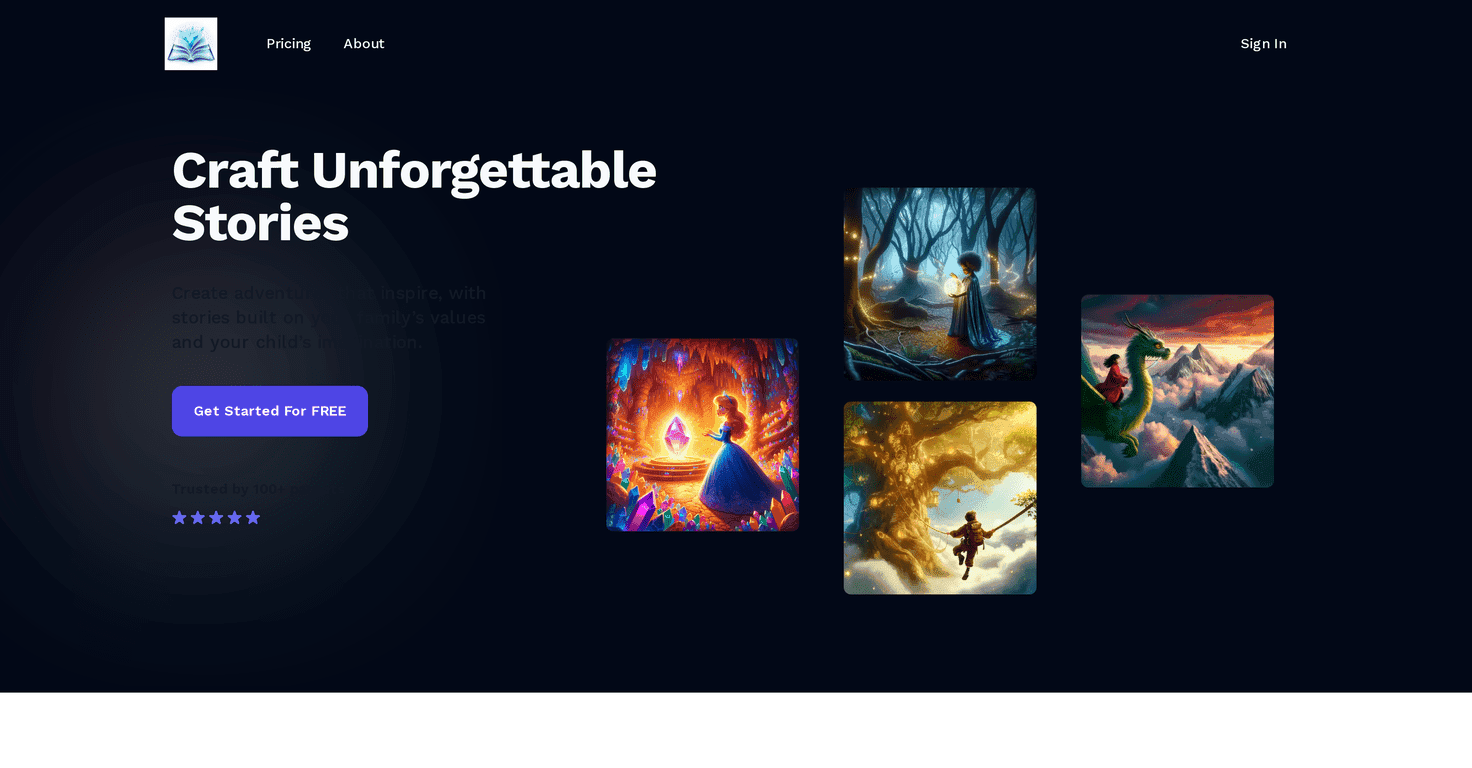
I’m a big believer that bedtime stories are less about “perfect writing” and more about feeling connected. That’s why I was genuinely curious about StoryCraftr. The concept is simple: you tell it your child’s age and interests, then it generates a personalized story (and matching illustrations) you can actually read together.
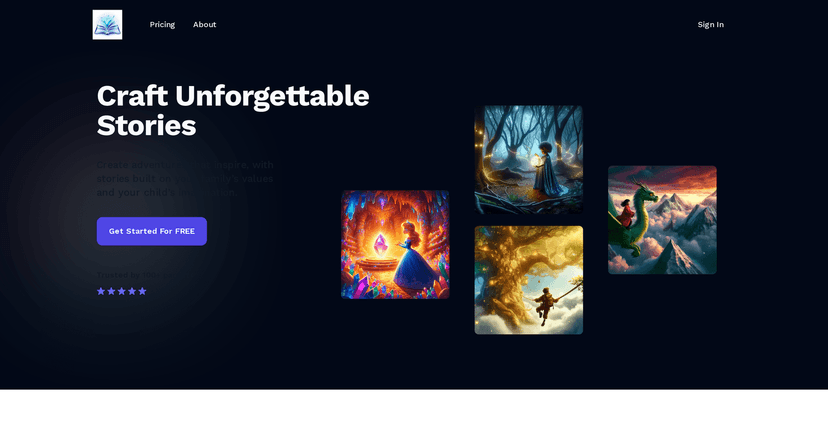
In my experience, the best part isn’t just that the stories are “custom.” It’s that the tone feels like it’s built around your kid. My little one got excited because the story included the kinds of characters and themes they already liked. You know that look—like, “Wait, that’s me!”—yeah. That’s what I noticed with StoryCraftr.
The platform also leans into family values. So instead of generic lessons, you can end up with narratives that reflect what you actually want to reinforce at home. And if you’re the type who likes to save story time for later (or send it to family), the read-and-share angle makes it easier.
That said, I don’t think it’s flawless. Sometimes the generated content misses the mark a bit—maybe the pacing isn’t what you’d pick, or the message lands slightly differently than you intended. It’s not a “set it and forget it” tool. I’d recommend reviewing the story before you read it aloud, especially for younger kids.
Also, while there’s a free option to start, some of the more advanced features and additional story options are locked behind a subscription. If you plan to use it a lot, the paywall will matter.
StoryCraftr Review: Personalized Bedtime Stories That Feel Personal
What I like about StoryCraftr is how quickly it turns your inputs into something you can actually use at bedtime. You don’t have to write prompts like a creative director. You basically provide your child’s age and interests, and then it builds a story around that.
The illustrations are a big deal too. In a normal bedtime routine, kids don’t just want words—they want pictures that match what’s happening. StoryCraftr’s visuals help keep attention, and they make it easier for parents to read without feeling like you need to “perform” every line.
Another detail I appreciated: the option to incorporate family values. That’s where it stops feeling like a generic bedtime generator and starts feeling like your household. If you’re trying to reinforce kindness, patience, sharing, bravery—whatever your family focuses on—you can steer the story in that direction.
And if you’ve got grandparents or relatives who love seeing your kid’s milestones, the read-and-share capability makes it less of a hassle. It’s one thing to generate a story; it’s another thing to actually share it.
Still, I’d be careful with expectations. The AI can be creative, but creative doesn’t always mean “perfect for your child.” I found it helpful to skim the story first—mainly to check that the lesson and tone fit your kid’s age and sensitivities.
Plus, as with a lot of these tools, the free plan is more of a sampler. If you want more frequent story creation or access to everything (like image regeneration), you’ll likely end up on the paid plan.
Key Features I Actually Used
- AI-Driven Customization for personalized story creation based on your child’s age and interests
- Dynamic Image Generation that helps bring the story to life (and keeps kids engaged)
- Story Tokens that power story creation, with options to purchase more
- Read and Share so you can enjoy stories together and send them to family
- User-Friendly Interface that makes it easy to generate a new story without getting stuck
Pros and Cons From a Parent’s Perspective
Pros
- Free to Start: you can try it without committing right away
- Personal Touch: the stories feel tailored to your child’s interests, not just “template bedtime vibes”
- Strong AI for storylines + illustrations: the visuals actually add value, not just decoration
- Community: the platform has a growing group of parents (over 100) who are using it and sharing feedback
Cons
- You may need to review content: every story might not land perfectly with your child, so a quick check helps
- Subscription for more: if you want advanced options and more frequent generation, you’ll likely pay
Pricing Plans (What You Get for Each Step)
StoryCraftr has a Free Plan that includes 20 story tokens. It’s a solid way to test whether your child likes the style and whether the stories match your expectations.
For more ongoing use, there’s a Subscribe Plan at $4/month. In my opinion, this is the plan you’ll want if you’re planning to make StoryCraftr part of your regular bedtime routine. It includes 50 tokens per month, the ability to regenerate images, ownership of created stories, and discounts on additional token purchases.
Wrap up
StoryCraftr is one of those tools that feels genuinely made for families. If you want bedtime stories that reflect your kid’s interests and your values (instead of generic tales), it delivers. Just don’t assume every story will be a home run—at least, not without a quick parent check first.
If you’re deciding whether to try it, I’d start with the free plan and see how your child reacts to the illustrations and tone. If it becomes a regular part of bedtime, the $4/month subscription can make a lot more sense fast.
Promote StoryCraftr




