Table of Contents
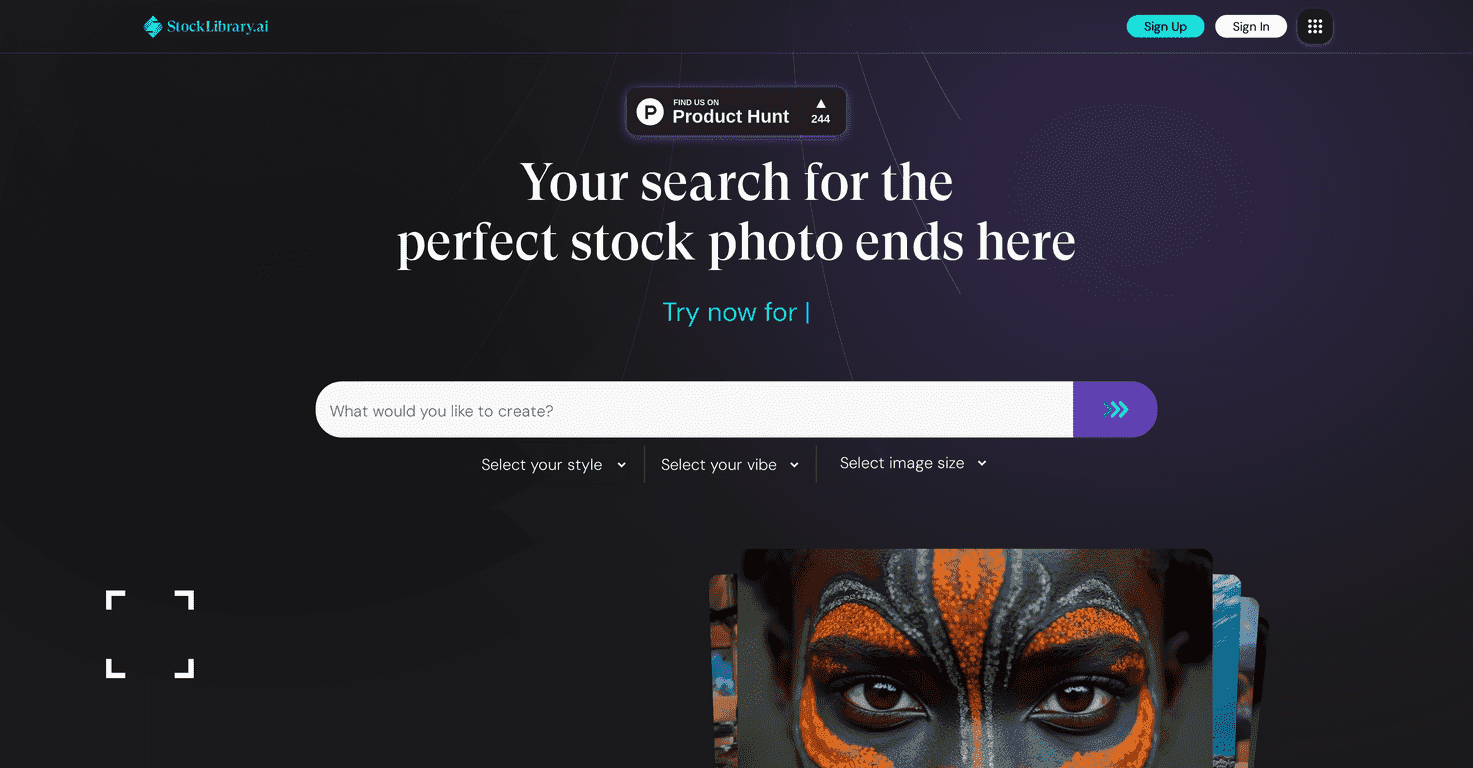
Let’s be honest—most stock photo sites make you jump through hoops. Royalties, vague licensing language, and that awkward moment when you realize you need the image “for marketing” but the license only mentions “web.” That’s why I wanted to test StockLibrary. The pitch is simple: AI-generated stock images you can tailor with prompts, plus a royalty-free license so you’re not constantly second-guessing usage.
In my experience, the main thing that stands out is how quickly you can get to something usable. You’re not scrolling for an hour hoping the perfect “diverse team collaborating” photo exists. You describe what you want, generate it, and move on. And yes, they emphasize ethnically accurate representation—something I’ve noticed is often inconsistent on traditional stock libraries.
StockLibrary Review: What I Liked (and What to Watch)
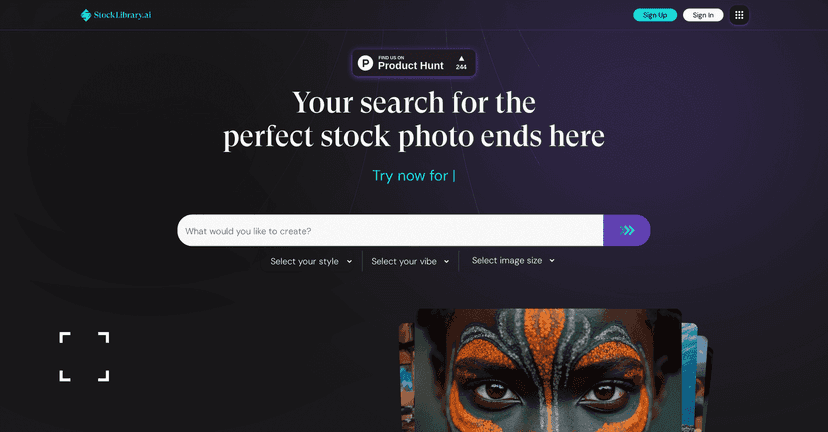
StockLibrary positions itself as an AI stock image platform—so instead of searching, you generate. The workflow is basically: write a description, generate images, and download what fits. If you’ve ever tried to find “a modern office team” that doesn’t look staged or overly generic, you’ll understand why I was interested.
One of the big claims is ethnically accurate imagery. I tested it with prompts like “diverse team in a modern office, natural lighting, professional attire” and also more specific ones like “Black woman using a laptop, casual business environment, soft shadows.” What I noticed is that the results can feel more intentional than what I’ve seen on some traditional libraries—less “random mismatch” and more consistent representation.
Also, the licensing angle matters. Their royalty-free positioning is meant to reduce the stress of using images across projects—blog posts, landing pages, social ads, and internal decks. I’m always cautious with licensing, but the whole point here is fewer restrictions and clearer usage.
Key Features That Actually Matter
- Custom image generation (by description): You’re not limited to canned categories. If you want a specific vibe—like “warm color grading,” “outdoor morning light,” or “clean tech aesthetic”—you can usually steer the output.
- Royalty-free licensing: Designed to let you use downloads across multiple platforms without the typical “don’t use it for X” headaches.
- Ethnically accurate representation: They focus on culturally and ethnically appropriate depictions, which is a common pain point in generic stock.
- Easy interface: It’s straightforward. I didn’t have to fight the UI to get results, which sounds basic, but it matters when you’re producing content on a deadline.
- Free credits for new users: This is a good move. You can test the quality before committing.
- Flexible pricing tiers: More options usually means fewer regrets depending on how often you download.
Pros and Cons (My Honest Take)
Pros
- Customization is the real win: If you need imagery that matches your exact message, prompts beat endless scrolling.
- Royalty-free approach reduces friction: Less time hunting for licensing fine print.
- Representation feels more consistent: In my tests, the output leaned more toward the “what I asked for” direction, especially with specific demographic details.
- Free credits let you try before you pay: I always recommend using trial credits to test whether the style matches your brand.
- Multiple pricing tiers: Useful if you’re not downloading daily—or if you are.
Cons
- Credit limits can sneak up on you: If a prompt needs a few tries, the credits disappear faster than you’d expect.
- Credit-based setup isn’t as predictable as subscriptions: Some people prefer a flat monthly plan where usage isn’t tied to every generation.
- Quality varies with prompt detail: If your description is vague, the output can look generic. The more specific you are (lighting, setting, mood, wardrobe, composition), the better it tends to be.
Pricing Plans: How StockLibrary Structures It
StockLibrary uses a credit-based model. Here’s the basic breakdown they mention: a Pro Plan for professionals, a Business Plan for teams, an Unlimited Plan for frequent downloaders, and an Ala-Carte Plan for casual users who want flexibility.
New sign-ups get 3 free credits to get started. If you’re evaluating it, I’d treat those credits like a mini “quality test.” Try 3–5 prompts that match your real use cases (for example: one hero image, one team/people shot, and one lifestyle background). If the results don’t match your expectations, you’ll know quickly.
Wrap up
StockLibrary is a solid option if you want stock images that feel tailored—especially when you need diversity and representation that’s closer to what you actually asked for. The biggest upside for me is speed: you can go from idea to usable visuals without spending hours searching. The main downside is that you’ll want to write better prompts and expect some trial-and-error, because quality can swing based on how detailed your description is.
If you’re creating content regularly (marketing pages, blog headers, social campaigns), it’s definitely worth checking out. If you only need an image once in a while, the credit system might feel a bit more annoying—but the flexibility is there.
Promote StockLibrary




