Table of Contents
If you’ve ever sat down with an app idea and thought, “Okay… now what?” you’re definitely not alone. I’ve seen a lot of people get stuck at the same point: they can picture the app, but the actual building part feels overwhelming—coding, layouts, testing, deployment… it all adds up fast.
That’s why I was interested in Srcbook. The pitch is simple: turn an idea into something real faster, without needing to be a full-time developer. In my experience, that kind of promise usually falls into one of two buckets—either it’s super limited, or it actually helps you move forward. Srcbook, at least at a basic level, leans more toward “move forward.”
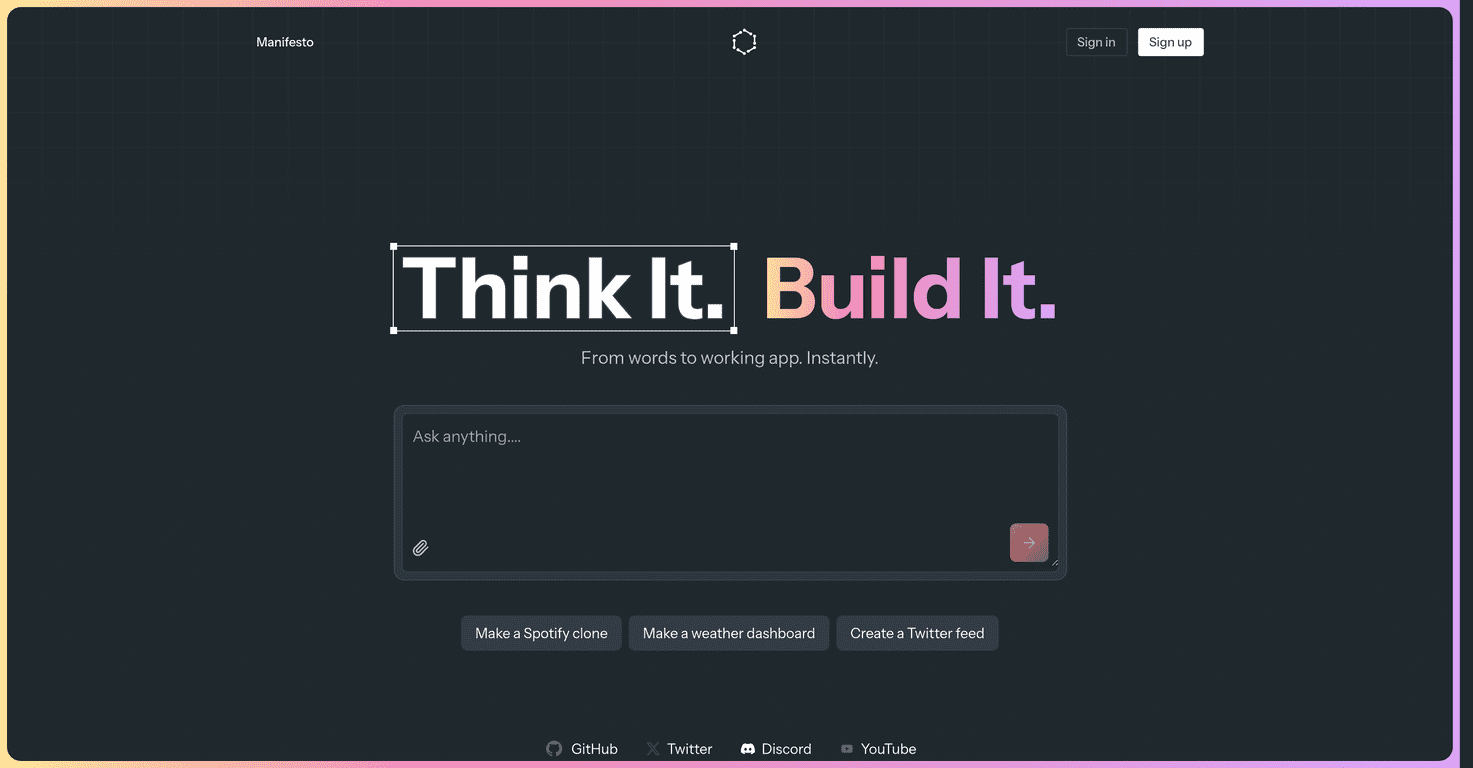
Srcbook Review
Let me put it plainly: Srcbook feels built for people who want results quickly. The interface is designed to keep you moving, not to overwhelm you with a ton of technical steps. When I tested the flow, I didn’t feel like I needed a full engineering background just to get started. That matters, because the fastest way to kill an app idea is getting buried in setup before you’ve even built anything.
Srcbook’s biggest strength is connecting the dots between your idea and an actual “app” output. You’re not just staring at a blank screen—you’re guided through the early stages (the planning and structure part), then you can generate an app quickly. If you’re trying to validate something—like a small business tool, a simple community page, or an internal workflow app—that speed is a real advantage.
That said, I wouldn’t oversell it. If you’re an experienced developer who needs deep control, advanced customization, or highly specific workflows, you may hit walls. The platform is more “helpful accelerator” than “full custom studio.” And for more complex apps—think heavy integrations, custom data logic, or very specific UI behavior—you’ll likely need to bring in other tools or resources to fill the gaps.
Overall? I found Srcbook most compelling for early-stage builders and non-technical founders. If your goal is to go from concept to a working prototype (or a basic version you can share), it does what it claims.
Key Features
Here are the features that stood out most to me:
- App idea development tools: Helps you shape your concept into something structured instead of staying stuck in “what if.”
- Instant app creation capabilities: The platform aims to get you from your plan to an app output quickly, which is great for prototyping and testing.
- User-friendly interface: The UI is straightforward enough that you can start without spending days learning the basics first.
One practical example: if you’re building something simple like a “request form + status updates” app for a small team, you can focus on the main screens and flow first, rather than getting lost in setup. That’s the kind of momentum I like when I’m trying to validate an idea.
Pros and Cons
Pros
- Fast turnaround time for getting an app idea into a usable form. When you’re iterating, speed matters more than perfection.
- Supports you from concept to realization—it’s not just brainstorming. You can actually move toward an app output.
- Accessible interface for beginners. I didn’t feel like I needed to “hire a developer” just to get started.
Cons
- Advanced feature limits if you’re used to building everything from scratch. You may feel constrained by how much customization is available.
- Complex apps may require extra help. If your app needs advanced functionality, you might end up supplementing with other tools anyway.
Quick reality check: if your app requires very custom behavior, deep integrations, or a highly tailored UI/UX system, you should expect to do more work outside the platform. That’s not necessarily “bad”—it’s just the trade-off for speed and simplicity.
Pricing Plans
In the document I reviewed, the exact pricing plans for Srcbook weren’t specified. If you want the most accurate pricing (and any current discounts), I recommend checking the official Srcbook website directly from here: https://srcbook.com/.
When you’re comparing plans, I’d pay attention to things like limits on app creation, available export/deployment options, and whether advanced features are included—or locked behind higher tiers.
Wrap up
If you want a straightforward way to turn an app idea into something you can actually test, Srcbook is worth a look. It’s especially helpful if you’re new, or if you’re trying to validate an idea quickly without spending weeks on setup. I like that it keeps the process moving and doesn’t feel like a maze.
Just don’t expect it to replace everything for highly advanced builds. For complex functionality, you may need to use additional resources. But for getting from “idea” to “working app” faster? Yeah, Srcbook delivers.
Promote Srcbook