Table of Contents
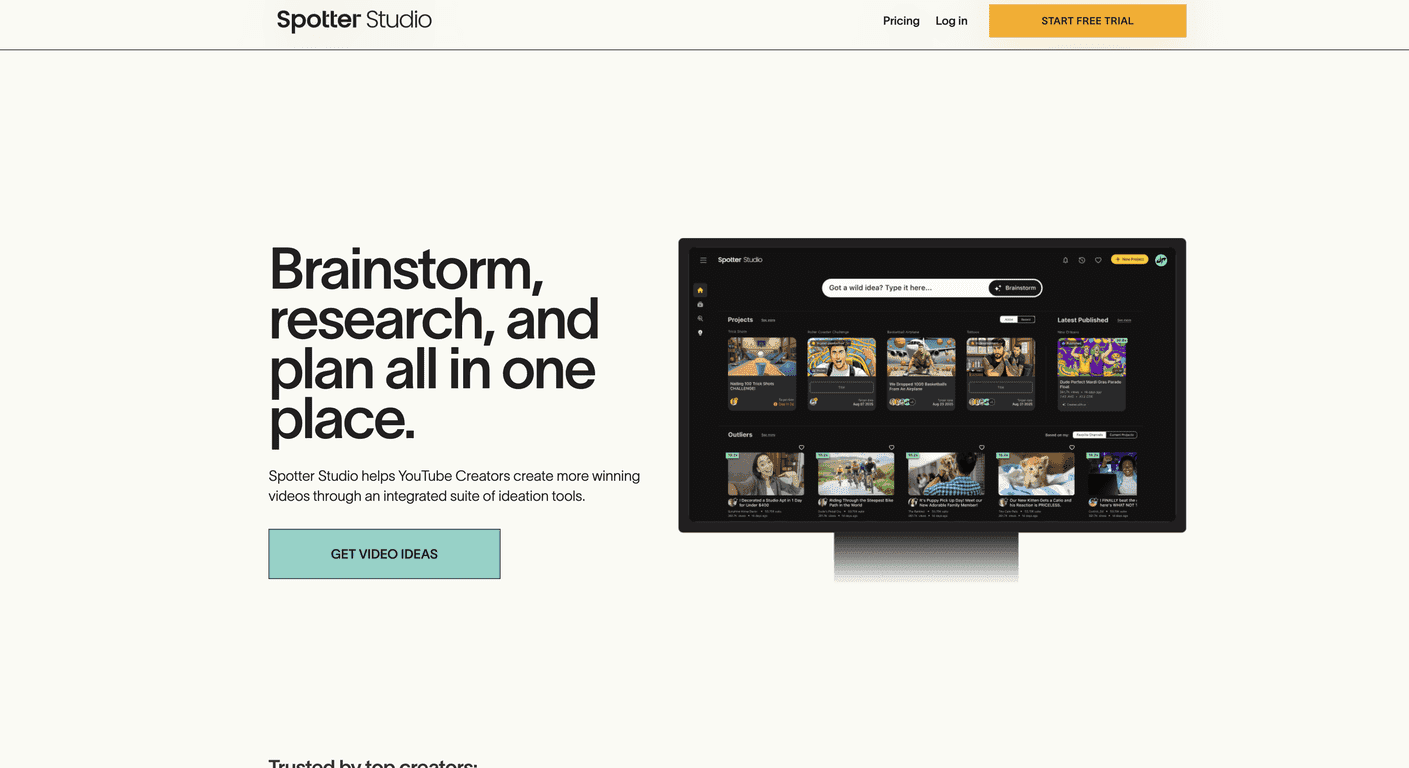
I’ve tried a bunch of “content planning” tools over the years, and most of them feel like they were built for blogs first and YouTube second. Spotter Studio is different. After spending some time in the platform, what stood out to me right away was how creator-focused it feels—less random dashboard, more “help me actually ship videos.”
Spotter Studio is an all-in-one suite for YouTube creators, with a big emphasis on collaboration. If you work with editors, writers, or even just a couple of friends who help you outline, it’s built for that back-and-forth. And honestly? The brainstorming and research parts are where I noticed the most value, because that’s usually the time sink for me.
If you’re just starting out, it can help you go from a vague idea to a real plan. If you’ve been posting for a while, it’s still useful for tightening your workflow—especially when you’re juggling multiple uploads at once.
Spotter Studio also gives you a place to organize everything around a video, so you’re not bouncing between docs, spreadsheets, and notes apps. For me, that alone is a win.
Spotter Studio Review: Does It Actually Help You Publish Faster?
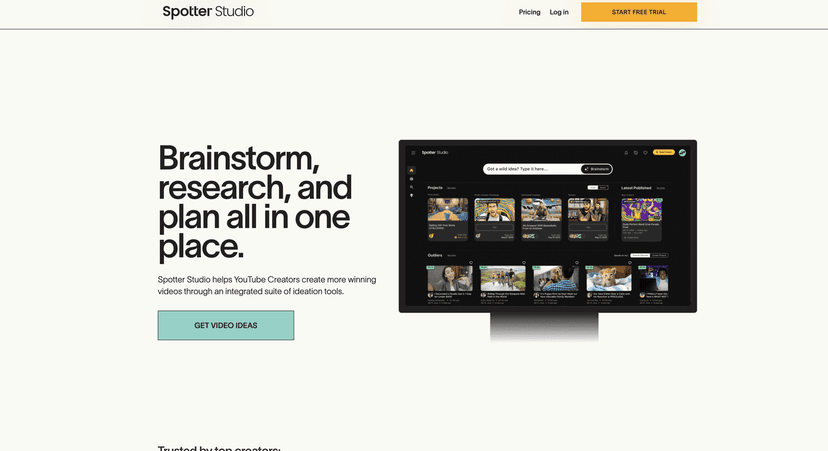
Let me be real: planning tools are only “good” if they reduce friction. Spotter Studio does that by keeping the workflow centered around the video itself—idea to research to production planning. No hunting around for files or rewriting the same notes in three different places.
In my experience, the biggest difference is how quickly I can go from “I have an idea” to “I know what I’m making, why it matters, and what the next steps are.” That might sound small, but when you’re trying to stay consistent with uploads, it adds up.
It also leans into collaboration. If you’ve got a team (or even one editor you trust), the platform’s approach makes it easier to keep everyone aligned. Instead of sending scattered messages like “Can you check this outline?” you can keep the project context together.
And yes—when you see that it’s endorsed by creators, it helps. I don’t treat endorsements as proof by themselves, but it’s reassuring when a tool is being used by people who actually publish.
Key Features (What I Used Most)
- Brainstorming Partner
- This is the part I started with. I’d drop a rough topic and then work through variations until I found an angle that felt fresh. What I liked is that it doesn’t just spit out random ideas—it helps you refine them so you can actually turn them into a video concept.
- Example: if you’re making a “how-to” video, you can brainstorm different sub-problems (beginner mistakes, advanced workflows, common tools, etc.) and pick the one that matches your audience.
- Research Tools
- Spotter Studio’s research side is meant to give you data-driven insights for content decisions. In practice, I found it helpful for tightening up topics and making sure the video has a clear hook. Instead of guessing what people want, it nudges you toward angles that are more likely to resonate.
- Quick tip: before you lock your title, spend a few minutes comparing your angle to what’s already out there. If your research points to a topic gap, that’s usually where your best video concepts come from.
- Project Planning
- This is where the tool starts feeling like a real production system. You can manage tasks from pre-production through launch. For me, the value is that it keeps the “what’s next?” question from constantly popping into my head.
- I like using it like this: outline first, then break it down into scripts/chapters, b-roll needs, thumbnail ideas, and a simple publishing checklist. It’s not just brainstorming—it’s planning for execution.
Pros and Cons (Honest Take)
Pros
- YouTube-first design. Everything feels built around the way creators actually work, not generic “marketing” templates.
- Fewer subscriptions. When the brainstorming/research/planning are in one place, you don’t have to stitch together five different tools just to plan one upload.
- Collaboration-friendly. If you have a team, it’s easier to keep context together and move faster.
Cons
- Some limitations by region and requirements. It’s not universally available for every creator setup, so you’ll want to double-check eligibility before relying on it.
- Doesn’t fit YouTube Shorts-only creators. If your channel is mostly Shorts, this might feel like overkill (or just not the right match) since it’s geared more toward longer video workflows.
Pricing Plans (Free Trial Included)
Spotter Studio offers a free trial, which is honestly the smartest way to test a tool like this. Pricing can change, and I don’t want to guess and mislead you—so the best move is to check Spotter Studio for the most up-to-date subscription options.
When you try it, I’d suggest you test it with a real upcoming upload—something you’re actually planning. If it can help you outline and schedule that video with less stress, then it’s worth your money. If not, at least you’ll know quickly.
Wrap up
For creators who want a more organized YouTube workflow, Spotter Studio feels like a solid option. It’s especially good if you’re balancing multiple projects, working with others, or you just want less chaos between “idea time” and “publish time.”
If you’re curious, take the free trial and run it through one real video plan. That’s the only way you’ll know if it matches your style—and whether it genuinely helps you ship.
Promote Spotter Studio




